內容簡介
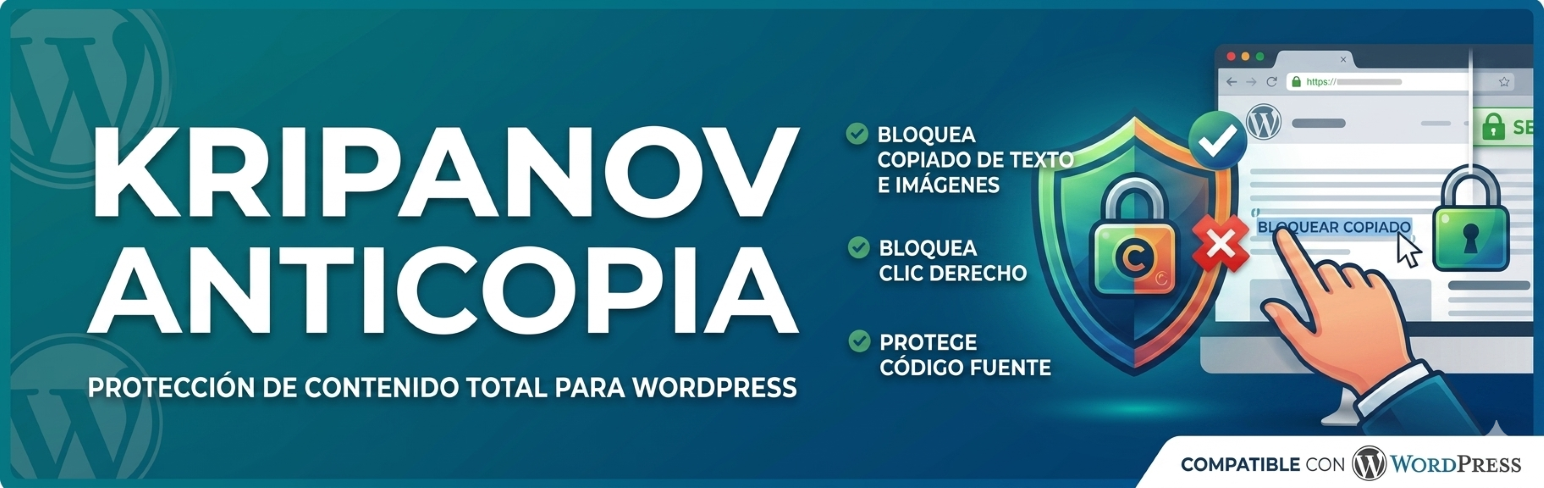
Kripanov Anticopia 外掛能有效保護您的 WordPress 內容,防止內容盜竊和網頁抓取。啟用後,將禁用鍵盤快捷鍵、右鍵點擊、複製與粘貼等功能,保障網站內容安全。
【主要功能】
• 禁用右鍵選單
• 防止整站文字選取
• 阻止複製、剪切和粘貼操作
• 替換複製文本為自訂保護通知
• 阻止瀏覽器檢查工具
• 可選擇性添加水印
外掛標籤
開發者團隊
原文外掛簡介
Kripanov Anticopia protects your WordPress content against content theft and web scraping. When activated, it disables keyboard shortcuts, right-click, copy and paste, text selection, image dragging, mobile long-press and browser inspection tools on your website.
In addition to the common copy methods, the anti-copy protection also blocks inspection tools (DevTools), poisons the clipboard on blocked copy attempts, and lets you exclude specific roles or URLs.
Features
Disable the right-click context menu.
Prevent text selection across the whole site.
Block copy, cut and paste actions.
Replace copied text with a custom protection notice (clipboard poison).
Block keyboard shortcuts: Ctrl/Cmd+C, Ctrl/Cmd+X, Ctrl/Cmd+V, Ctrl/Cmd+A, Ctrl/Cmd+S.
Block browser inspection tools: F12, Ctrl/Cmd+Shift+I/J/C/K, Cmd+Option+I, Ctrl/Cmd+U.
Basic detection of DevTools being open.
Prevent image dragging and add extra figure overlays.
Block mobile long-press / callout gestures.
Optional text watermark on featured images and post content images (overlay and/or burned file, position, opacity, size).
Watermarks compatible with Gutenberg, Elementor, Divi and Newspaper/tagDiv (current and older builder versions).
Exclude watermark by category or subcategory.
Block printing (Ctrl/Cmd+P) and hide content on print.
Early inline guard in
Customizable notice message shown when a copy attempt is made.
Option to exclude administrators, specific roles and URL paths.
Full settings panel under Settings > Anticopia.
Compatibility
Verified with WordPress 7.1.3. Requires WordPress 6.3 or greater and PHP 7.4 or greater. WordPress 7.1 runs on PHP 7.4 through 8.5; PHP 8.4 and 8.5 are the versions recommended for a new WordPress 7.1 install. Uses the defer loading strategy of wp_enqueue_script (available since WP 6.3) to avoid blocking page rendering. Frontend-only: does not load scripts in wp-admin or the block editor, so it is unaffected by the iframed editor in WordPress 7.1.
Privacy
This plugin does not collect, send or store any personal data from your visitors. All processing happens client-side in the visitor’s browser.