
外掛標籤
開發者團隊
原文外掛簡介
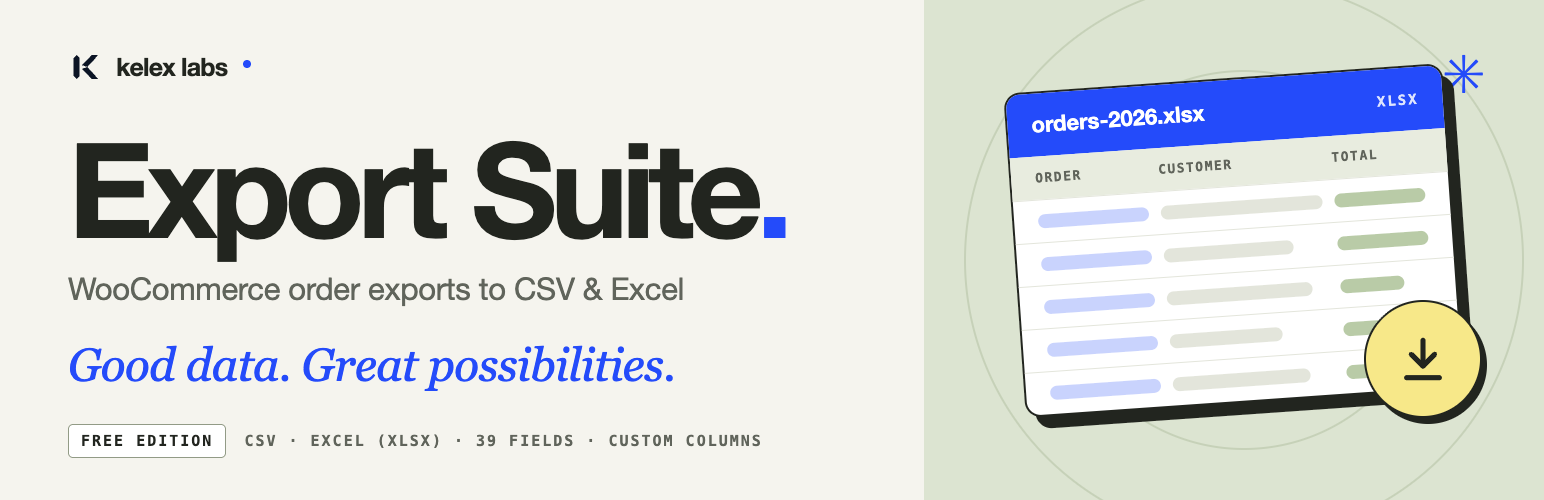
Kelex Export Suite helps you choose the WooCommerce orders and columns you need, arrange your spreadsheet, and download a CSV or Excel file from WordPress.
Features
Export orders as CSV or Excel (.xlsx).
Select orders using a date range, order statuses, or specific order IDs.
Choose from 39 standard customer, billing, shipping, order, and product fields.
Search fields, rename column headings, and drag columns into the required order.
Restore your latest column selection, headings, and ordering.
Check matching order counts and set an optional order limit and filename.
Follow export progress and cancel an individual export.
Configure CSV separators, export roles, and diagnostic logging.
Use the same responsive workspace on desktop and mobile.
Selecting product fields produces a row for each product line item. Filters use one rule type per export. The saved configuration remembers columns, not filters or delivery settings.
WooCommerce 7.1 or later must be installed and active. Excel exports require PHP ZipArchive and XMLWriter. Composer is not needed for the packaged plugin.
Kelex Export Suite Pro — coming soon
Save the workflow and let your store prepare recurring exports automatically. Kelex Export Suite Pro, our upcoming premium edition, is being built for stores that export the same data again and again.
Planned premium features include:
Named export profiles — save filters, columns, headings, order, file format, and filename rules together.
Advanced filters — combine conditions with AND/OR, including order totals, products, and payment methods.
Custom metadata — add store-specific order and line-item meta fields as columns.
Scheduled exports — run a saved profile automatically in your store’s timezone.
Automatic delivery — send finished files by email or SFTP, with run history, retries, and failure notifications.
Smarter automation — export only new or changed orders, or trigger an export when an order status changes.
Calculated columns and value mappings — plus dedicated refund and subscription reports.
Pro is not available yet. These features are not included in this free plugin. Everything listed under Features above stays free, with no row limits or watermarks. Release details will be announced on the Kelex Labs GitHub profile.
Privacy and temporary files
Exports can contain personal order data. The plugin generates files on your server in a private temporary directory outside the public web root. A logged-in user with export permission can download only exports created by that account. Files are deleted after download; download links expire after ten minutes. Cleanup also runs during WordPress admin and export requests, so expired files may remain until the next such request.
Column preferences and settings are stored in the WordPress database. Diagnostic logging is disabled by default. When enabled, it stores messages, timestamps, and user IDs locally, with a maximum of 1,000 entries. Clear these records from Activity. Uninstalling removes Kelex settings, saved columns, diagnostic logs, temporary exports, and export transients. Legacy data from the previous plugin is not removed.
The plugin does not send order data to an external service or include analytics, tracking, or remote assets.
Development
Readable source and development dependencies are available at the Kelex Labs repository. The plugin uses WordPress’s bundled jQuery and sortable library. No build step is needed for the supplied CSS, JavaScript, or SVG assets.














