內容簡介
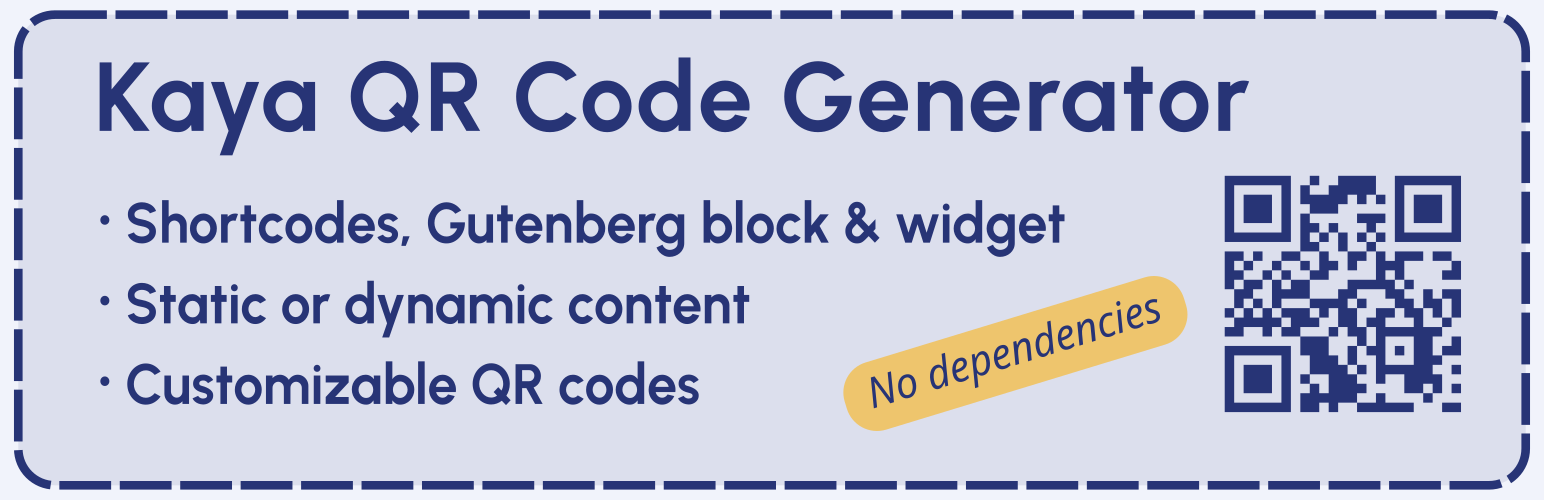
Kaya QR Code Generator 是一款能夠在 WordPress 內容中生成和顯示 QR 碼的外掛,使用者可透過短碼、Gutenberg 區塊或小工具輕鬆添加 QR 碼,並可自訂多種選項,無需依賴外部服務。
【主要功能】
• 支援短碼、Gutenberg 區塊及小工具添加 QR 碼
• 自訂 QR 碼大小、顏色及邊框
• 提供即時預覽的短碼生成器
• 支援靜態及動態內容編碼
• 可選擇不同的錯誤修正等級
• 具備下載按鈕及可點擊連結功能
外掛標籤
開發者團隊
原文外掛簡介
Kaya QR Code Generator lets you create and display QR codes in your WordPress content using shortcodes, the built-in Gutenberg block or widget.
No external service, API or third-party dependency is required. The QR code generation library is included with the plugin.
You can encode any text, URL or other content, including Bitcoin addresses or the URL of the current page.
The QR code can be customized with different options such as size, error correction level, colors, alignment, title, alternative text, clickable links and a download button.
Three ways to add a QR code
Shortcode – Add a QR code using the [kaya_qrcode] shortcode or the dynamic [kaya_qrcode_dynamic] shortcode.
Gutenberg block – Add and configure a QR code directly in the WordPress block editor.
Widget – Add a QR code to a widget area using the built-in widget.
Shortcode generator
The built-in Shortcode generator helps you create a shortcode without having to remember or enter its options manually.
The generator provides a live QR code preview and generated shortcode that can be copied and inserted into your content.
It is available:
On the plugin settings page.
In the editor meta box for supported post types.
The generator can also be configured to be displayed collapsed by default in the editor, showing only the generated shortcode and QR code preview until the full generator is opened.
QR code features
Add an optional title and choose its heading level and horizontal alignment.
Encode static or dynamic content.
Automatically use the current page URL when no content is specified.
Add a query string to the automatic current page URL.
Add an anchor to the automatic current page URL.
Select the error correction level.
Set the QR code image size.
Set the QR code border width.
Customize the QR code and background colors.
Align the QR code image horizontally.
Add a shadow to the QR code image.
Disable the default plugin styles.
Set custom alternative text for the QR code image.
Add a clickable link to the QR code image.
Support non-standard URL schemes for clickable links.
Open clickable links in a new browser tab.
Add a download button with custom text and alignment.
Error correction levels
The QR code supports four error correction levels:
Low – Approximately 7% of the codewords can be restored.
Medium – Approximately 15% of the codewords can be restored.
Quartile – Approximately 25% of the codewords can be restored.
High – Approximately 30% of the codewords can be restored.
Higher error correction levels make the QR code more resistant to damage or obstruction, but require more space within the QR code.
Dynamic content
Dynamic content allows the QR code content to be generated by another WordPress shortcode.
For example:
[kaya_qrcode_dynamic][example_shortcode][/kaya_qrcode_dynamic]
The shortcode contained between the opening and closing tags is processed before the QR code is generated.
Settings
The plugin settings allow you to configure:
Which user roles can access the Shortcode generator.
Which post types display the Shortcode generator.
Whether the generator is collapsed by default in the editor.
The meta box location and priority in the editor.
The default QR code color.
The default background color.
The plugin is compatible with WordPress Multisite and WooCommerce.
Basic shortcode examples
Static content:
[kaya_qrcode content="https://example.com"]
If no content is specified, the URL of the current page is used automatically:
[kaya_qrcode]
Dynamic content:
[kaya_qrcode_dynamic][example_shortcode][/kaya_qrcode_dynamic]
Additional options can be added to either shortcode.
Privacy
Kaya QR Code Generator does not collect or send personal user data to the plugin author or any third-party service.
The plugin does not set cookies and does not connect to external services.
QR codes are generated from the content and settings provided by the user.
Available Languages
English.
French.
Feedback
Suggestions and feedback are welcome.
If you use Kaya QR Code Generator, please consider sharing your experience and rating the plugin. Your feedback helps improve the plugin and makes it easier for other users to discover it.