內容簡介
此外掛僅適用於 KASSA.AT 帳戶使用!
如果您沒有帳戶,可以在此外掛中註冊。
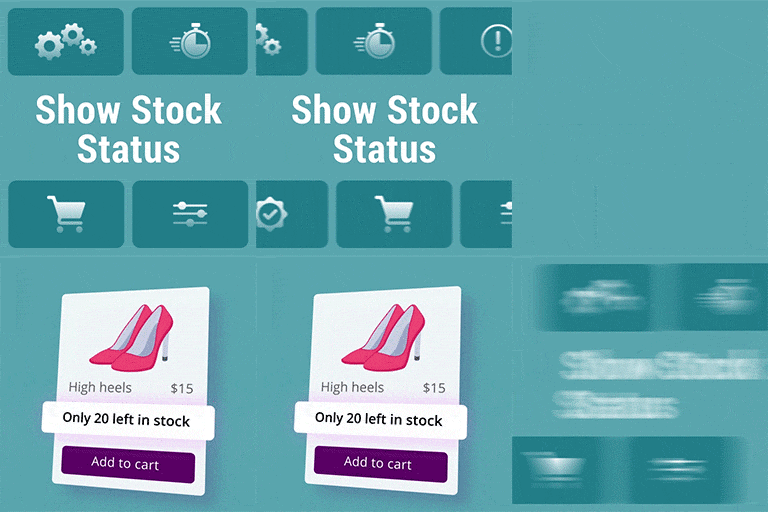
此外掛會自動同步在線商店與 KASSA.AT 系統之間的庫存量。
特點
登入 KASSA.AT
選擇庫存以與之同步。
訪客進入文章頁面時,會查詢庫存量以提供正確資訊。
訪客進入購物車時,會查詢庫存量以維持正確資訊。
當客戶完成訂單時,您的 KASSA.AT 帳戶會自動掌握並調整新的庫存量。
注意事項
此外掛僅可與 KASSA.AT 帳戶與 WooCommerce 一同使用。
WC-商品的序號必須等同於 KASSA.AT-產品文章的編號。
您可以在我們的網站上找到此外掛的詳細手冊。
支援的語言
德語(de_AT、de_DE、de_DE_formal、de_CH、de_CH_formal)
英語(預設語言)
土耳其語(自動翻譯)(< 100%)
匈牙利語(自動翻譯)(< 100%)
斯洛文尼亞語(自動翻譯)(< 100%)
克羅地亞語(自動翻譯)(< 100%)
波蘭語(自動翻譯)(< 100%)
設定
要使外掛有效運作,需要完成以下步驟:
1. 進入管理面板,點擊 KASSA.AT 菜單。
2. 如果您沒有 KASSA.AT 帳戶,可藉由提供的連結註冊。註冊完成後返回 WordPress 頁面。
3. 連線WordPress網站與KASSA.AT帳戶。
4. 選擇我們應該使用的倉庫以進行所有庫存交易。
外掛標籤
開發者團隊
原文外掛簡介
This Plugin is only useable with an account for KASSA.AT!
If you dont have one, you can get one inside of the plugin.
The plugin synchronizes automatically the stock amounts between the onlineshop and the KASSA.AT System.
Features
Logging in to KASSA.AT
Choosing a warehouse, the stocks should synchronize with.
Stock amounts are queried whenever a visitor enters the Page of an article to have the correct numbers here.
Stock amounts are queried whenever a visitor enters his cart, so we have the right amount of stock here too.
Whenever a customer completes an order your KASSA.AT account will register that and will adapt to the new stock amounts.
Attention
This plugin only works with a KASSA.AT account and requires WooCommerce.
The serialnumber in WC-products must equal articlenumber in KASSA.AT-articles
You can find a detailed handbook for this plugin on our website.
Supported languages
German (de_AT, de_DE, de_DE_formal, de_CH, de_CH_formal)
English (Default language)
Turkish (automatic translation) (< 100%)
Hungarian (automatic translation) (< 100%)
Slovenian (automatic translation) (< 100%)
Croatian (automatic translation) (< 100%)
Polish (automatic translation) (< 100%)
Set up
To make the plugin work, there are a view things you need to do before:
1. Go to the Admin panel and click on the KASSA.AT menu.
2. If you don’t have a KASSA.AT account create one with the given link. When you have done this, go back to the WordPress page.
3. Connect your WordPress site with your KASSA.AT account.
4. Choose the warehouse we should use to make all stock transactions.