內容簡介
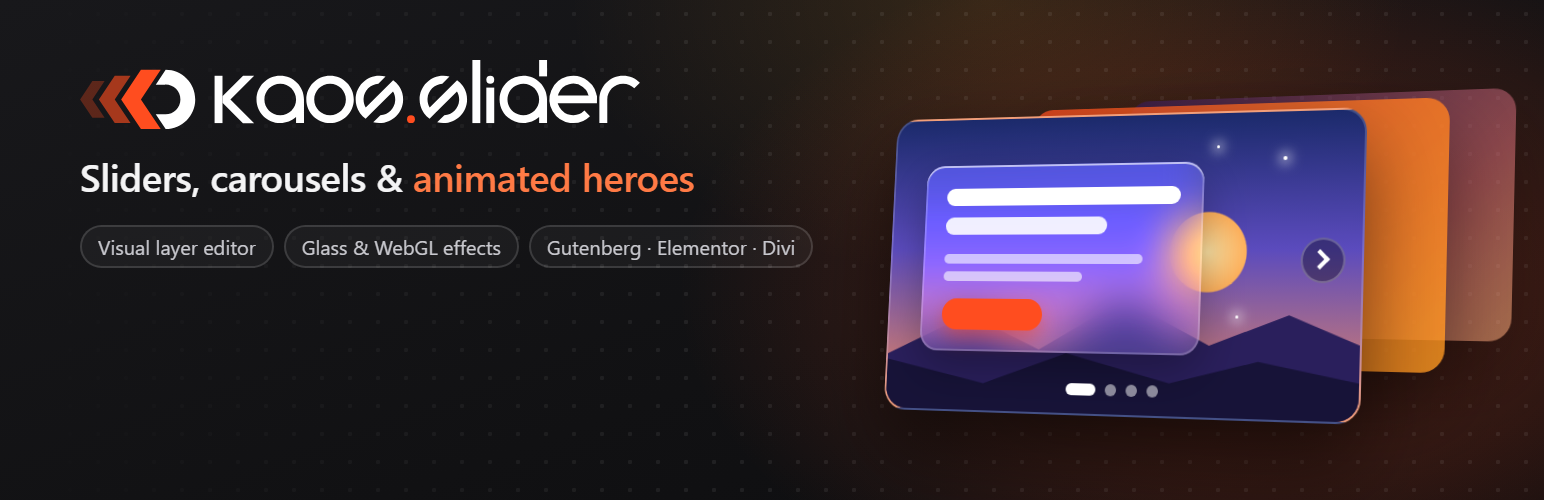
KaosSlider 是一款強大的外掛,讓使用者能夠透過視覺化的層級編輯器輕鬆建立全螢幕的滑動顯示器、輪播和動畫主題區域,提升網站的視覺吸引力。
【主要功能】
• 全螢幕滑動顯示器與輪播功能
• 多層次編輯器,支援文字、圖片等
• 動畫效果與過渡效果選擇
• 自訂背景顏色、漸層與影片
• 響應式設計,適合各種裝置
• 與 Elementor、Divi 等佈景主題相容
外掛標籤
開發者團隊
原文外掛簡介
Build fullscreen sliders, carousels and animated hero sections with a visual, layer-based editor.
Text, button, image, shape, hand-drawn and filmstrip layers, with entrance, exit and loop animations.
Backgrounds with colors, gradients, images (with Ken Burns effect) or video (file, YouTube, Vimeo).
Slide transitions, parallax, animated canvas and WebGL effects, scroll-driven video.
Glass effect, custom shadows, borders, text outlines and gradient text.
Responsive, with separate values for desktop, tablet and mobile.
Works with the block editor (including Kadence Blocks), Elementor and Divi, plus the [kaosslider id="…"] shortcode.
External services
The plugin connects to external services only for the features that need them:
Google Fonts (fonts.googleapis.com, fonts.gstatic.com): with the default “local” font mode, the selected font files are downloaded once to the site’s server when a slider is saved, and visitors never contact Google. With the “Google” mode the stylesheet is loaded directly from Google. Privacy policy: https://policies.google.com/privacy
Bunny Fonts (fonts.bunny.net): only when selected in the settings, and for previewing fonts in the editor. Privacy policy: https://bunny.net/privacy
YouTube (youtube-nocookie.com, youtube.com, i.ytimg.com) and Vimeo (player.vimeo.com, vimeo.com, i.vimeocdn.com): only for slides with a background video from these platforms, and to check from the editor that a video can be embedded. Privacy policies: https://policies.google.com/privacy and https://vimeo.com/privacy