內容簡介
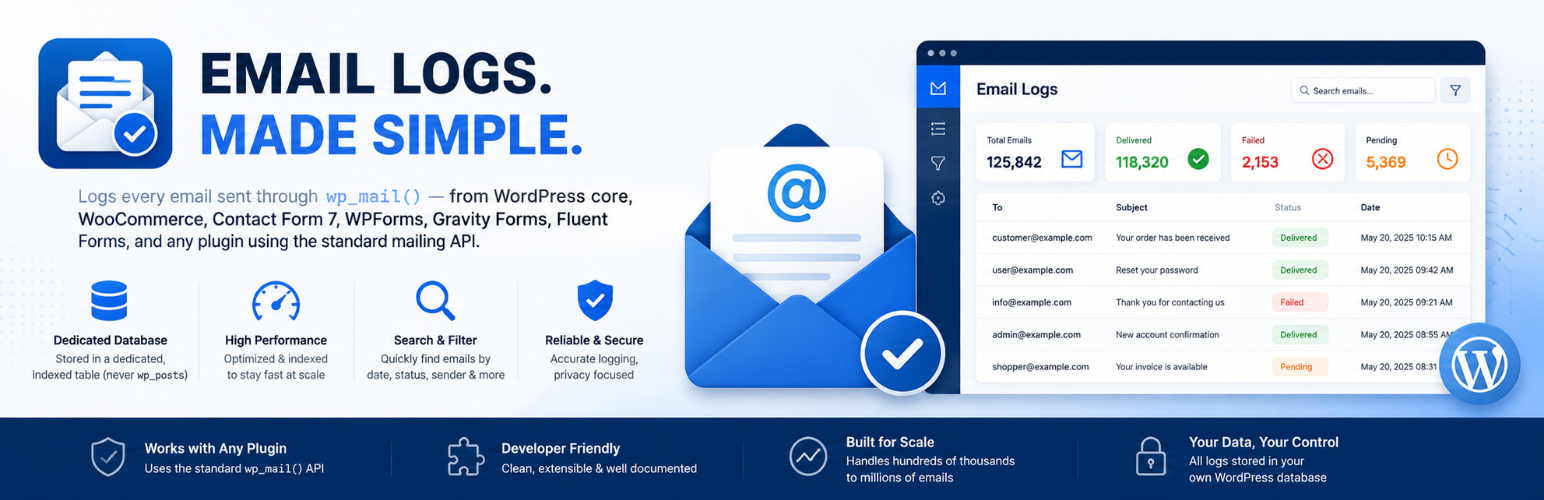
Kaiizen Mail Log 是一款專為 WordPress 設計的外掛,能夠記錄所有透過 wp_mail() 發送的電子郵件,並將其儲存於專用的資料庫表中,確保即使在大量郵件的情況下也能保持快速運行。
【主要功能】
• 自動啟用,無需配置
• 專用的索引資料庫表,具備 FULLTEXT 搜尋功能
• 快速且可篩選、排序的管理日誌表
• 完整的郵件檢視器,顯示標頭、內容及附件
• 可重新發送任何已記錄的郵件
• 支援 CSV 和 JSON 匯出
外掛標籤
開發者團隊
原文外掛簡介
eMail Logs logs every email sent through wp_mail() — WordPress core, WooCommerce, Contact Form 7, WPForms, Gravity Forms, Fluent Forms, and any other plugin that uses the standard mailing API — into a dedicated, indexed database table (never wp_posts), so it stays fast even at hundreds of thousands or millions of logged emails.
Features
Zero configuration — logging starts automatically on activation.
Dedicated, indexed database table with a FULLTEXT search index.
Fast, filterable, sortable admin log table with keyset (seek) pagination.
Full email viewer: headers, HTML/plain text, attachments, SMTP response, source detection.
Resend any logged email, with the option to edit recipients/subject/body first.
CSV and JSON export, filtered or full.
Optional SMTP delivery — send all WordPress email through any SMTP server (host, port, SSL/TLS, authentication, From email/name), with the password stored encrypted or set via the KAIIZENML_SMTP_PASSWORD constant.
Send a test email from the admin, with a redacted SMTP conversation shown when something goes wrong.
Automatic retention cleanup, configurable per site.
REST API (kaiizenml/v1) and WP-CLI commands (wp kaiizenml list|view|delete|cleanup|export).
No premium tier, no telemetry, no tracking, no ads, no upgrade nags.
Free forever
Every feature in Kaiizen Mail Log is available for free, with no artificial limits.