內容簡介
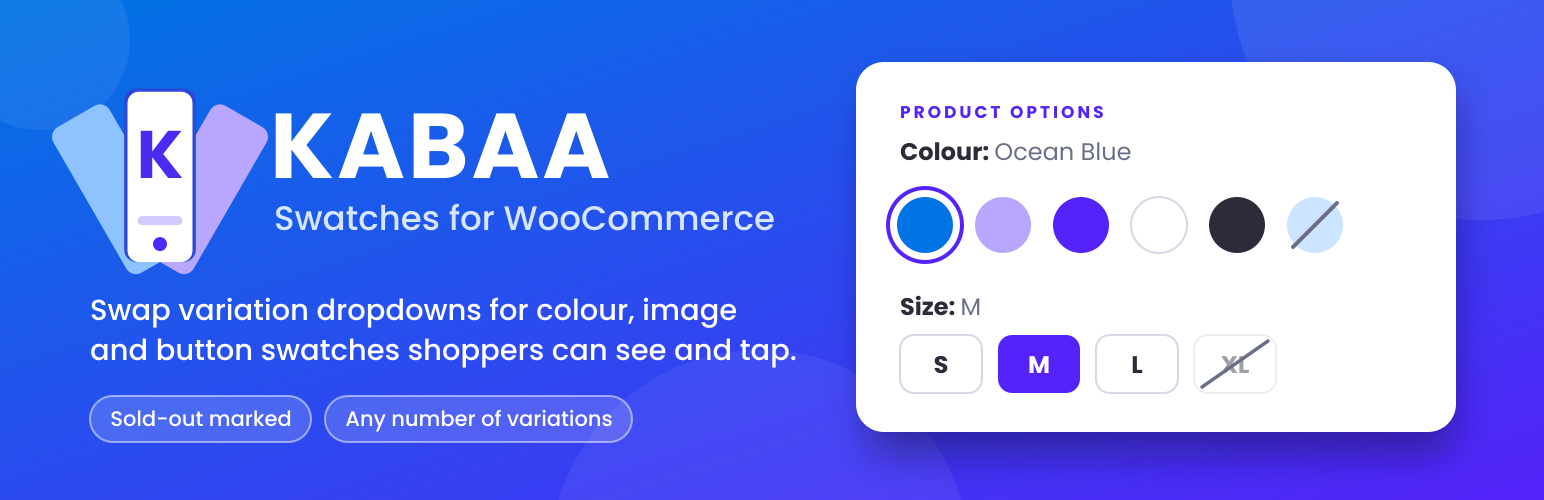
KABAA Swatches for WooCommerce 外掛將 WooCommerce 的產品變體下拉選單替換為可視化的色塊,讓顧客能直接看到並選擇顏色或樣式,提升購物體驗,並簡化選擇過程。
【主要功能】
• 產品頁面顯示顏色、圖片和按鈕色塊
• 支援多變體產品,並處理缺貨情況
• 在商店、分類和搜尋頁面上顯示色塊
• 自訂屬性顯示順序和樣式
• 支援鍵盤導航和焦點狀態
• 可選擇將屬性恢復為下拉選單
外掛標籤
開發者團隊
② 後台搜尋「KABAA Swatches for WooCommerce」→ 直接安裝(推薦)
原文外掛簡介
WooCommerce shows product variations as dropdown menus. A shopper choosing a colour reads
the word “Ocean Blue” instead of seeing it, and on a phone the dropdown opens a picker that
takes them off the page entirely.
KABAA Swatches replaces those dropdowns with swatches a shopper can see and tap.
Works with classic themes that use WooCommerce’s standard variation form.
Setup guide, every screen with a screenshot: kazibadrul.com/kabaa-swatches/docs
Out-of-stock handling
Works on products with many variations.
WooCommerce sends variation data to the browser only up to a threshold (30 variations by
default). Below it, the plugin uses that data and adds no extra request. Above it, the plugin
fetches availability sized to the number of swatches on screen, not the number of variations,
and keeps sold-out combinations marked as the shopper chooses.
Independent of catalog visibility.
Out-of-stock swatches work the same whether WooCommerce’s “Hide out of stock items from the
catalog” option is on or off, so you can keep sold-out products visible in your shop.
What it does
Color, image and button swatches on the single product page
Tile swatches: each option’s own photo with its price underneath, following what is already
chosen. Hovering a tile previews its photo in the product gallery
Swatches on shop, category, tag and search pages too: pick options right on the card, see that
option’s photo and price, and add the variation to the cart without leaving the page
Choose which attributes shop cards show and in which order, store-wide or per product, which of
their values, their spacing and alignment, and whether they sit before or after the add-to-cart
button
On a card, options with nothing in stock alongside your choice are marked as you pick
Works with custom attributes created inside a product, set from the product’s own Swatches tab
Name a term after a color (Navy, Tomato) and its swatch color fills itself
Image swatches fall back to the variation’s own featured image when a term has none
Round or square, any width and height, and a text size for button swatches — no CSS to write
Selection shown as a ring outside the swatch, so it stays visible on a black swatch
Choose ring, fill or border, and the colour, or leave it to pick per swatch type
Tooltips on hover and on keyboard focus
Shows the selected term’s name beside the attribute label
Marks sold-out terms as crossed out, blurred, or hidden, on product pages and shop cards
Any attribute can be switched back to a plain dropdown, keeping its colours and images
Correct for products with any number of variations
Backorders count as purchasable, because they are
Built to stay out of the way
WooCommerce’s own