內容簡介
總結:
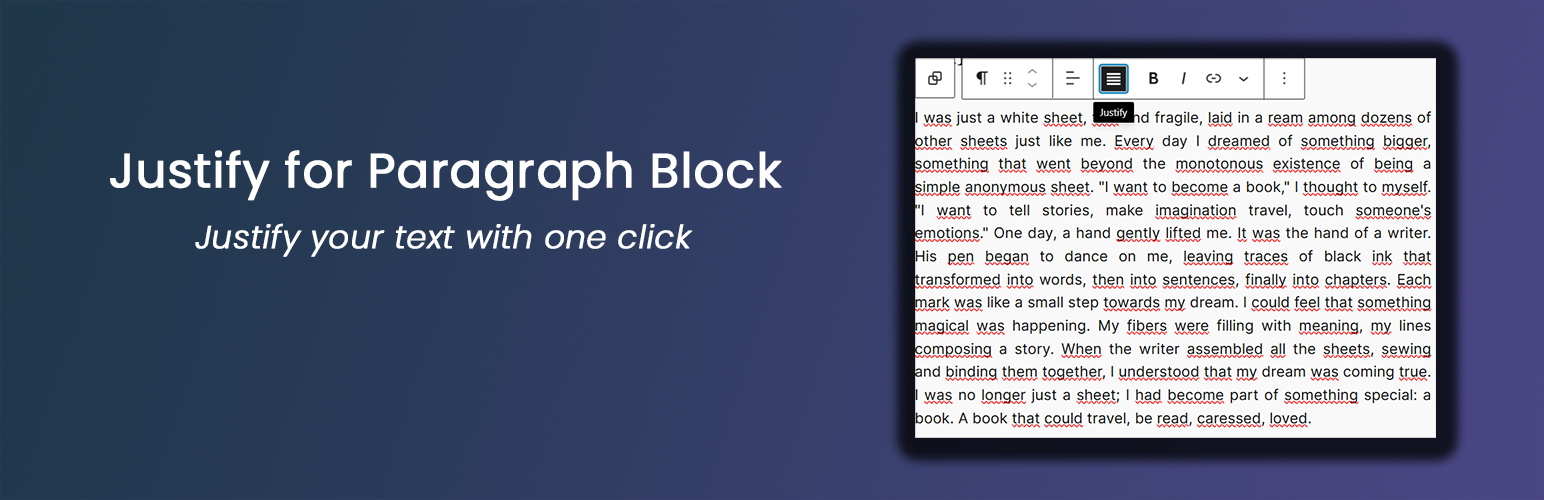
這款輕量的外掛增強了 WordPress Gutenberg 編輯器,使段落區塊具有文字對齊選項。主要功能包括簡單的一鍵文字對齊、與預設的 Gutenberg 段落區塊無縫運作、無需複雜的設定或配置,並且輕量且性能友好。
問與答:
- 這個外掛主要增加了 Gutenberg 編輯器的什麼功能?
- 它增加了段落區塊的文字右對齊功能。
- 這個外掛的功能特色有哪些?
- 簡單的一鍵文字對齊、與預設的 Gutenberg 段落區塊無縫運作、無需複雜的設定或配置,並且輕量且性能友好。
- 使用這個外掛是否需要特定的 WordPress 版本?
- 建議使用 WordPress 5.0 或更新版本。
- 這個外掛建議使用哪個 PHP 版本?
- 建議使用 PHP 7.0 或更高版本。
外掛標籤
開發者團隊
原文外掛簡介
This lightweight plugin enhances the WordPress Gutenberg editor by adding a justify text alignment option to paragraph blocks. Key features include:
Simple one-click text justification
Works seamlessly with the default Gutenberg paragraph block
Optional typography settings for justified paragraphs
Lightweight and performance-friendly
Typography Settings
From version 1.1.0, the plugin includes optional typography settings for justified paragraph blocks. These settings are available under:
Settings → Justify Paragraph → Typography Settings
Available options include:
Justification mode
Standard (only text-align: justify)
Advanced (enables additional typographic enhancements)
Automatic hyphenation (hyphens: auto)
Allows compatible browsers to break long words at line endings to reduce large gaps in justified text
Adjust space between words
Presets: No change, Slightly larger, Slightly smaller
Custom value: numeric value plus unit (em, px, rem) for fine-grained control
Typography settings affect only justified paragraph blocks and are applied both in the editor and on the frontend.
Credits
Developed by Nick Digital Projects.
Recommendations
Ensure you’re using WordPress 5.0 or later
PHP 7.0 or higher is recommended