外掛標籤
開發者團隊
② 後台搜尋「JM Website Security Hardening」→ 直接安裝(推薦)
原文外掛簡介
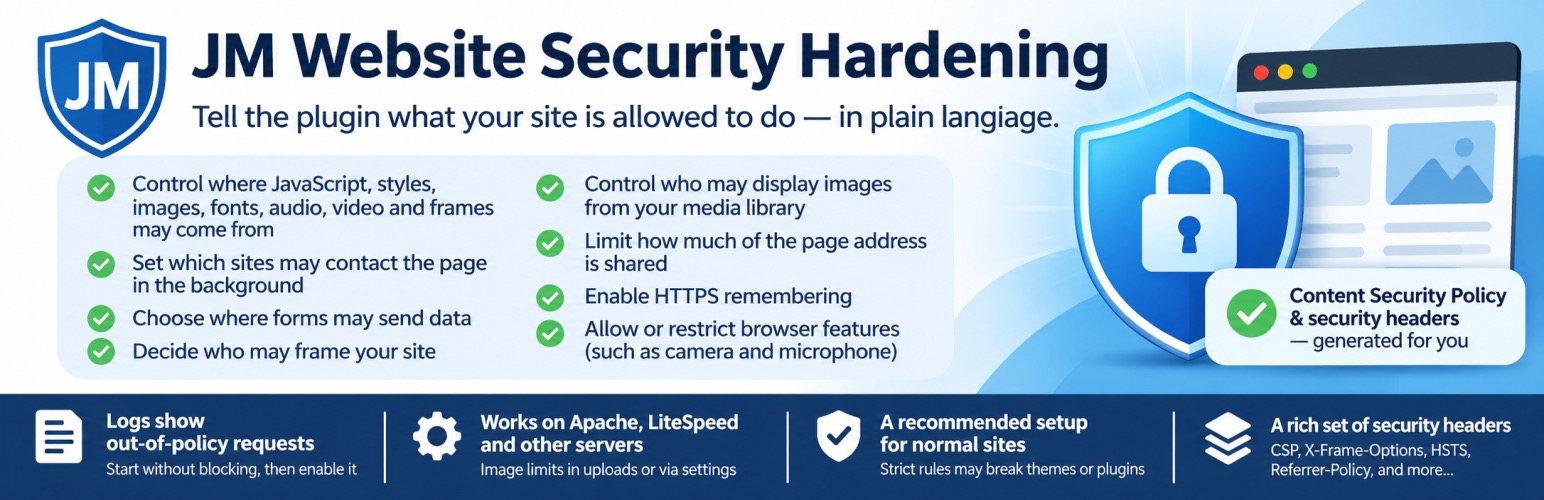
JM Website Security Hardening asks what the site is allowed to do, in plain language, and sends the matching browser rules.
You choose:
where JavaScript, styles, images, fonts, audio, video, and frames may come from
which sites the page may contact in the background
where forms may send their data
who may place this site inside a frame
who may display images hosted in the media library
how much of the page address is shared with the next site
whether the browser should remember HTTPS
which browser features, such as the camera and the microphone, a page may use
The plugin writes the Content Security Policy and the related security headers from those answers. A log shows addresses that fell outside the rules, so you can start without blocking anything and turn blocking on when the result looks right.
The recommended answers suit a normal site. Strict answers refuse code written directly in the page and can break a theme, a plugin, the dashboard, or the login screen.
Image limits are checked for requests WordPress handles. On Apache and LiteSpeed they are also written into the uploads folder, between the markers BEGIN JMWSH and END JMWSH. On other servers the settings screen shows configuration you can add yourself.
Headers
Depending on the answers, the plugin can send:
Content-Security-Policy, or Content-Security-Policy-Report-Only
X-Frame-Options
X-Content-Type-Options
X-XSS-Protection
X-Permitted-Cross-Domain-Policies
Referrer-Policy
Permissions-Policy
Strict-Transport-Security, only on HTTPS
Cross-Origin-Opener-Policy
Report-To and Reporting-Endpoints
Cross-Origin-Resource-Policy, on image files when only this site may display them
Developer hooks
jmwsh_settings filters the normalized settings before headers are built.
jmwsh_headers filters the final header names and values.
jmwsh_download_hosts filters the host names allowed to display hosted files.
jmwsh_htaccess_rules filters the Apache lines written to the uploads folder.