內容簡介
Internal Linking of Related Contents 外掛可自動在 WordPress 文章中插入相關內容的內部連結,根據分類或標籤進行匹配。這是一項強大的 SEO 技術,有助於提高頁面瀏覽量並降低跳出率。
【主要功能】
• AI 驅動的相關文章顯示
• 追蹤內部連結數量
• 點擊統計監控
• 自訂顯示位置的相關文章
• 12 種進階佈局的高級模板
• 支援自訂關鍵字搜尋
外掛標籤
開發者團隊
② 後台搜尋「Internal Linking of Related Contents」→ 直接安裝(推薦)
📦 歷史版本下載
原文外掛簡介
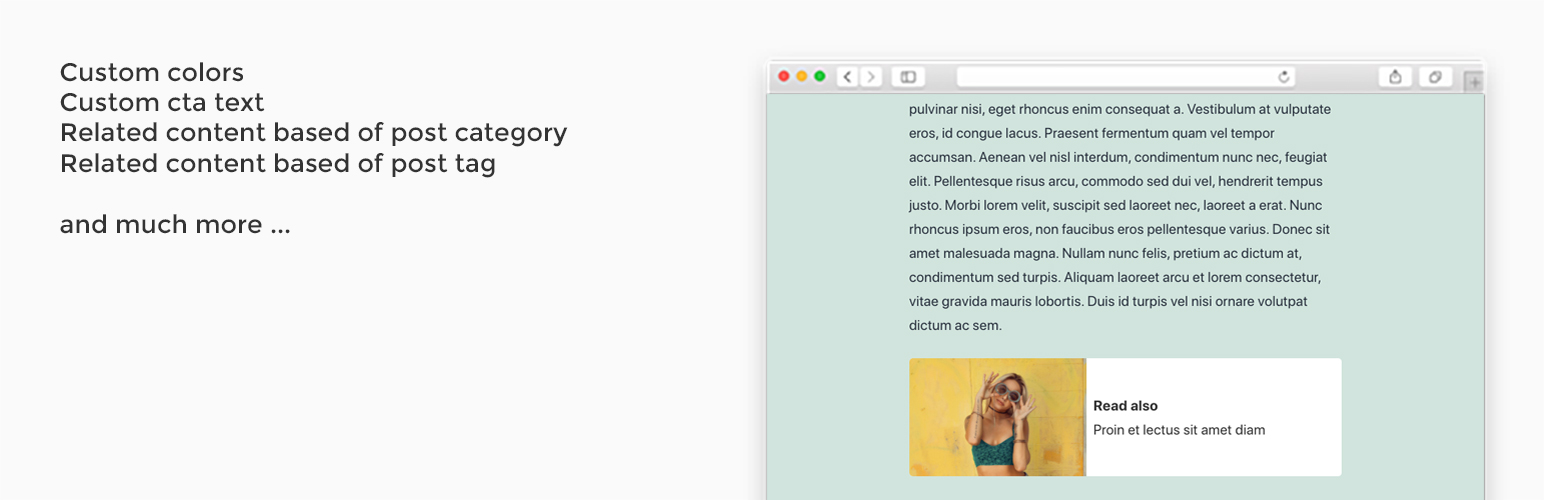
Internal Linking of Related Contents allows you to automatically insert inline related posts within your WordPress articles, based on categories or post tags.
Internal Linking is a powerful SEO technique and an important tool to increase your page views. Moreover, it helps reduce the bounce rate.
With our plugin, you can insert inline similar posts within your WordPress articles, rather than at the end of the post content, like the most popular plugins.
Plugin overview
Premium features.
AI-powered related posts
Display inline related posts based on content meaning and context, with support for OpenAI and local Ollama models.
Internal links count
Track how many related content links are generated by the plugin across your posts and pages, with automatic updates and tools to recalculate outdated values.
Click statistics
Monitor how visitors interact with your related content links, with filters, hourly charts, device data, and detailed click events.
Group related posts into a specific location
In addition to inline related posts, you can also group all related articles in one place within your content. This innovative feature streamlines navigation and provides your readers with quick access to all pertinent articles, further enhancing your website’s user experience.
Premium templates
12 additional premium templates with advanced layouts and styles to create more engaging related content sections.
Placeholder image
Display a custom placeholder image when a related post does not have a featured image.
Custom featured image
Choose a custom image for manually selected related posts added through the shortcode, Gutenberg block, or Elementor widget.
Hide posts without the featured image
Automatically hide related posts that do not have a featured image.
Custom featured image size
Set a custom width and height for featured images displayed in related content.
Order by option
Select how to order the related contents.
Sort order option
Select the ordering of related contents.
Engine search
Besides the options available on the free version, you can load the related contents based of categories and post tags, post title or custom keywords.
Custom keywords
By choosing Custom Keywords as the Engine Search option, you have the ability to define specific keywords for each post.
Bulk Edit for Custom Keywords
This feature enables you to efficiently manage and customize keywords for multiple selected posts. You can easily add or remove desired keywords from the selected posts.
Device selection
You can select the device where you want to display the related contents..
Categories to exclude
You can select one or more categories to exclude from the related contents.
Post tags to exclude
You can select one or more post tags to exclude from the related contents.
Post to exclude
You can select one or more posts to exclude from the related contents.
Remove the call-to-action text
You can remove the call to action text from the related posts.
AMP support
Display rightly the related posts in AMP pages.
Custom post types support
You can enable the related contents for specific custom post types.
WordPress pages support
You can enable the related contents within pages (linking child pages or based on custom keywords)
Gutenberg blocks
Display a selected related post using the plugin settings, or customize its template and display options directly in the Gutenberg editor.
Elementor widgets
Display a selected related post using the plugin settings, or customize its template and display options directly in Elementor.
You can get the premium version, from the following link:
https://www.themeinprogress.com/internal-linking-of-related-contents-pro/
Installation
Once you have installed the plugin, you just need to activate the plugin in order to enable it.
Configuration
Install Internal Linking of Related Contents will add a new admin page, where you can manage all tracking codes and scripts.
Translators
Available Languages
English (Default)
Italiano