內容簡介
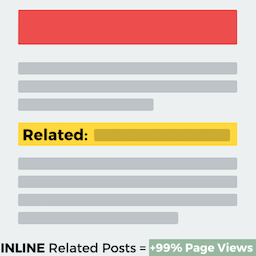
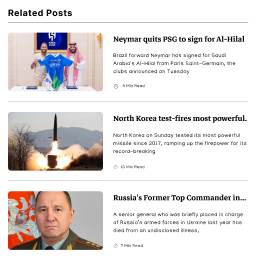
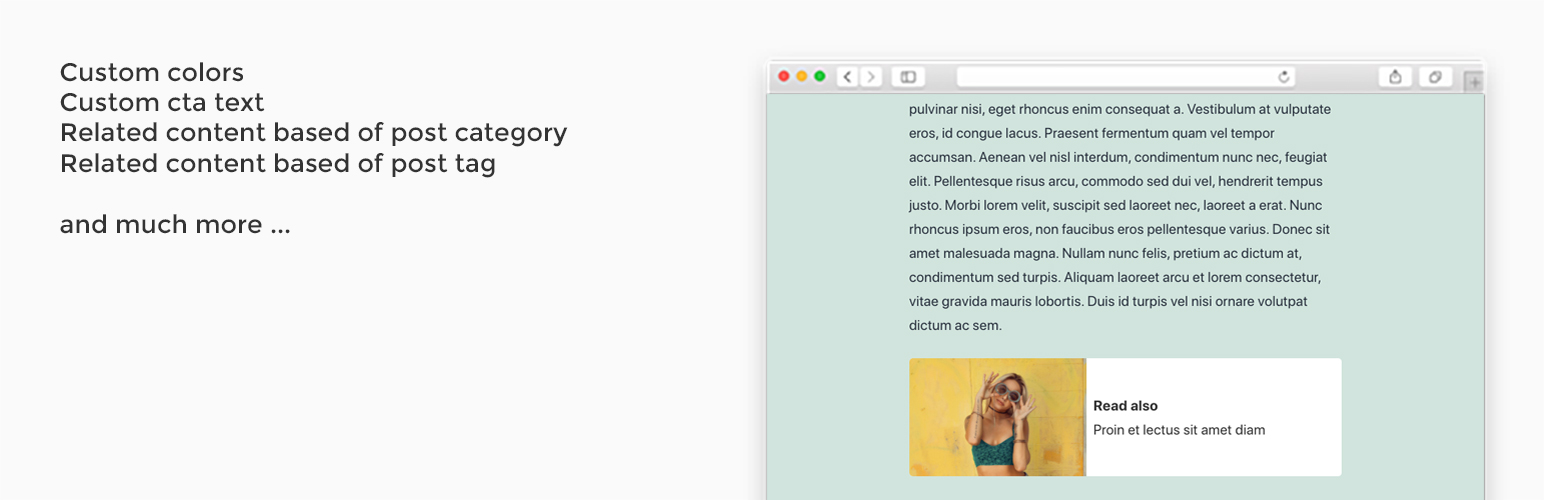
「Internal Linking of Related Contents」外掛可以讓你自動在 WordPress 文章內插入相關文章,依據分類、標籤或是二者皆有。
內部連結是一種強大的 SEO 技巧和重要工具,可以增加你的網站頁面瀏覽次數,同時有助於降低跳出率。
有了這個外掛,你可以將相關文章自動插入內容中,而非像其他熱門外掛一樣只加在文章末端。
插件概述
進階功能:
排序選項
選擇相關內容的排序方式。
順序選項
選擇相關內容的順序。
搜尋引擎
除了免費版的選項外,你可以按照文章標題、分類或標籤載入相關內容。
裝置選擇
你可以選擇要在哪個裝置上顯示相關內容。
排除分類
你可以選擇要排除的一或多個分類。
排除標籤
你可以選擇要排除的一或多個標籤。
排除文章
你可以選擇要排除的一或多篇文章。
AMP 支援
在 AMP 頁面正確顯示相關文章。
自訂文章類型支援
你可以啟用特定的自訂文章類型的相關內容。
你可以從以下連結取得高級版:
https://www.themeinprogress.com/internal-linking-of-related-contents-pro/
安裝
當你安裝了外掛後,只需要啟用它就可以開始使用。
設定
安裝「Internal Linking of Related Contents」將會新增一個管理頁面,你可以在這個頁面中管理所有的追蹤代碼和腳本。
翻譯人員
可用語言
英文(預設值)
義大利文
外掛標籤
開發者團隊
② 後台搜尋「Internal Linking of Related Contents」→ 直接安裝(推薦)
📦 歷史版本下載
原文外掛簡介
Internal Linking of Related Contents allows you to automatically insert inline related posts within your WordPress articles, based on categories or post tags.
Internal Linking is a powerful SEO technique and an important tool to increase your page views. Moreover, it helps reduce the bounce rate.
With our plugin, you can insert inline similar posts within your WordPress articles, rather than at the end of the post content, like the most popular plugins.
Plugin overview
Premium features.
Group related posts into a specific location
In addition to inline related posts, you can also group all related articles in one place within your content. This innovative feature streamlines navigation and provides your readers with quick access to all pertinent articles, further enhancing your website’s user experience.
Featured image
Select one of 11 available premium template to present the featured image alongside the related articles.
Order by option
Select how to order the related contents.
Sort order option
Select the ordering of related contents.
Engine search
Besides the options available on the free version, you can load the related contents based of categories and post tags, post title or custom keywords.
Custom keywords
By choosing Custom Keywords as the Engine Search option, you have the ability to define specific keywords for each post.
Bulk Edit for Custom Keywords
This feature enables you to efficiently manage and customize keywords for multiple selected posts. You can easily add or remove desired keywords from the selected posts.
Device selection
You can select the device where you want to display the related contents..
Categories to exclude
You can select one or more categories to exclude from the related contents.
Post tags to exclude
You can select one or more post tags to exclude from the related contents.
Post to exclude
You can select one or more posts to exclude from the related contents.
Remove the call-to-action text
You can remove the call to action text from the related posts.
AMP support
Display rightly the related posts in AMP pages.
Custom post types support
You can enable the related contents for specific custom post types.
WordPress pages support
You can enable the related contents within pages (linking child pages or based on custom keywords)
Gutenberg block
Use the Gutenberg block to effortlessly incorporate specific related posts within your WordPress content.
You can get the premium version, from the following link:
https://www.themeinprogress.com/internal-linking-of-related-contents-pro/
Installation
Once you have installed the plugin, you just need to activate the plugin in order to enable it.
Configuration
Install Internal Linking of Related Contents will add a new admin page, where you can manage all tracking codes and scripts.
Translators
Available Languages
English (Default)
Italiano