內容簡介
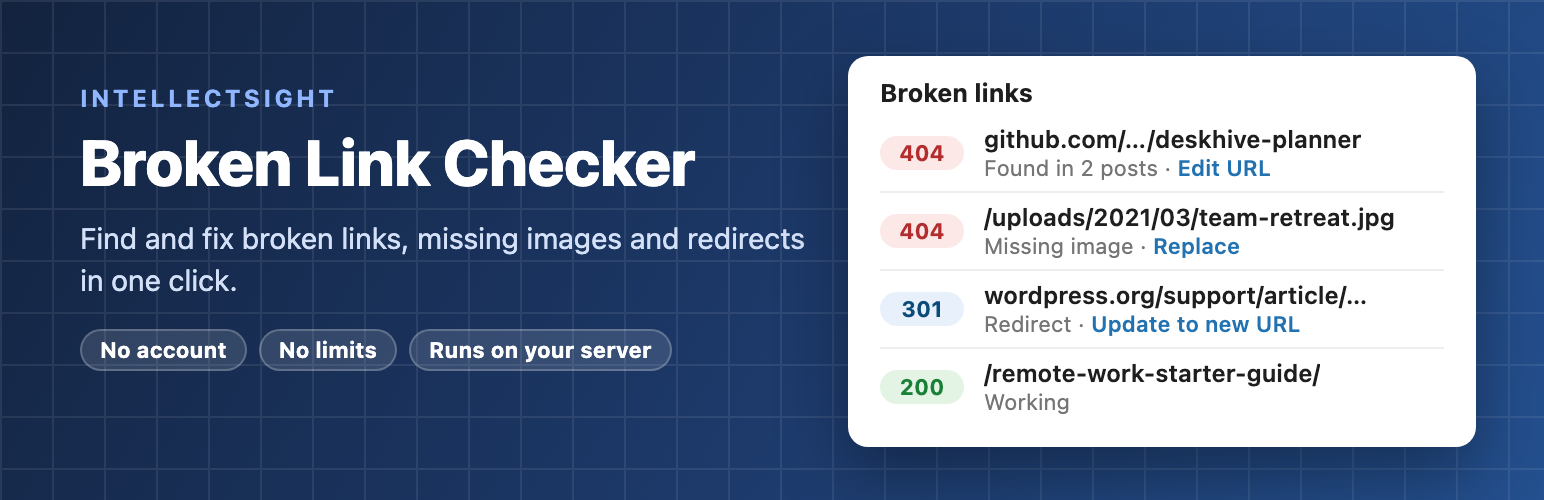
IntellectSight Broken Link Checker 是一款強大的外掛,能夠自動檢查您的文章和頁面中的壞連結與缺失圖片,並提供一鍵修復功能,讓您在控制台內輕鬆管理,提升網站的使用體驗與 SEO 效果。
【主要功能】
• 自動檢查壞連結與缺失圖片
• 一鍵修復連結,簡化管理流程
• 支援批次操作,快速處理多個連結
• 智能內部檢查,精確檢測自網站連結
• 可選擇每日郵件通知新壞連結
外掛標籤
開發者團隊
② 後台搜尋「IntellectSight Broken Link Checker」→ 直接安裝(推薦)
原文外掛簡介
Broken links frustrate visitors and waste the SEO value of your content. IntellectSight Broken Link Checker finds every broken link and missing image in your posts and pages and lets you fix them in one click — without leaving your dashboard.
Why another link checker?
No account, no credit card, no cloud. Every check runs on your own server. Nothing about your site is sent to us or to any third-party service.
No limits. Check 50 links or 500,000. There is no paid tier holding back features.
Light on your database and server. One row per unique URL (a link used in 300 posts is checked once), small background batches that stop after 20 seconds, and nothing at all runs for your visitors.
Fewer false alarms. A timeout or server error is re-tested before it is called broken. Sites that block automated checks (LinkedIn, some shops and social networks) are listed separately as “Blocked” instead of cluttering your broken-link list.
Smart internal checks. Links to your own posts are checked directly in your database — no web request — so it also catches links to drafts, private posts and posts in the trash.
What it checks
Fix links in one click
From the Broken Links screen you can, for any link:
Edit URL — type the new address once and it is updated in every post that uses it.
Unlink — remove the link but keep the text.
Update to new URL — replace a redirecting link with the address it now ends up at.
Not broken — dismiss a false alarm; it stays dismissed.
Recheck — test again right now.
Every fix is saved as a normal post update, so a revision is created and you can always undo it. Bulk actions let you fix many links at once.
Everything else you need
Filter by Broken, Needs confirmation, Redirects and Blocked, and search by URL or link text.
See the link text and every post that contains each link.
Count of broken links in the admin menu and a Dashboard widget.
Optional daily email when new broken links are found.
Optional: add rel="nofollow" to broken links until you fix them.
Optional: strike through broken links on the front end — visible only to logged-in editors.
Exclude URLs or whole domains (wildcards supported).
Export any list to CSV.
WP-CLI: wp link-checker scan and wp link-checker report.
Uninstalling removes every table, option and scheduled task the plugin created.
Developed by IntellectSight.