內容簡介
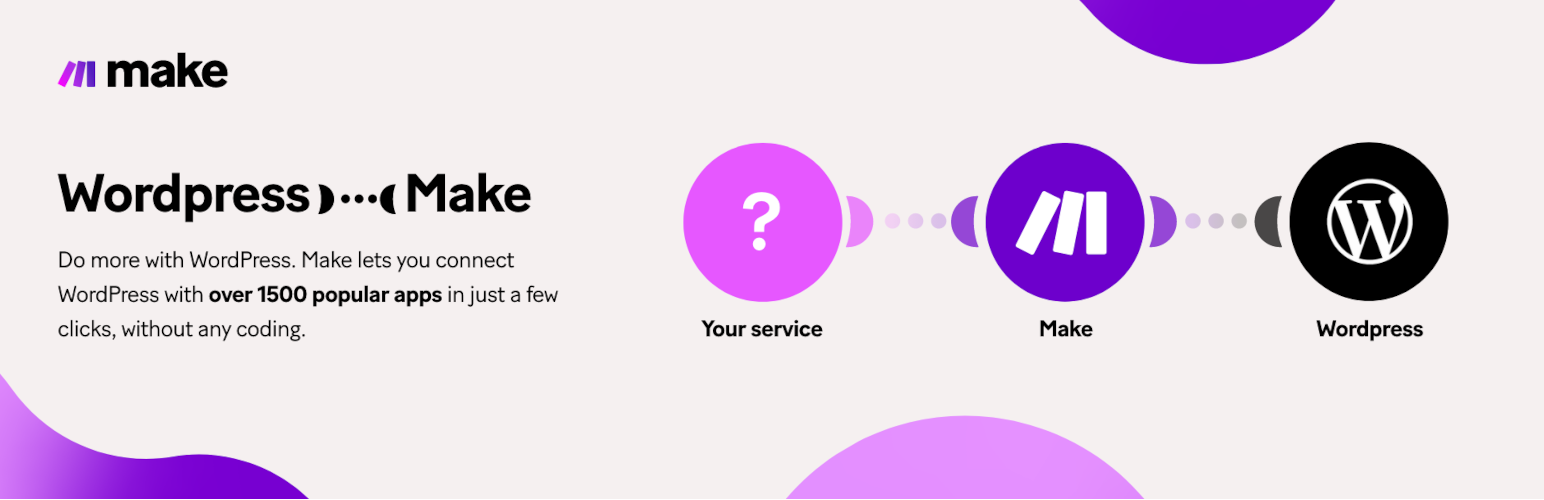
Make 是一個視覺化平台,讓你可以在幾分鐘內設計、建立和自動化任何事情 - 從簡單的任務到複雜的工作流程。使用 Make,你可以在 WordPress 和數千個應用程式之間傳送資訊,以增加流量和提高銷售潛力。Make 非常快速且易於使用,直覺式的視覺化介面,無需任何編程專業知識。
以下是使用 WordPress 搭配 Make 的一些方式:
將新的 WordPress 使用者添加到您的 CRN 和營銷工具,如 Salesforce、ActiveCampaign 或 Mailchimp 中
從傳入的 Webhook 資料、Google Forms 回應或 FreeScout 對話中建立新的 WordPress 文章
將您的 WordPress 文章分享到 Facebook、Pinterest 或其他社交媒體平台
將新的 WordPress 文章訊息發送到訊息應用程式,如 Slack、Telegram 或 Microsoft Teams
在 Notion、MySQL 或任何其他資料庫應用程式中從您的 WordPress 文章創建資料庫項目
或選擇一個 範本 來幫助您開始。
如何開始:
註冊 Make,並永久免費使用帳戶。或者,選擇擁有進階功能的月度或年度計劃。
查看 Make 如何連接 WordPress 的文檔。
安裝外掛程式,開始在 Make 上建立 WordPress 整合。
從 Make 的支援團隊 獲得幫助。
Make 的 使用條款 和隱私政策。
外掛標籤
開發者團隊
📦 歷史版本下載
原文外掛簡介
Make is a visual platform that lets you design, build, and automate anything – from simple tasks to complex workflows – in minutes. With Make, you can send information between WordPress and thousands of apps to drive traffic and improve sales potential. It’s fast and easy to use, visually intuitive and requires zero coding expertise.
Here are some of the ways to use WordPress with Make:
Add new WordPress users to your CMR and marketing tools, like Salesforce, ActiveCampaign, or Mailchimp
Create new WordPress posts from incoming webhook data, Google Forms responses, or FreeScout conversations
Share your WordPress posts on Facebook, Pinterest, or other social media platforms
Send a message about new WordPress posts to messaging apps, like Slack, Telegram, or Microsoft Teams
Create database items from your WordPress posts in Notion, MySQL, or any other database app
Or choose a template to help you get started.
How to get started:
Sign up for Make, and enjoy a free account forever. Or, choose a monthly or yearly plan with advanced features.
Check Make’s documentation on how to connect WordPress.
Install the plugin, and start building WordPress integrations on Make.
Get help from Make’s Support team.
Make’s Terms of use and Privacy policy.