內容簡介
總結:Input Masks for Contact Form 7 外掛讓您輕鬆為 Contact Form 7 中的欄位添加輸入掩碼功能,幫助用戶以正確格式輸入數據,提高精確性,增強表單的易用性。
問題與答案:
問題:Input Masks for Contact Form 7 外掛的作用是什麼?
答案:這個外掛能夠讓您輕鬆為 Contact Form 7 中的欄位添加輸入掩碼功能,協助用戶以正確格式輸入數據。
問題:這個外掛支援哪些常見的輸入掩碼格式?
答案:這個外掛支援各種欄位類型的輸入掩碼,包括電話號碼、日期、郵政編碼或自定義格式。
問題:在使用這個外掛時,是否需要編碼?
答案:不需要編碼,您可以直接在欄位 shortcode 中定義輸入掩碼。
問題:這個外掛支援即時驗證嗎?
答案:是的,用戶輸入時可進行即時驗證。
問題:這個外掛是否支援多語言設置和 RTL 語言?
答案:是的,這個外掛與多語言設置和 RTL(從右到左的語言)兼容。
問題:這個外掛的輕量化和優化使得什麼表達?
答案:這個外掛為快速載入表單進行了輕量化和優化。
外掛標籤
開發者團隊
② 後台搜尋「Input Masks for Contact Form 7」→ 直接安裝(推薦)
原文外掛簡介
DEMO: https://demo.add-ons.org/demo-input-masks/
Document: https://add-ons.org/document-input-masks-for-contact-form-7/
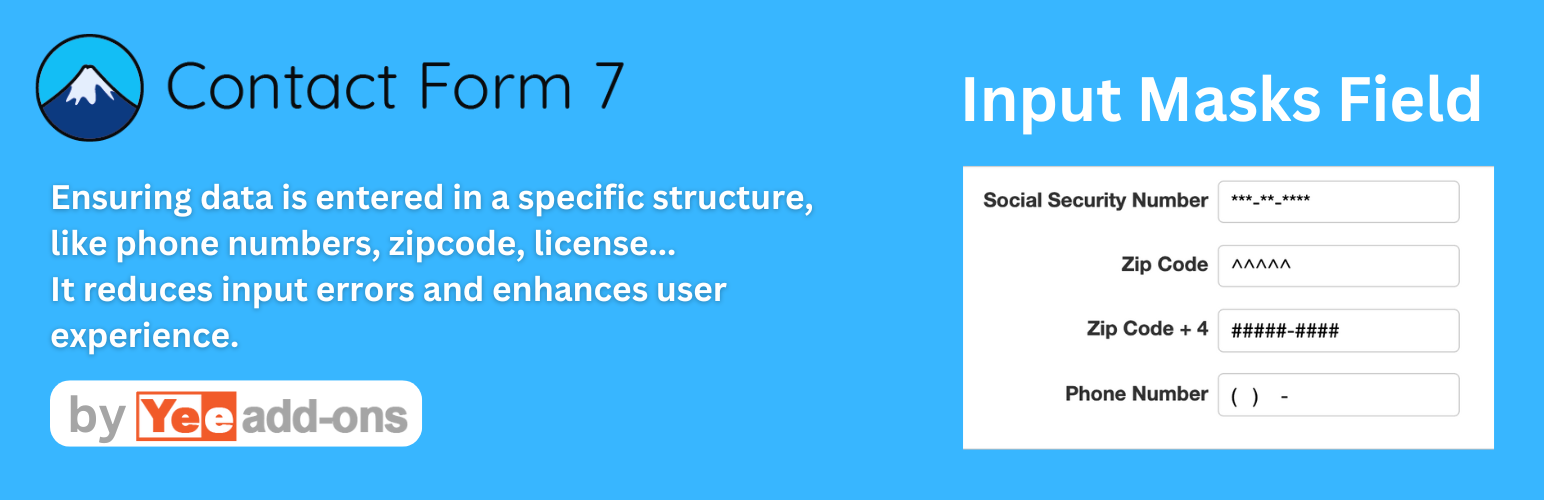
The Input Masks for Contact Form 7 plugin allows you to easily add input mask functionality to fields in Contact Form 7. Input masks help users enter data in the correct format, improving accuracy and enhancing the usability of your forms.
[text_mask phone-number "(999) 999-9999"]
[text_mask text_mask-2 "*[*{0,50}]@oursite.com"]
[text_mask text_mask-3 "+(1|61|52) 9999999999"]
[text_mask text_mask-4 "(TN|KY)9{10}"]
Features
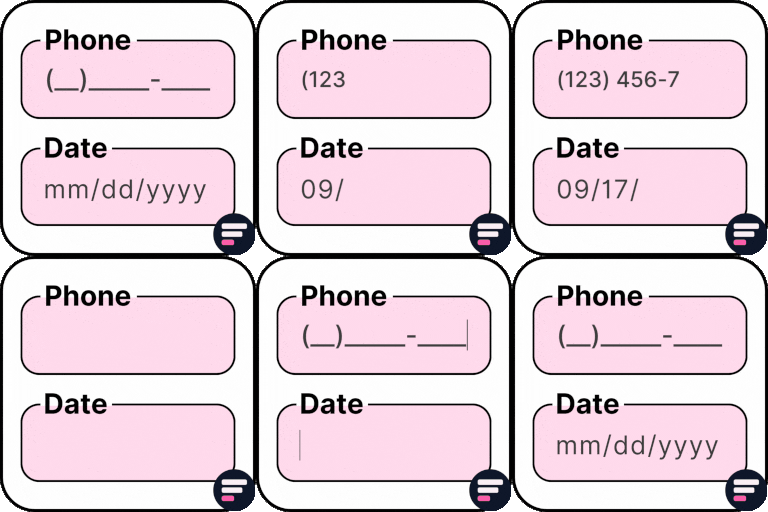
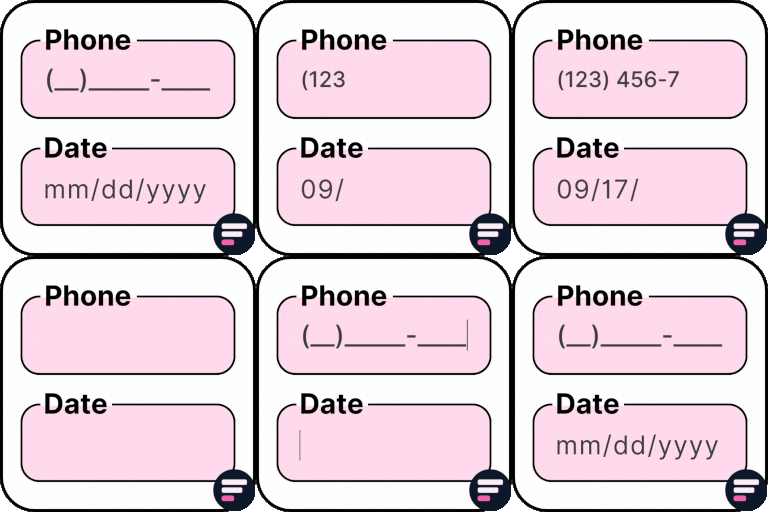
Create input masks for various field types like phone numbers, dates, zip codes, or custom formats.
Fully compatible with Contact Form 7, seamlessly integrating with existing fields.
Supports a wide range of popular input mask formats.
No coding required—define the mask directly in the field shortcode.
Real-time validation while users are typing
Supports both required (*) and optional fields.
Compatible with multilingual setups and RTL (right-to-left) languages.
Lightweight and optimized for fast form loading.