外掛標籤
開發者團隊
原文外掛簡介
Innofly Simple Admin Mode gives every user two modes:
Simple mode (on as soon as the plugin is activated): only the menus, toolbar items, editor boxes and dashboard widgets you choose are shown.
Full mode: the admin exactly as it is without this plugin. Nothing is removed.
Each user switches mode with the button in the toolbar, in the admin and on the front end. The choice is saved per user.
What simple mode can hide
Left admin menu and submenus, including menus added by other plugins. Menus of public custom post types show by default; other menus of plugins you install later stay hidden until you allow them.
Toolbar items (WordPress logo, updates, comments, + New, and items added by other plugins). Your account menu and the mode switch always stay.
Boxes on the post and page editing screens; in the block editor the matching sidebar panels (excerpt, discussion, link, featured image, page attributes, taxonomies) are hidden too. The Publish box always stays.
Dashboard widgets and the Welcome panel.
The Screen Options and Help tabs.
Settings
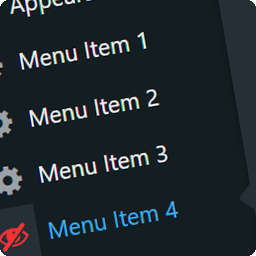
Settings → Simple Admin Mode lists everything with on / off switches, shows a live preview of the admin menu and the toolbar that simple mode users will see, and lets you choose the default mode for users who have never switched.
Simple mode tidies the interface; it is not access control. A page hidden from the menu can still be opened by URL by users who have the capability. Use roles and capabilities to restrict access.
The plugin is translation ready.