內容簡介
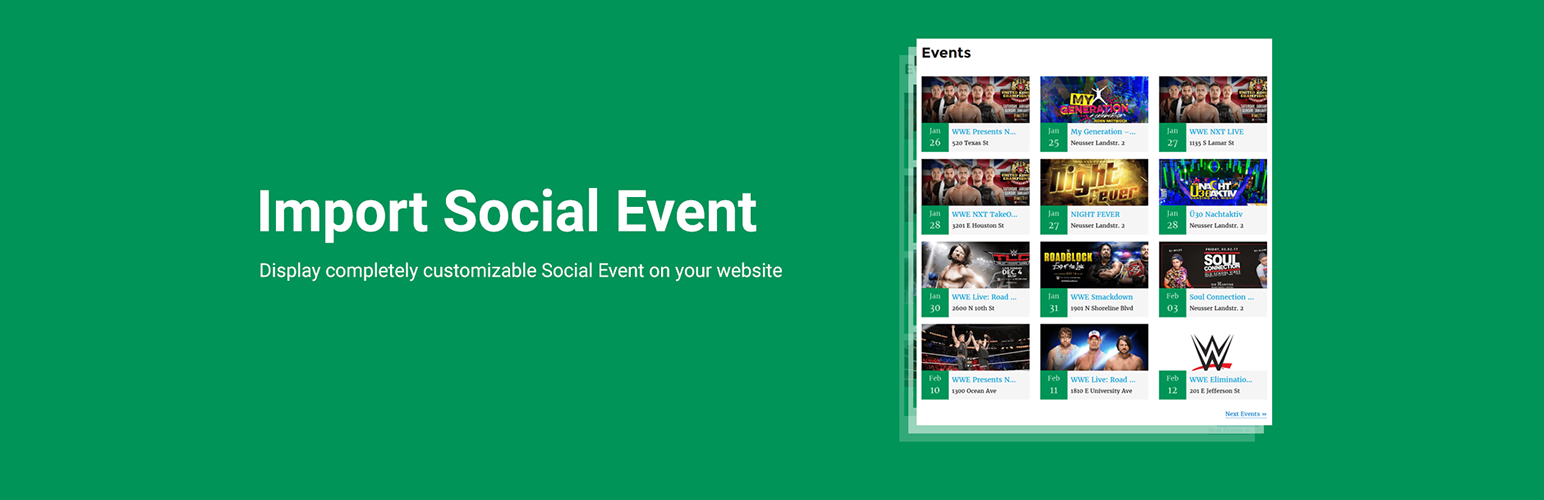
Import Social Events 外掛能夠輕鬆地從 Facebook 匯入活動,並提供多種佈局選擇,讓使用者能夠在網站上展示活動資訊。透過直觀的視覺編輯器,使用者可以管理多個活動來源,提升活動管理的效率。
【主要功能】
• 支援多種活動來源,包括 Facebook 活動 ID 和 iCal URL
• 提供多種美觀的佈局選擇,如卡片網格和列表視圖
• 內建 Gutenberg 區塊,方便在編輯器中嵌入活動資訊
外掛標籤
開發者團隊
📦 歷史版本下載
原文外掛簡介
NOTICE:
You need below things to work Facebook Event Importing using API.
Facebook app (Here is how to create FB app)
Your site need to HTTPS (SSL certificate)
You need to mark events as interested or going on facebook to get imported
facebook import, facebook events, the events calendar, event import, events manager, import events, event, import event, my calendar, eventon, all in one event calendar, timely, event organiser, event management, event calendar, event manager, facebook-events-importer
🎯 Live Feed Builder
Create and manage multiple event feeds with our intuitive visual builder:
Event IDs Source — Paste specific Facebook Event IDs to display selected events (supports multiple Event IDs separated by commas or newlines).
iCal URL Source — Import events from Facebook iCal/ICS export links (supports multiple iCal URLs in Pro).
Facebook Page Source — Fetch all events from public Facebook Pages automatically (supports multiple Page IDs/slugs in Pro).
Facebook Group Source — Fetch all events from public Facebook Groups automatically (supports multiple Group IDs/URLs in Pro).
🎨 Beautiful Layouts
Choose from a variety of stunning, responsive layouts:
Card Grid — Modern, responsive grid cards with event images, dates, and venue info.
List View — Clean, classic list layout for a traditional event listing.
Timeline — Vertical chronological timeline with elegant date markers (Pro).
Compact List — Maximum event details packed into a space-saving design (Pro).
Minimal Grid — Sleek, minimalistic grid with subtle hover effects (Pro).
Ticket List — Specialized layout highlighting ticket info and event dates (Pro).
Masonry — Dynamic, Pinterest-style staggered grid layout (Pro).
⚙️ Powerful Feed Features
Gutenberg Block — Embed event feeds directly from the WordPress Block Editor.
Advanced Date Filters — Show today’s, this week’s, this month’s, upcoming, or custom date range events.
Hide Online Events — Filter out virtual/online events from your feed.
Configurable Pagination — AJAX load-more, numbered pagination, or infinite scroll with customizable events per page.
Smart Caching — Set your own cache duration (minutes) to balance freshness vs. performance.
Auto Background Sync — Events and HQ images are fetched in the background without slowing down your page.
High-Quality Images — Automatically fetches full-resolution cover photos for every event.
Location & Venue Data — Displays venue name, address, and coordinates scraped from Facebook.
Organizer Details — Shows event creator/organizer name with link.
Custom CSS — Add your own CSS per feed for full design control.
Shortcode Support — Use [ifepro_live_feed id="FEED_ID"] anywhere on your site.
Legacy Widget Support — Classic WordPress widget for sidebars and footers.
Legacy Shortcode — [facebook_events] still supported for displaying imported database events.
Import Facebook Events into WordPress :
Import Social Events allows you to import Facebook events into your WordPress site automatically. Automate your Event Marketing using Import Social Events plug-in. Import Events from Facebook Page, Facebook Event and all your events marked as Interested/Going.
You can schedule event import so it will be imported/synchronized automatically [Pro]
Using This plugin you can import facebook event into below listed leading Event Management Plug-ins, which allows you to run imports from facebook right from your dashboard. Import Facebook Events bridges the gap between your website and your Facebook events making event management easier and it is one of the leading facebook events importers.
Import Facebook Events into
The Events Calendar – Supported with the latest version 6.0.
Events manager
Event Organiser
EventON
EventPrime
My Calendar
Event Espresso
In-built Events
You can use [facebook_events] for display in-built facebook events list.
Full short-code example:
Full Shortcode Example:
[facebook_events col=”2″ posts_per_page=”12″ category=”cat1,cat2″ past_events=”yes” order=”desc” orderby=”post_title” start_date=”2017-12-25″ end_date=”2018-12-25″]
Additional PRO Add-on Features
Scheduled import events.
Upcoming Events Widget On Elementor Editor
Upcoming Events New Grid View Style
Import events from the facebook page
Import events from Facebook Event
Import My Events will import all events you marked as Interested/Going
Sync events with facebook automatically
Import multiple events easily
Show events from facebook page into WordPress
Upcoming Events widget
Works with WPBackery Page Builder. Support for more page builders is on the way 🙂
Multiple Facebook Page Sources — Scrape events automatically from multiple public Facebook Pages
Multiple Facebook Group Sources — Scrape events automatically from multiple public Facebook Groups
Multiple iCal URL Sources — Scrape events automatically from multiple iCal URLs
5 Additional Layouts — Timeline, Compact List, Minimal Grid, Ticket List, and Masonry layouts
Activity Logs — Track all API calls, image fetches, and errors in a detailed log viewer
Background Pagination — Silently fetches all event pages in the background for large event lists
New All in one Event Import Tool!
We’ve developed bulk event imports tool. This add-on service for The Events Calendar allows you import events from your favorite sources like Facebook, Meetup, Eventbrite, iCalendar, and ICS.
Check out WP Event Aggregator now.
Our Plugins for importing events!
WP Event Aggregator
Import Meetup Events
Import Eventbrite Events
WP Bulk Delete