內容簡介
Image Ticker Carousel 是一款專為 Elementor 使用者設計的外掛,提供靈活的小工具來展示夥伴標誌、客戶案例及產品亮點。它支援多種移動樣式,讓使用者可以輕鬆設計而無需撰寫程式碼。
【主要功能】
• 支援連續滾動、步進輪播及單項交叉淡出樣式
• 可自訂每個項目的圖片、標題及連結
• 提供自動與手動瀏覽控制選項
• 具備平滑的邊緣淡出效果
• 針對不同設備進行響應式設計
外掛標籤
開發者團隊
② 後台搜尋「Image Ticker Carousel | by Creavi」→ 直接安裝(推薦)
原文外掛簡介
A row of logos should not make visitors work. Images should move smoothly, links should be easy to use, and the layout should not fall apart when one caption is longer than the others.
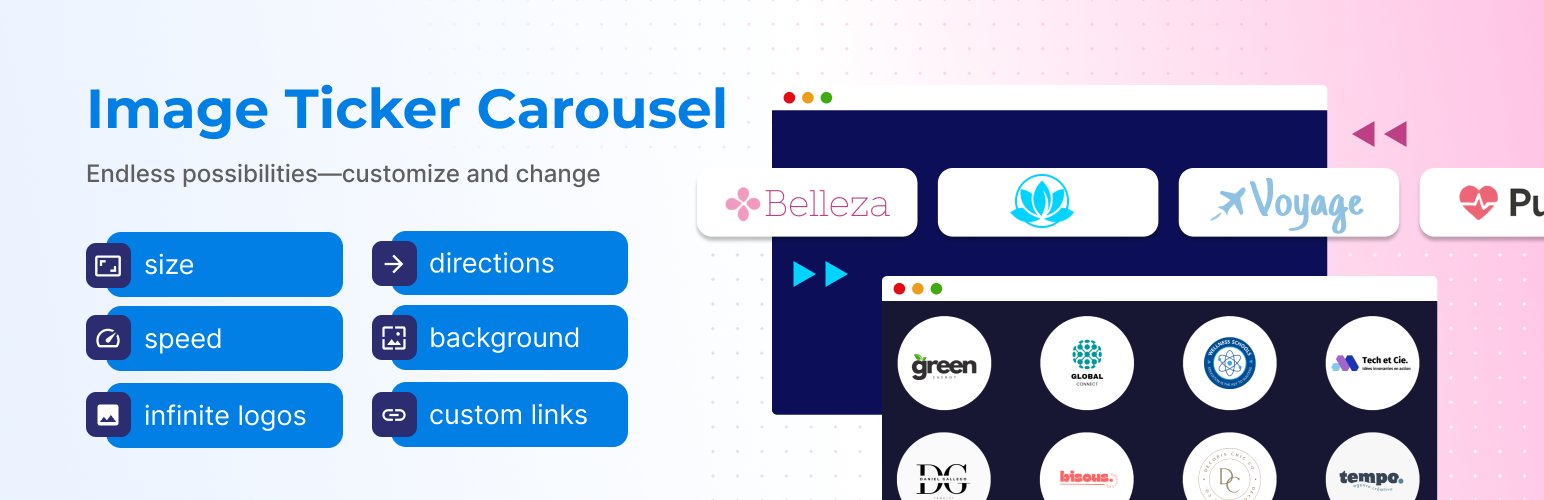
Image Ticker Carousel by Creavi gives Elementor users one flexible widget for partner logos, client showcases, product highlights, sponsors, certifications, press mentions, and promotional images. Choose continuous movement, a step carousel, or a focused cross fade slider. Then style it inside Elementor without writing code.
View the live demo: Image Ticker Carousel for Elementor
Need help or want to suggest a feature? Contact the Creavi support team.
One widget for three common jobs
Most sites do not need three separate add-ons just to move a row of images.
Continuous ticker: Keep logos, sponsors, or partner images flowing in a smooth horizontal loop.
Step carousel: Move one item at a time so visitors can comfortably read titles, descriptions, or product details.
Single item cross fade: Keep attention on one message at a time with a clean fade between items.
Every movement style supports image only, text only, and mixed content items.
Give visitors control when it helps
Automatic movement is useful until someone wants to look more closely. Optional previous and next arrows let visitors browse carousel and cross fade layouts at their own pace. Style their size, colors, position, hover state, and shape, or switch them off. They stay hidden for continuous tickers and single item layouts.
Keep the edges polished, not distracting
The optional side fade gently blends moving content into the viewport edge. It appears only in ticker and multi item carousel layouts. Carousel side fading also switches off when one item fills the viewport, because fading a single full width item would only hide useful content.
Make every item useful
Each item can include an image, title, subtitle, badge, and destination link. The complete item becomes clickable when linked. New tab and nofollow options are supported.
If many items should lead to the same page, you can enable one default link for items that do not have a custom link. This option is disabled by default. The field is prefilled with the Creavi demo page as an editable example, and you can replace or remove it. A custom item link always takes priority.
Fix uneven cards and rushed movement
Long titles, different logo shapes, and the wrong speed can make a carousel feel unfinished. Control image size, text width, spacing, padding, background, radius, typography, ticker duration, slide timing, direction, and looping. Text wraps cleanly, pause on hover gives visitors time to inspect an item, and optional hover or wave effects add emphasis.
Options appear only when they make sense
The Elementor panel changes with the selected movement style. Arrows appear for carousel and cross fade modes. Side fade appears for ticker and carousel modes. Timing controls also match the selected motion. Front end safeguards hide effects when too few items are available.
Built for real Elementor pages
Works with Elementor Free. Elementor Pro is not required.
Responsive controls help the design fit desktop, tablet, and mobile layouts.
No external slider library is loaded.
Navigation buttons have accessible labels, and cloned loop items stay out of keyboard focus.
Reduced motion preferences are respected for decorative animation and transitions.
Empty repeater rows are ignored instead of creating blank slides.
External Services
Optional Creavi email subscription
When a site administrator selects Subscribe & Continue, the plugin sends the entered subscription email, administrator display name, site URL, an anonymous site hash, WordPress version, PHP version, plugin version, Elementor version, and locale to Creavi’s subscriber service at https://osecu.creavi.dk.
This information is used to provide requested security and feature updates, educational content, occasional Creavi offers, and plugin compatibility improvements. No subscription information is sent when the administrator selects Skip. Administrators can change the email address or unsubscribe from the Creavi Ticker page.
Creavi Privacy Policy: https://wordpress.creavi.dk/privacy-policy/
Optional anonymous usage metrics
The plugin can send anonymous usage events to https://osecu.creavi.dk/wp-json/creavi/v1/metrics. Events cover plugin activation, published Elementor documents containing the widget, and plugin deactivation.
Metrics include an anonymous site hash, plugin version, WordPress version, PHP version, Elementor version, event timestamps, browser user agent, and, for a published ticker only, the numeric WordPress document ID and post type. The receiving service stores a one way hash of the request IP address for abuse prevention.
Metrics do not include the site URL, email address, page content, Elementor design data, image URLs, titles, captions, or destination links. Metrics are sent only after an administrator submits the metrics opt-in setting or publishes an Elementor document while the clearly labeled Share Anonymous Usage Metrics widget switch is enabled. Turning the setting off removes queued events.