內容簡介
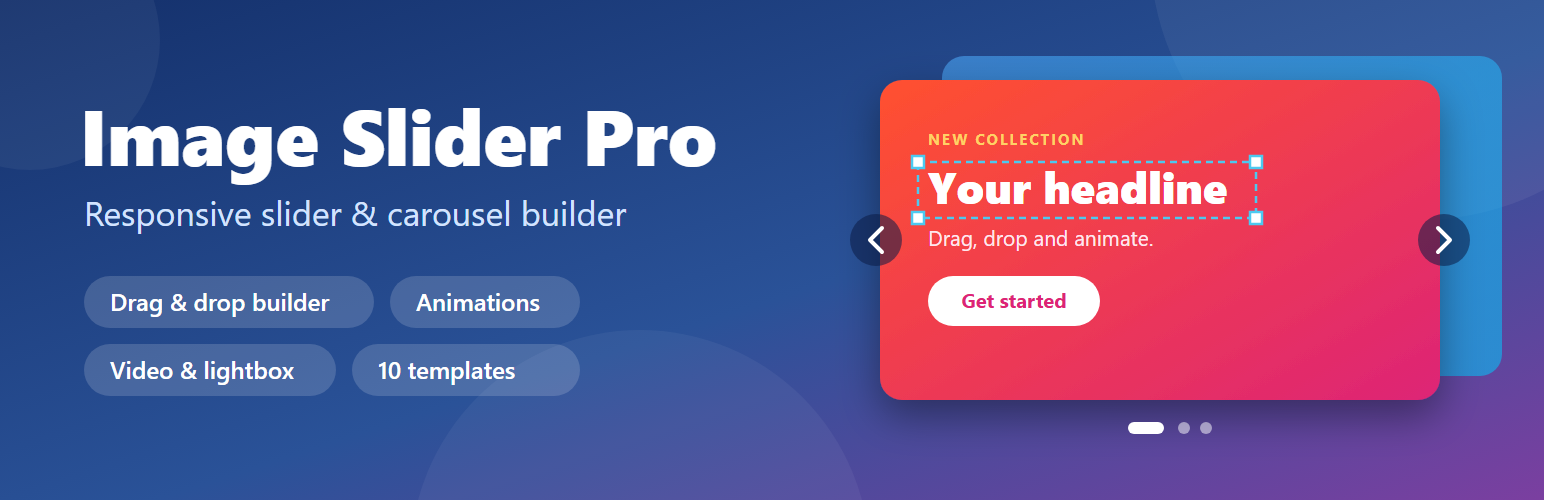
Image Slider Pro 是一個非常有用的外掛,可為您的網站提供令人驚嘆的簡報功能。
使用簡報
在我們的網站中添加此簡碼
[image_slider]
免費外掛功能:
完全響應式簡報外掛
它可以完全調整任何屏幕尺寸或設備解析度。
簡報圓點
簡報導航
關於以上章節的一些注意事項:
標籤:slider、jquery-slider、wordpress-slider、owl-carousul、image-slider、image-slider-pro
外掛標籤
開發者團隊
② 後台搜尋「Image Slider Pro – Responsive Slider & Carousel」→ 直接安裝(推薦)
原文外掛簡介
Image Slider Pro is a fast, mobile-friendly image slider and carousel plugin for WordPress. Build a hero slider, testimonial slider, product slider, banner or card carousel without writing code: add slides, drag headings, text, buttons and images on top of them, set different positions for desktop, tablet and mobile, and give every element its own animation.
Start from one of the 10 ready-made template sliders (six hero banners, testimonials, product showcase, promo banner, cards carousel), or build your own from scratch. Works with the block editor, widgets, shortcodes and theme templates. Compatible with WooCommerce products and any custom post type.
Builder
Drag & drop slides and layers (heading, text, button, image)
Per-layer design: font, size, line height, letter spacing, case, italic, underline, text shadow, colour, background, border, radius, shadow, opacity
Desktop / Tablet / Mobile preview with per-device position, width, font size and visibility
Slide backgrounds: colour, gradient, overlay, focal point, separate mobile image
Live preview: a fully working preview of the unsaved slider at desktop, tablet and mobile width (slide, hover, click, animations, video and lightbox all work)
Undo / redo, local draft recovery, keyboard shortcuts
10 ready-made template sliders with a live preview: six hero banners (classic, centered, dark, bold, app launch, event), testimonials, product showcase, promo banner, cards carousel
Ready-made slide layouts you can add inside the builder
Animation
Entrance animation for every element, with delay and duration, replayed each time a slide appears
Slide transitions: slide, fade, zoom, flip
Ken Burns zoom on the active image
Respects the visitor’s “reduce motion” setting
Slider options
Slides per view with tablet and mobile breakpoints, autoplay, loop, drag, RTL, auto height, fixed height
Arrow styles, dot styles (circles, squares, lines, numbers), colours, sizes and positions, look presets
Thumbnail navigation
Lightbox
Video slides: YouTube, Vimeo or your own file (YouTube and Vimeo load only after the visitor clicks play)
Post-based sliders: latest posts, a category, or WooCommerce products, using a template slide
Custom CSS class and custom CSS per slider
Export and import sliders as JSON
Use it anywhere
Shortcode, Gutenberg block, widget, or image_slider_render() in theme templates
Accessibility
Labelled arrows, dots and slides; hidden slides are removed from the tab order
Pause button for autoplay; autoplay waits while the slider has keyboard focus; arrow keys move the slider
Visible keyboard focus and a keyboard-operable lightbox
Usage
Go to Image Slider > Templates and click “Use this template”, or go to Image Slider > Builder Sliders > Add New to start from scratch.
Change the text and images, then publish.
Copy the shortcode shown on the slider screen into a page.
Example shortcode: [image_slider slider="12"]
Other ways to show a slider:
Block editor: add the Image Slider block and pick a slider.
Widget: Image Slider Pro under Appearance > Widgets.
Theme templates: image_slider_render( array( 'slider' => 12 ) );
Sliders made with the older version of the plugin (slides and groups) keep showing on your site:
[image_slider] shows all slides, [image_slider group="home"] shows one group.
The old “All Sliders”, “Add New Slider” and “Slider Groups” screens are gone. Old slides can no longer be added or edited; make a new slider with the builder and use its shortcode instead. Nothing is deleted.