
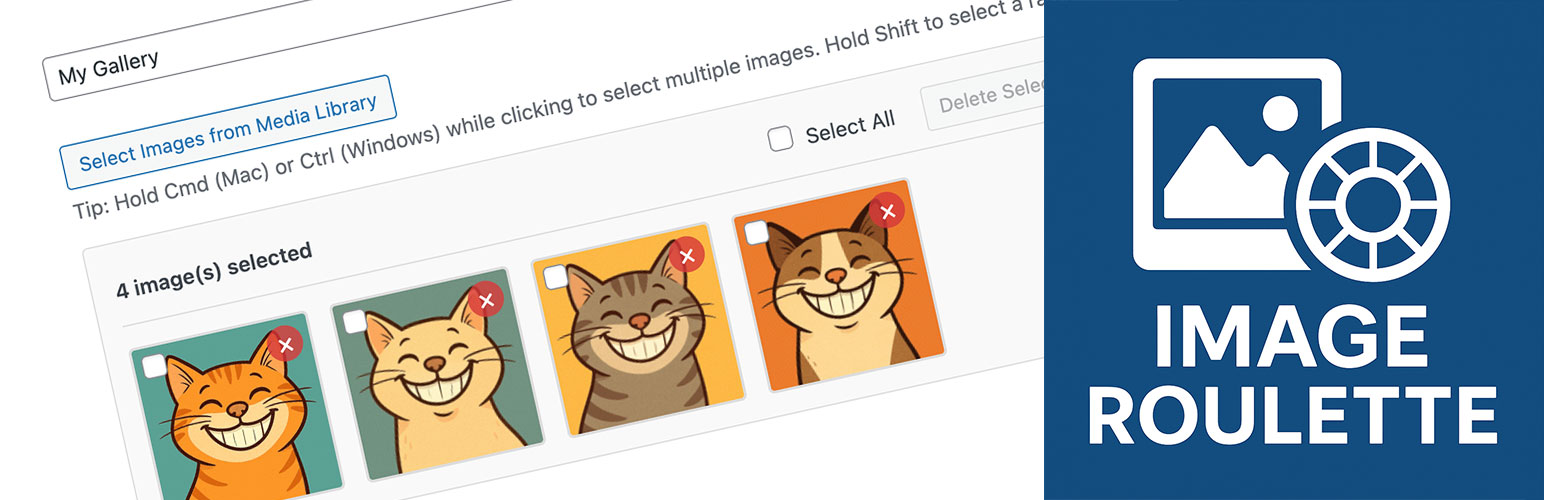
內容簡介
### 外掛介紹總結:
Image Roulette 是一個外掛程式,讓您可以從媒體庫中創建畫廊,並使用短碼或 Gutenberg 區塊顯示這些畫廊中的隨機圖像。非常適用於顯示輪播的證詞、推薦產品、隨機藝術品或任何需要展示多樣性的內容。
### 問題與答案:
1. Image Roulette 外掛的主要功能是什麼?
- 創建自定義畫廊
- 顯示隨機圖像
- 支援 Gutenberg 區塊和短碼
- 提供彈性圖像尺寸設置
- 保持圖像比例的智能調整
- 完全支持輔助功能如 alt 文字、標題和螢幕閱讀器
2. Image Roulette 外掛如何創建畫廊?
- 進入管理儀表板中的 Settings → Image Roulette
- 點擊「建立新畫廊」
- 輸入畫廊名稱
- 從媒體庫中選擇圖像
- 儲存畫廊
3. 如何在網頁中使用 Image Roulette 外掛的區塊?
- 將「Image Roulette」區塊添加到任何頁面或文章
- 從下拉式選單中選擇您的畫廊
- 配置圖像大小設置
- 發佈您的內容
4. 如何在內容中使用 Image Roulette 外掛的短碼?
- 使用 [imagro id="gallery_123" size="large"] 這樣的格式
- 可指定的參數包括:id(畫廊 ID,必填)、size(註冊圖像大小如縮略圖、中等、大、完整)、width(自定義寬度)和 height(自定義高度)
- 例如:
- [imagro id="gallery_123" size="large"]
- [imagro id="gallery_123" width="300"]
- [imagro id="gallery_123" width="400" height="300"]
外掛標籤
開發者團隊
② 後台搜尋「Image Roulette – Random Image Block」→ 直接安裝(推薦)
原文外掛簡介
Image Roulette is a plugin that allows you to create galleries from your Media Library and display a random image from those galleries using either shortcodes or Gutenberg blocks. Perfect for displaying rotating testimonials, featured products, random artwork, or any content where you want to show variety.
Features
Create Custom Galleries: Organize your Media Library images into custom galleries
Random Image Display: Show a different image each time the page loads
Gutenberg Block Support: Native block editor integration
Shortcode Support: Use anywhere shortcodes are supported
Flexible Image Sizing: Choose from registered image sizes or set custom dimensions
Aspect Ratio Preservation: Smart resizing that maintains image proportions
Accessibility Ready: Full support for alt text, captions, and screen readers
User-Friendly Admin: Intuitive interface for managing galleries
Bulk Operations: Select, edit, and delete multiple images at once
Usage
Creating a Gallery:
1. Go to Settings → Image Roulette in your admin dashboard
2. Click “Create New Gallery”
3. Enter a gallery name
4. Select images from your Media Library
5. Save your gallery
Using the Block:
1. Add the “Image Roulette” block to any page or post
2. Select your gallery from the dropdown
3. Configure image size settings
4. Publish your content
Using the Shortcode:
[imagro id=”gallery_1″]
Shortcode Parameters:
* id – Gallery ID (required)
* size – Registered image size (thumbnail, medium, large, full)
* width – Custom width in pixels
* height – Custom height in pixels
Examples:
* [imagro id="gallery_123" size="large"]
* [imagro id="gallery_123" width="300"]
* [imagro id="gallery_123" width="400" height="300"]
Credits
This plugin was inspired by a request from @michelleames for speednetworkonline.com to create an accessible random image block.














