內容簡介
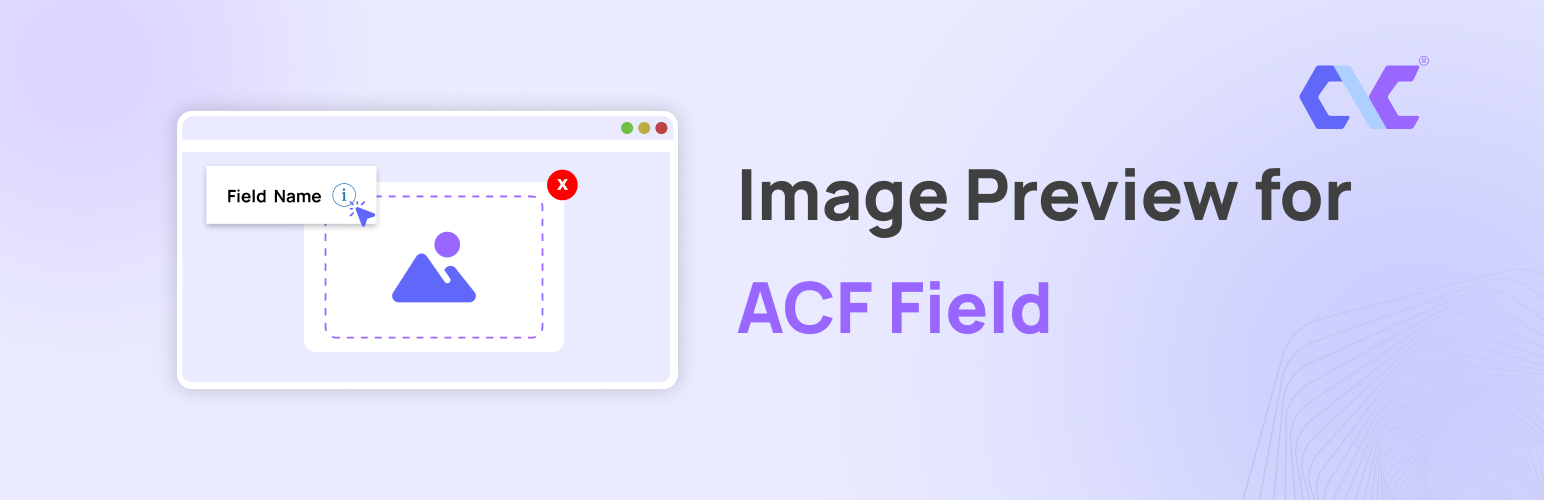
Image Preview for ACF Field 是一款增強 Advanced Custom Fields (ACF) 使用體驗的 WordPress 外掛,透過在欄位旁邊添加視覺幫助圖像和完整的圖庫,讓使用者更方便地理解和使用自訂欄位。
【主要功能】
• 多圖庫支持:自動生成輕量級圖像滑塊
• 自訂動畫 GIF/圖像圖示:可使用自訂圖像作為幫助圖示
• 全球控制面板設定:集中管理彈出視窗和互動
• 視覺幫助圖像:為 ACF 欄位添加預覽圖像
• 彈出視窗與提示:點擊或懸停顯示清晰的彈出視窗
• 簡易整合:與 ACF UI 無縫整合
外掛標籤
開發者團隊
原文外掛簡介
Image Preview for ACF Field is a WordPress plugin that enhances the Advanced Custom Fields (ACF) experience by adding visual help images and full galleries to your fields. When users click or hover on a help icon next to an ACF field, a modal popup appears showing a relevant help image or an interactive image slider!
Features
Multiple Image Galleries – New in v2.0! Select “Gallery” as the media type and automatically generate a beautiful, lightweight image slider for your help documentation.
Custom Animated GIF/Image Icons – New in v2.0! Use any custom image or animated GIF as the help icon next to your fields.
Global Dashboard Settings – Control modal sizes, hover/click interactions, and default icons from a single, beautiful dashboard.
Visual Help Images – Add preview images to ACF fields for visual guidance.
Modal Popup & Tooltips – Clicking or hovering the help icon opens a clean, responsive popup.
Easy Integration – Seamlessly integrates with the ACF UI.
Universal Compatibility – Supports all ACF field types.
Usage
Create or edit a field group in ACF.
For any field, you’ll see a “Preview Image” option—enable it.
Upload or select an image to be shown as a visual help.
Save the field group.
When editing a post or page, a small help icon will appear next to the field.
Click the icon to view the help image in a popup.
Requirements
WordPress 5.0 or higher
Advanced Custom Fields (ACF) plugin
Privacy & Data Collection
Your Privacy Matters
This plugin respects your privacy and operates with full transparency:
No Automatic Data Collection – The plugin does not collect or transmit any data without your explicit consent
Opt-In Telemetry – You can optionally enable anonymous usage tracking from Settings > ACF WYSIWYG Limit to help improve the plugin
Deactivation Feedback – When deactivating, you can choose to share feedback to help us improve. This is completely optional
No Personal Content – We never collect your post content, user passwords, or sensitive information
What We Collect (Only if you opt-in):
Plugin version and settings
WordPress and PHP versions
Theme information
Site language and multisite status
Anonymous site URL (for duplicate detection only)
Deactivation Feedback
When you deactivate the plugin, a feedback modal appears asking for your reason. This helps us improve the plugin:
Completely Optional – You can skip and deactivate immediately
Contact Consent – Check the consent box only if you want us to follow up with support
Your Choice – Your name and email are only sent if you check the consent checkbox