內容簡介
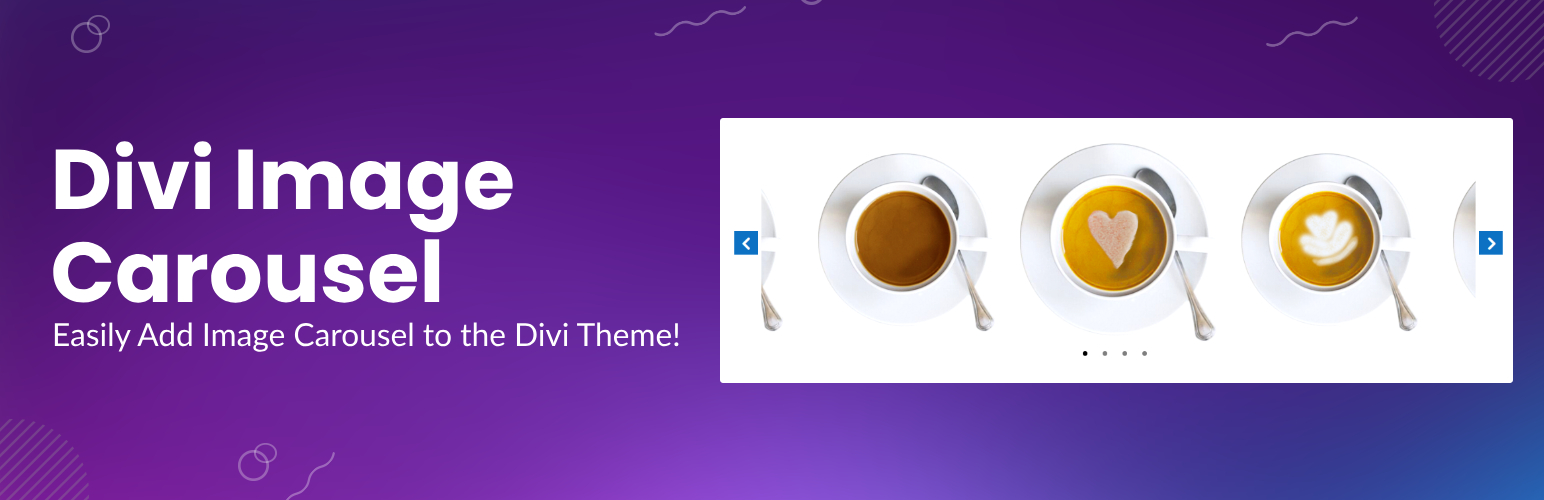
使用Divi圖像輪播外掛在您的網站上添加圖像輪播。此外掛會在Divi Builder中添加一個新的Image Carousel模組。啟用外掛後,模組列表中將出現名為Image Carousel的新模組。您可以使用此模組在Divi Builder中的任何位置添加圖像輪播。
功能:
支援視覺化編輯器
中心模式佈局
同步滑塊佈局(小型輪播與上方全尺寸圖像同步)
自動播放動畫
無限動畫
選擇您要在輪播中顯示的圖像數量。
選擇單擊箭頭或在自動播放時滾動的圖像數量。
Divi Image Carousel Demo
外掛教程:
如何在Divi中創建圖像輪播
其他免費Divi外掛:
Divi文章輪播模組
Divi圖像覆蓋模組
Divi菜單購物車模組
Divi翻轉卡片模組
Divi麵包屑模組
如果您有任何問題或功能點子,請在Support中建立一個新的主題。
外掛標籤
開發者團隊
② 後台搜尋「Image Carousel Module for Divi」→ 直接安裝(推薦)
原文外掛簡介
Add image carousels on your website with the Divi Image Carousel plugin. This plugin adds a new Image Carousel module in the Divi Builder. Once you activate the plugin a new module will appear in your module list by the name of Image Carousel. You can then use the module to add an Image Carousel anywhere inside the Divi Builder.
Transform your Divi website with the Image Carousel Module for Divi, the ultimate solution for creating stunning, responsive image carousels and sliders. Whether you’re showcasing portfolios, products, team showcases, or galleries, this powerful Divi module gives you complete control over design, layout, and animation.
With seamless integration into the Divi Builder, the Image Carousel Module allows you to add visually appealing sliders anywhere on your website. Choose from multiple layouts, including Center Mode, Synced Slider, and Vertical Slider, and customize every aspect of your carousel to match your website’s style and functionality.
Why Choose Image Carousel Module for Divi?
Fully Responsive: Adjust slides count, scroll, arrows, and dots for desktop, tablet, and mobile.
Multiple Layouts: Choose from Default, Center Mode, Synced Slider, or Vertical Slider layouts.
Customizable Navigation: Show or hide arrows and dots, and style them with custom colors, backgrounds, and positions.
Advanced Animation Options: Enable autoplay, infinite looping, and set animation speeds for smooth transitions.
SEO-Friendly: Add alt and title attributes to images for better accessibility and search engine optimization.
Design Flexibility: Customize borders, box shadows, and padding for images, center images, and main images.
Easy to Use: No coding required—just drag, drop, and customize in the Divi Builder.
Key Features:
Visual Builder Integration: Add and edit carousels directly in the Divi Visual Builder.
Autoplay Animation: Automatically scroll through images with adjustable animation speed.
Infinite Animation: Enable seamless looping for a continuous carousel experience.
Center Mode Layout: Highlight the center image with customizable padding and styling.
Synced Slider Layout: Sync a thumbnail carousel with a larger image slider for better navigation.
Responsive Controls: Adjust slides count, scroll, arrows, and dots for different devices.
Custom CSS Easing: Choose from ease, linear, ease-in, ease-out, or ease-in-out for smooth animations.
Arrow and Dot Customization: Style navigation elements with custom colors, hover effects, and positions.
Border and Box Shadow Styling: Add borders and shadows to images for a polished look.
How It Works:
Activate the Plugin: Once activated, the “Image Carousel” module will appear in your Divi Builder module list.
Add the Module: Drag and drop the Image Carousel module into any section of your Divi layout.
Customize Your Carousel: Select images, adjust layout settings, enable animations, and style navigation elements—all from the intuitive module settings panel.
Publish and Enjoy: Save your changes and watch your carousel come to life on your website.
Demo & Tutorial:
Divi Image Carousel Demo
How to Create an Image Carousel in Divi
More Free Divi Plugins
Divi Post Carousel Module
Divi Contact Form DB
Divi Overlay on Images Module
Divi Menu Cart Module
Divi Flip Cards Module
Divi Breadcrumbs Module
If you have any questions or feature ideas please create a new thread in Support.