內容簡介
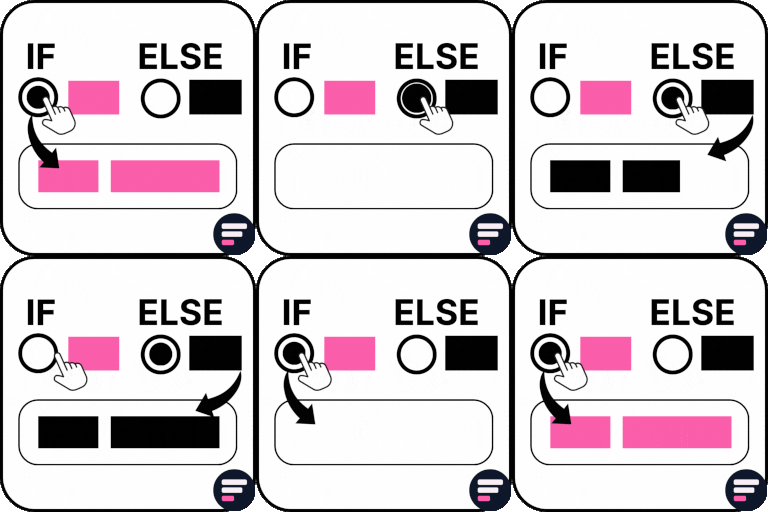
這個方塊使您能夠設置不同的可見性規則,僅當滿足特定條件時,指定的內容才會出現(或隱藏)。
您可以在 if-block 內添加任何 Gutenberg 塊,僅在滿足指定條件的情況下渲染在您網站的前端。此方塊還提供了一個額外的區域 (else-block),可以在未滿足定義的條件時顯示替代內容。
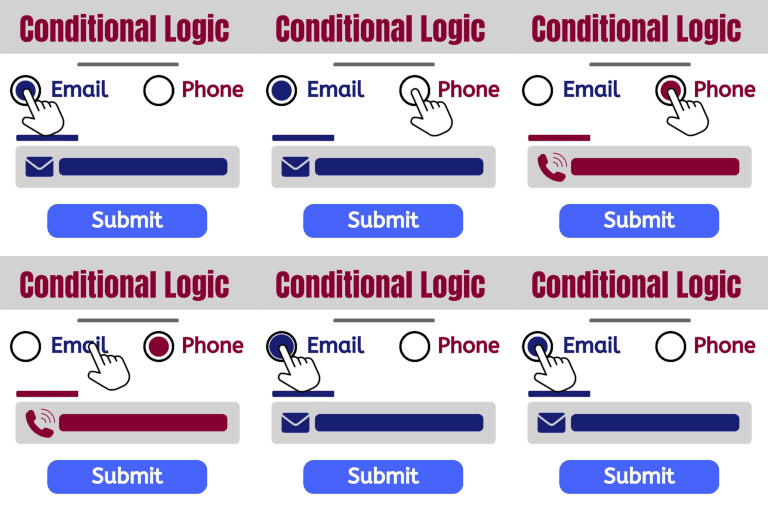
此方塊的條件邏輯支持 AND 和 OR 運算符,與篩選特定用戶角色以及檢測訪問者的瀏覽器軟件。
外掛標籤
開發者團隊
② 後台搜尋「If Block — Visibility control for Blocks」→ 直接安裝(推薦)
原文外掛簡介
This block enables you to configure certain content to appear only if specified conditions are met (or be hidden) by setting different visibility rules.
You can add any Gutenberg block inside an if-block, have it render on the front-end of your site only if specified conditions are met. This block also provides an additional area (else-block) that can optionally display an alternative content in place when defined conditions are not met.
The conditional logic of this block supports both AND and OR operators in conjunction with filtering a specif user role and also detecting visitor’s browser software as well.