內容簡介
總結:Block: Icon Font Awesome 是一款特別設計來簡化使用者在 WordPress 頁面中展示 Font Awesome 圖示集合的 Gutenberg 外掛程式。這款外掛讓您可以直接透過 Gutenberg 區塊輕鬆地新增和自訂 Font Awesome 圖示。
問題與答案:
1. 什麼是 Block: Icon Font Awesome?
- Block: Icon Font Awesome 是一個針對 Gutenberg 而設的外掛程式,目的在於簡化使用者展示 Font Awesome 圖示集合的過程。
2. Block: Icon Font Awesome 主要的優勢是什麼?
- Block: Icon Font Awesome 主要的優勢在於能夠輕鬆整合 Font Awesome 圖示到您的 WordPress 頁面或文章中,不需要深入了解程式碼知識,您可以選擇適合網站設計的不同圖示並對其進行自訂。
3. 使用 Block: Icon Font Awesome 有什麼特別吸引人之處?
- Block: Icon Font Awesome 更具吸引力的地方在於其非常小的字型檔案大小,僅約100KB左右。這意味著使用這個外掛程式不會拖慢您網站的加載速度。擁有輕量級的負載,您可以保證網站仍保持靈敏與快速,同時還能充分利用 Font Awesome 圖示的豐富性。
4. 如何使用此外掛程式?
- 進入 Gutenberg 編輯器
- 到 Gutenberg 區塊類別媒體,然後選擇 Font Awesome
- 點擊圖示庫按鈕
- 當彈出視窗出現時,請選擇其中一個圖示並點擊它。
外掛標籤
開發者團隊
原文外掛簡介
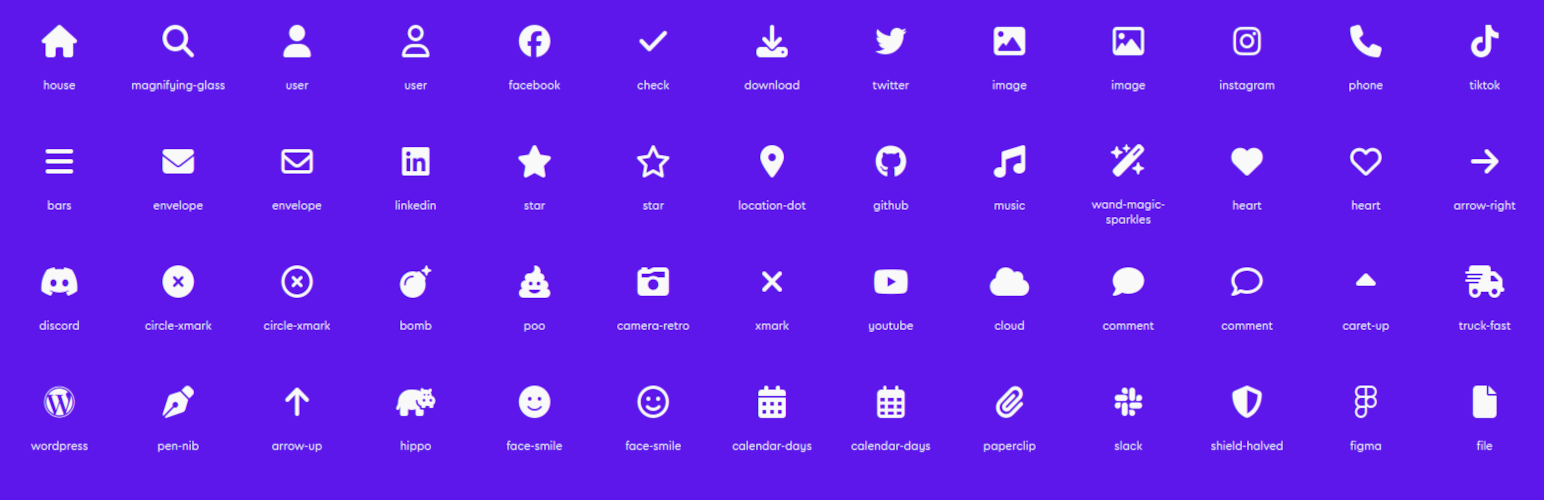
Block: Icons Font Awesome adds a single, focused Icon block to the WordPress block editor (Gutenberg). Pick from roughly 2,000 free Font Awesome 6 icons and drop them anywhere — no shortcodes, no page builder, no coding.
Icons render as inline SVG, so your site never loads the Font Awesome webfont or an extra stylesheet just to show an icon. That keeps pages fast and the markup clean.
Features
~2,000 free Font Awesome 6 icons — Solid, Regular, and Brands.
Full-screen icon picker with instant search (by name and keyword), a category sidebar with per-style counts, a style filter, and a “recently used” list.
Inline SVG output — no webfont, no render-blocking icon CSS.
Styling controls — color, hover color, size, and alignment.
Link support — wrap the icon in a link, optionally opening in a new tab.
Accessibility — mark an icon as decorative (hidden from screen readers) or give it a label; links always get an accessible name.
Global defaults — a Settings page to set the default style, size, and color, and to choose which icon styles appear in the picker.