外掛標籤
開發者團隊
② 後台搜尋「Hushpage – Maintenance Mode & Coming Soon」→ 直接安裝(推薦)
原文外掛簡介
Hushpage shows visitors a clean “back soon” page while you work, and gets out of the way. It is built for site owners and agencies who need maintenance to be precise: only the pages you are working on, at the times you planned, with proof that caches were cleared.
What makes it different
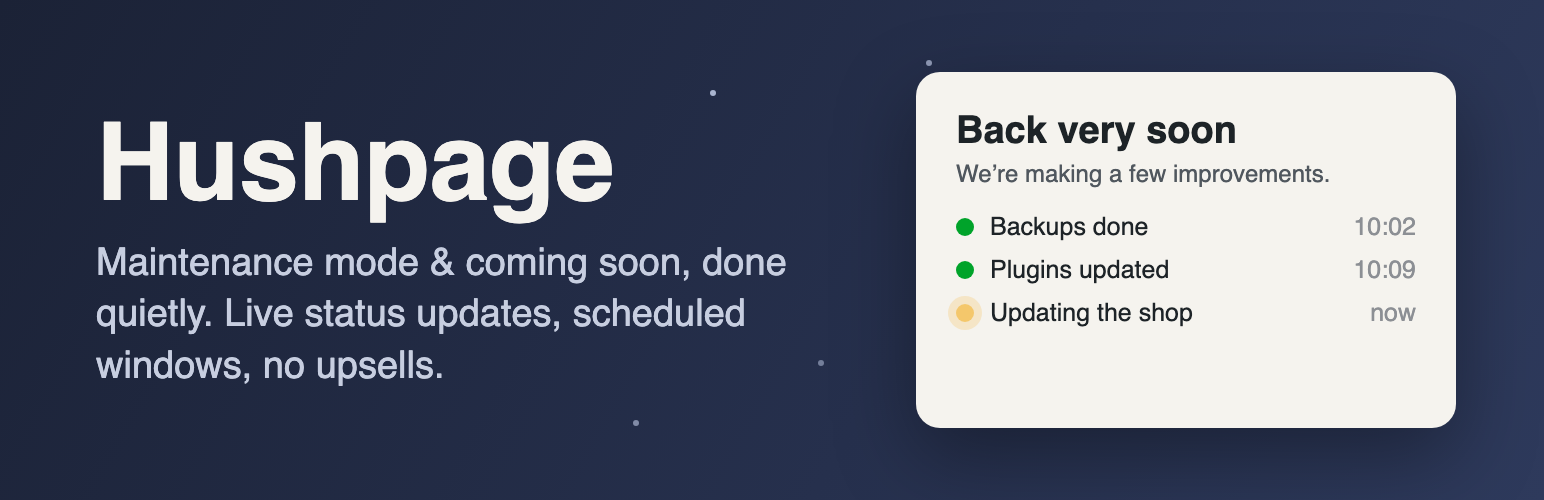
Live status updates, and visitors come back by themselves. Post short progress notes while you work (“Backups done”, “Updating the shop”) from the settings screen or WP-CLI; they appear on the maintenance page as a small timeline. Pages visitors leave open check in once a minute, show new updates, and reload straight into your site the moment maintenance ends, so nobody has to keep pressing refresh.
“Leave us a message” form, with an inbox. Optional. Visitors can write to you while the site is down; messages land in a Messages tab (and your email), with CSV export. Spam is stopped without any outside service, visitors must agree before anything is stored, and messages are deleted automatically after a period you choose.
Maintenance on selected pages only. Take just /shop/ or /checkout/ offline while the rest of the site stays live, and keep pages such as your privacy policy or a payment page always available.
Scheduled maintenance windows. Set a start and an end time. The page switches itself on and off on time (using WP-Cron, so it works even when a page cache is serving visitors), and the site admin can get an email when the window starts and ends.
Cache clearing you can see. A log on the settings screen shows when caches were cleared, why, and which ones (LiteSpeed Cache, WP Rocket, W3 Total Cache, WP Super Cache, WP Fastest Cache, WP-Optimize, Breeze, SiteGround).
Site Health checks. Tools → Site Health warns you when the maintenance page has been left on long enough to hurt search rankings, and when the site uses a page cache Hushpage can’t clear.
Everything else you’d expect
One settings screen. Switch it on, write your message, save.
Everything is editable, for free. Headline, message, browser title, footer, logo, colours, background image, contact email, social links and a countdown. No “Pro” version.
No nags. No review requests, newsletter prompts, upsells, dashboard banners or bundled plugins.
No tracking and no external requests. The page uses system fonts and loads nothing from third-party servers.
Search-engine friendly. Maintenance mode sends HTTP 503 with a Retry-After header, so search engines know the outage is temporary. Coming soon mode sends a normal 200 response and can ask search engines not to index the page.
You can’t lock yourself out. Administrators always see the real site.
Share the real site with clients. A secret link lets anyone you choose see the site for a set number of days without logging in. Create a new link at any time to revoke the old one. You can also allow specific IP addresses or user roles.
Works with caching. Page caches from LiteSpeed Cache, WP Rocket, W3 Total Cache, WP Super Cache, WP Fastest Cache, WP-Optimize, Breeze and SiteGround are cleared automatically when you switch on or off, and the maintenance page itself is never cached.
Leaves nothing behind. Uninstalling removes its settings, messages, status updates, cache log and scheduled events.
For developers and agencies: WP-CLI commands (wp hushpage status, wp hushpage enable, wp hushpage disable, wp hushpage update "…", wp hushpage bypass-link), an emergency HUSHPAGE_DISABLE constant, and filters to override the template, the visitor IP, or skip specific requests.