
內容簡介
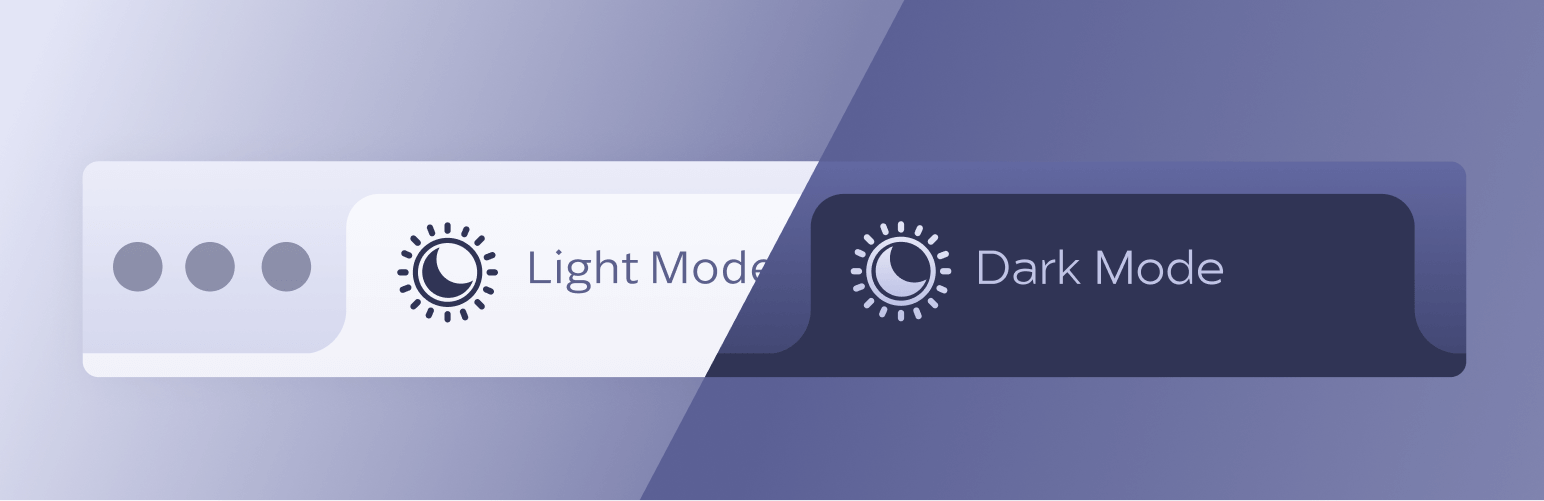
總結: Huntsman Dark Mode Site Icon 外掛允許您為淺色模式和深色模式設置獨立的網站圖示。透過 WordPress 內建的 Site Icon 上載一個淺色模式圖示,並使用此外掛上載一個獨立的深色模式圖示,系統會根據訪客的系統主題自動顯示適當的圖示。
1. 外掛的主要特點:
- 可分別為淺色模式和深色模式設置網站圖示
- 在 WordPress 管理員內有簡單的上傳界面
- 可在前端、管理區域和登錄畫面上運作
- 可選的啟用/停用切換
- 不取代或覆蓋核心的 WordPress Site Icon
- 可通過 WP API 存取
2. 使用方法:
- 網站圖示 (WordPress): WordPress 預設的網站圖示,仍由 WordPress 管理。
- 深色模式網站圖示: 只有在使用者系統處於深色模式並且瀏覽器支援 prefers-color-scheme 時才會使用此圖示。
- 若未設置深色模式網站圖示,該外掛不會執行任何操作,WordPress 將正常運作。
3. REST API: 外掛提供一個公共的 REST 端點來存取深色模式網站圖示:
- /wp-json/hdmsi/v1/icons
- 示例回應:
{
“enabled”: true,
“dark”: {
“id”: 123,
“url”: “https://example.com/icon-dark.png”
}
}
- 也提供深色模式的 Web App Manifest,路徑為:
- /wp-json/hdmsi/v1/manifest?mode=dark
希望這些資訊對你有所幫助。
外掛標籤
開發者團隊
② 後台搜尋「Huntsman Dark Mode Site Icon」→ 直接安裝(推薦)
原文外掛簡介
Huntsman Dark Mode Site Icon allows you to set a separate site icon for light and dark mode.
Upload one icon for light mode using WordPress’s built-in Site Icon, and upload a separate icon for dark mode using this plugin. The appropriate icon is then displayed automatically based on the visitor’s system theme.
No code or configuration is required. If no dark mode icon is set, WordPress behaves exactly as normal.
Key Features
Separate site icons for light mode and dark mode
Simple upload interface in the WordPress admin
Works on the frontend, admin area, and login screen
Optional enable/disable toggle
Does not replace or override the core WordPress Site Icon
Accessable via the WP API
Usage
Site Icon (WordPress)
This is the default WordPress Site Icon and is still managed by WordPress.
Dark Mode Site Icon
This icon is only used when the user’s system is in dark mode and the browser supports prefers-color-scheme.
If the Dark Mode Site Icon is not set, the plugin does nothing and WordPress behaves normally.
REST API
The plugin exposes a public REST endpoint for accessing the Dark Mode Site Icon:
/wp-json/hdmsi/v1/icons
Example response:
{
“enabled”: true,
“dark”: {
“id”: 123,
“url”: “https://example.com/icon-dark.png”
}
}
A dark-mode Web App Manifest is also available at:
/wp-json/hdmsi/v1/manifest?mode=dark
