外掛標籤
開發者團隊
原文外掛簡介
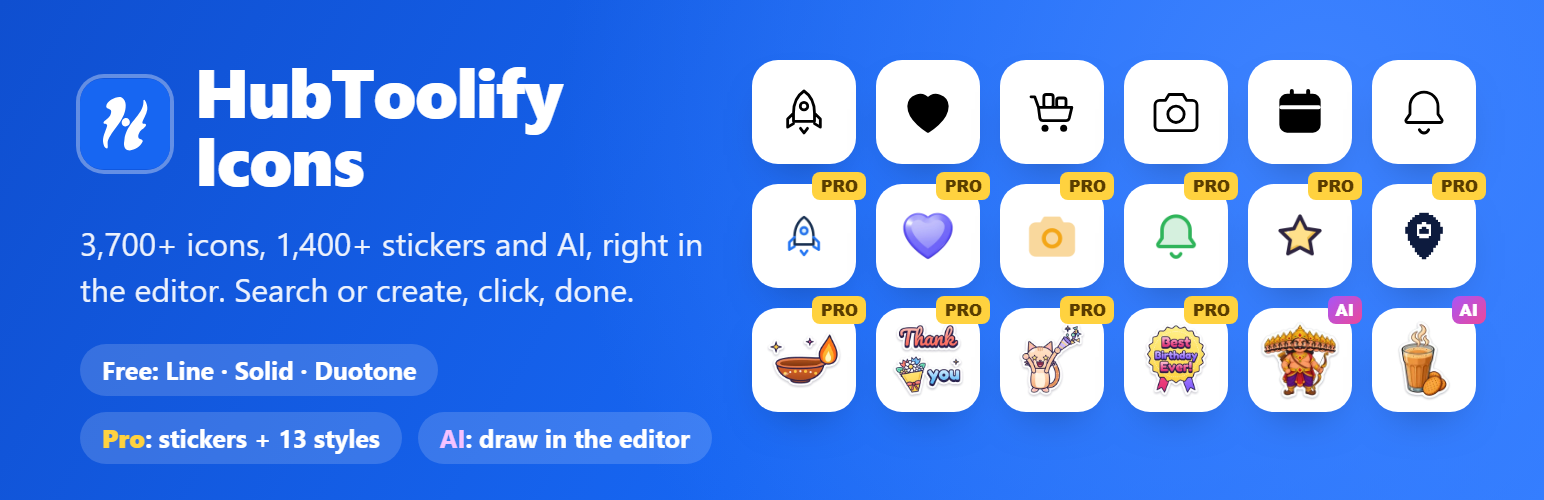
HubToolify Icons adds an Icon block to the editor. Search the HubToolify library by name or meaning (try “rocket”, “cart” or “secure”), pick a style, and click an icon to insert it. Set its size, colour, alignment and alternative text in the block settings.
It also adds a Sticker block. Browse 1,400+ HubToolify stickers (festivals such as Diwali, Christmas and Navratri, birthdays, thank-you notes, small-business labels, cute animals and more, still and animated), filter by pack, and click one. The sticker is saved in your Media Library and becomes an ordinary Image block. Stickers are part of HubToolify Pro: everyone can browse them, and inserting needs a connected Pro account.
Create with AI. Both blocks have a “Create with AI” button. It opens the HubToolify AI Icon Generator or AI Sticker Generator in a window of its own: describe what you need in your own words (Hindi and Hinglish work too), pick from the versions, change one with a message, and press Insert. An AI icon goes into the Icon block as clean SVG; an AI sticker, an animated sticker or an animated icon goes into your Media Library and becomes an Image block. AI is paid with the AI credits of your HubToolify account: HubToolify Pro includes credits every month, and Pro members can buy top-ups on hubtoolify.com. Nothing is sold inside WordPress.
3,700+ original icons drawn on one 24 px grid, across 44 categories.
Free styles: Line, Solid and Duotone, for everyone, no account needed.
Pro styles: Sharp Line, Sharp Solid, Sharp Duotone, Imprint, Pixel, Slab, Mellow, Draw, Duo, Flat, Jass, 3D and Lineal. Connect a HubToolify account with an active Pro plan to insert them.
Fast pages: each icon is saved in your post as a small inline SVG. Your pages load no icon font, no script and nothing from HubToolify.
Yours to keep: inserted icons stay in your posts, and stickers in your Media Library, if you disconnect, your plan ends or you remove the plugin.
1,400+ stickers (Pro): still stickers as 512 px WebP; animated stickers as animated WebP or GIF. Each is saved once in your Media Library and reused after that.
AI icons and stickers: HD, animated and library-style icons, stickers and animated stickers, drawn for you and inserted in one click. Credits are spent on hubtoolify.com, at the prices shown there.
Accessible: add alternative text for icons that carry meaning; decorative icons are hidden from screen readers.
Each WordPress user connects their own HubToolify account, from the block or from Settings → HubToolify Icons. Connecting shows a short code that you enter on hubtoolify.com; no password is ever typed into WordPress.
The [hti] shortcode from the earlier version keeps working for the free styles, e.g. [hti name="rocket" style="solid" size="32" color="#1766f2"].
External services
This plugin uses the HubToolify service at https://hubtoolify.com to search the icon and sticker libraries and to fetch the icons and stickers you insert. Without it the plugin cannot find or insert them.
What is sent, and when:
When you search in the block: your search words, the chosen style, category and page number. Sent from your site’s server.
When you insert an icon (or the [hti] shortcode shows an icon for the first time): the icon’s name and style. For a Pro style, the access token of the HubToolify account you connected is sent too, so HubToolify can check your Pro plan.
When you search stickers: your search words, the chosen pack, the still/animated filter and the page number.
When you insert a sticker: the sticker’s name, the format (WebP or GIF) and the access token of the HubToolify account you connected, so HubToolify can check your Pro plan. HubToolify counts the download for its “Trending” list and for your own “My library” page.
When you click “Create with AI”: your browser opens hubtoolify.com/icons/generate or hubtoolify.com/stickers/generate in a new window, with your site’s address in the link so the page can check that your account connected this site. Everything you type there (your descriptions) is sent to hubtoolify.com, which uses OpenAI to draw, and charges your HubToolify AI credits as described on hubtoolify.com/pricing. When you press Insert, that window sends the finished file to this editor window; the plugin then uploads it to your Media Library (an image) or cleans it on your server (an SVG icon). Your WordPress site sends nothing to hubtoolify.com for this.
The account panel also shows your AI credit balance, read with your access token.
When you connect or disconnect your account: your site’s address (to name the connection on your HubToolify account page), and the temporary code and token used to connect.
Every request also carries your site’s address in its User-Agent.
No visitor data is sent: requests are made only from the WordPress admin by logged-in users, or once per icon by the [hti] shortcode, never from your visitors’ browsers. Icon and sticker previews in the editor are loaded from hubtoolify.com.
The service is provided by HubToolify: Terms of Service, Privacy Policy.