內容簡介
使用 Homepage Control 外掛,任何採用「homepage」或其他钩子(hook)在首頁上顯示組件的佈景主題,可以更好地進行配置。重新排序或禁用佈景主題新增的任何首頁元件,且控制鉤住「homepage」勾子(hook)的任何功能的顯示和排序。
需要協助嗎?請查看外掛的文件。
使用方式
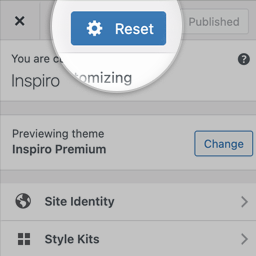
啟用外掛後,「Homepage Control」選項將顯示在佈景主題自訂器中(外觀>自訂器)。
進入該畫面會顯示可能的首頁元件表格,可重新排序或禁用個別元件的選項。
完成後,請按下「儲存變更」按鈕,將新的元件順序提交到系統中。
外掛標籤
開發者團隊
原文外掛簡介
Using Homepage Control, any theme which uses a “homepage” (or other) hook to display components on a homepage, just got better. Re-order or disable any of the homepage components added by your theme, and control the display and order of any function hooked on to the “homepage” hook.
Looking for a helping hand? View plugin documentation.
Usage
Once activated, a “Homepage Control” item will display in the Theme Customizer ( Appearance > Customizer ).
Visiting this screen will display a table of the possible homepage components, with options for re-ordering them, or disabling individual components.
Once done, click the “Save Changes” button, to commit your new component order into the system.