外掛標籤
開發者團隊
原文外掛簡介
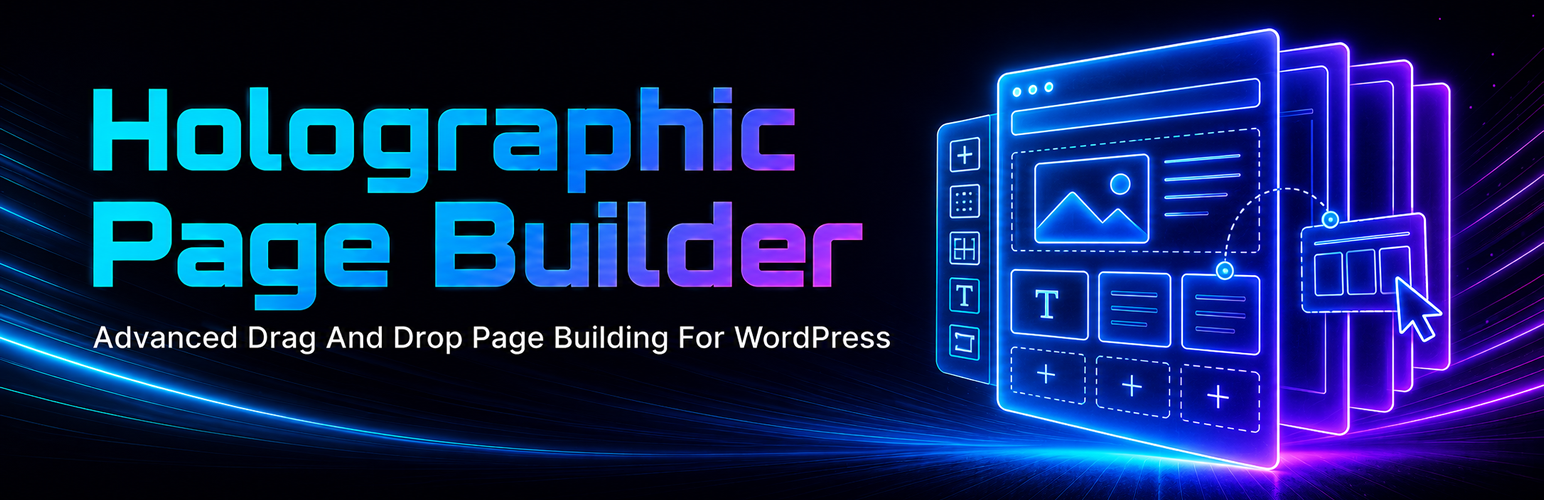
Holographic Page Builder adds HoloEdit, a visual editor for WordPress pages and posts. It is designed for site owners and developers who want the speed of clean server-rendered output without the deep wrapper markup, public editor scaffolding or heavy front-end assets often produced by larger visual builders.
Layouts are stored as structured JSON in post meta and rendered by PHP on the server. HoloEdit loads editor assets only in the admin editor and loads front-end assets only when the rendered page needs them.
A simple heading can render as a simple heading. Layout containers are only rendered when the layout requires them.
Main benefits
Clean, minimal front-end HTML.
Server-side rendering.
Conditional front-end CSS and JavaScript.
No public editor interface markup.
No large front-end framework.
Structured JSON layout storage.
Visual editing without unnecessary nested builder wrappers.
Safe Rich Text source editing for allowed HTML.
Import, export, duplicate, preview and restore tools for HoloEdit layouts.
Converter tool for supported builder layouts, shortcode layouts, block layouts and classic content.
Included widgets
Heading.
Rich Text.
Image.
Simple Gallery.
Button.
Video.
Divider.
Spacer.
Icon List.
Accordion.
Tabs.
Shortcode.
Layout.
How HoloEdit works
After activation, supported post types show an Edit In HoloEdit action for users with the correct capability. When a page or post is edited with HoloEdit, the visual layout is saved to that item as HoloEdit layout data.
On the public page, HoloEdit replaces the normal content only for pages or posts that have HoloEdit enabled. Other content continues to use the normal WordPress output path.
Converter
The Converter screen can detect supported source layout data and create a HoloEdit layout for the selected page or post. The source layout data is left in place so you can review the result before deciding what to keep.
The converter is intended as a clean migration aid. Complex third-party builder designs may need manual checking after conversion because different builders store layouts and styling in different ways.
Security and permissions
HoloEdit uses WordPress capabilities and nonces for editor actions, layout saves, imports, exports, restores, duplicates and converter actions.
Rich Text accepts safe HTML. Script tags, style tags, PHP and executable code are not accepted by HoloEdit input fields.
External services
Holographic Page Builder does not send layout data to an external service. It does not require an account with a third-party service.
Data stored
HoloEdit stores layout data in post meta on the edited page or post. It also stores layout revision data used by the restore tools. The plugin does not create custom database tables.
Uninstall
When the plugin is uninstalled through WordPress, HoloEdit options and HoloEdit post meta are removed.