內容簡介
Hide Shipping Methods for WooCommerce 外掛能夠在客戶符合免費運送條件時,自動隱藏所有付費運送選項,避免顧客混淆,提升購物體驗。
【主要功能】
• 當免費運送可用時,隱藏所有付費運送選項
• 可選擇將當地取貨顯示在免費運送旁邊
• 使用 WooCommerce 的免費運送規則
• 支援經典購物車和結帳頁面
• 兼容 WooCommerce 高效能訂單儲存 (HPOS)
• 一個設定,不影響速度
外掛標籤
開發者團隊
② 後台搜尋「Hide Shipping Methods for WooCommerce – Show Only Free Shipping」→ 直接安裝(推薦)
原文外掛簡介
When a customer qualifies for free shipping, WooCommerce still lists your paid shipping methods next to it. Customers get confused, and some even choose a paid option by mistake.
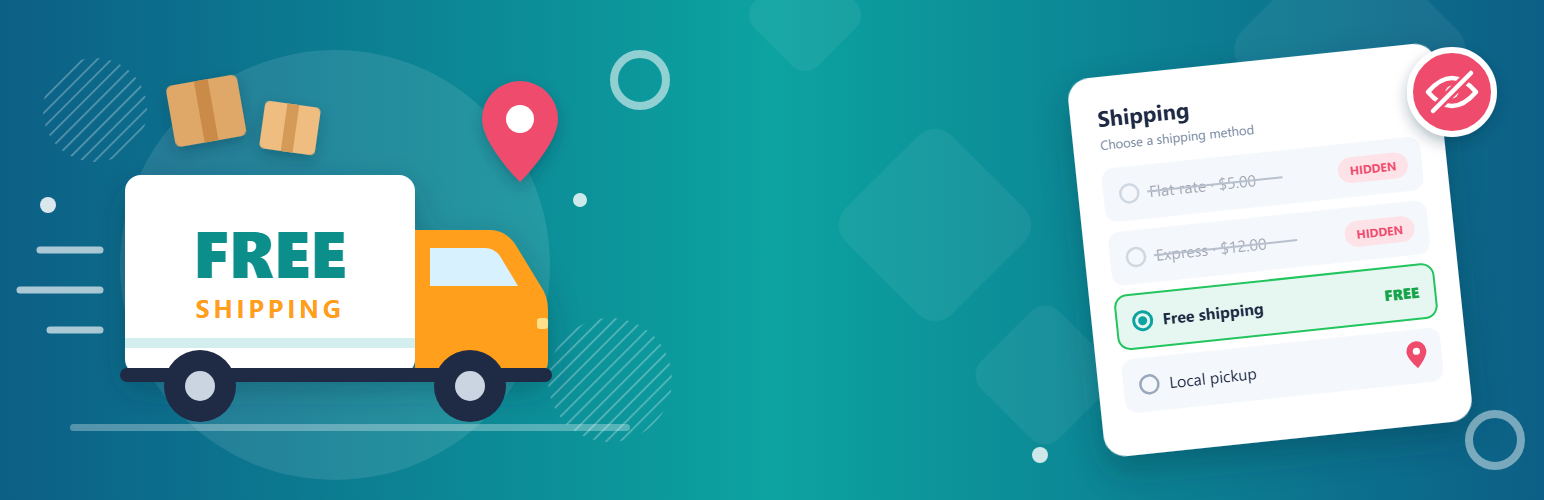
Hide Shipping Methods for WooCommerce fixes this. As soon as WooCommerce’s Free shipping method is available, all other shipping methods are hidden in the cart and at checkout. You can also keep Local Pickup visible next to free shipping.
Features
Shows only Free shipping when it is available: flat rate, table rate and other paid methods are hidden.
Option to keep Local Pickup alongside Free shipping, including the pickup locations of the block-based Checkout.
Uses WooCommerce’s own Free shipping rules (minimum order amount, free shipping coupons) from your shipping zones.
Works with the classic cart and checkout and with the Cart and Checkout blocks.
Compatible with WooCommerce High-Performance Order Storage (HPOS).
One setting and no slowdown: it only filters the shipping rates WooCommerce has already calculated.
How it works
Set up Free shipping in a shipping zone (WooCommerce > Settings > Shipping), for example with a minimum order amount.
Go to WooCommerce > Settings > Shipping > Shipping options and choose either:
Hide all other shipping methods and only show “Free Shipping”, or
Hide all other shipping methods and only show “Free Shipping” and “Local Pickup”.
Save. When an order qualifies for free shipping, customers see only the methods you chose.
When an order doesn’t qualify for free shipping, all your shipping methods are shown as usual.
Like the plugin? Please consider leaving a review. It helps other store owners find it.