內容簡介
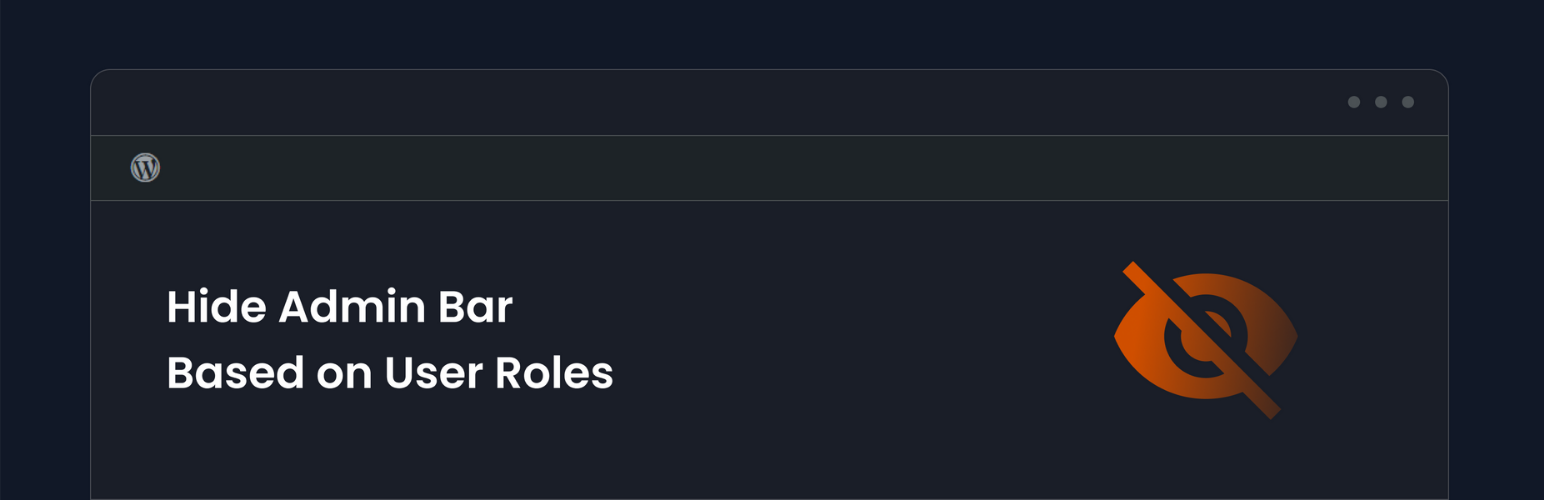
Hide Admin Bar Based on User Roles 讓你能夠精確控制誰能看到 WordPress 工具列。無論是會員網站、WooCommerce 商店,或是希望為訂閱者提供更乾淨的前端介面,此外掛都能根據角色、能力、裝置、頁面或時間隱藏管理工具列。
【主要功能】
• 隱藏所有用戶:完全移除前端的管理工具列
• 隱藏訪客:確保未登入的訪客看不到工具列
• 角色基礎隱藏:為特定角色隱藏工具列
• 能力基礎隱藏:根據 WordPress 能力隱藏工具列
• 輕量快速:無外部請求,前端無資料庫負擔
外掛標籤
開發者團隊
② 後台搜尋「Hide Admin Bar Based on User Roles」→ 直接安裝(推薦)
📦 歷史版本下載
原文外掛簡介
Hide Admin Bar Based On User Roles gives you complete control over who sees the WordPress toolbar.
Whether you are running a membership site, a WooCommerce store, or simply want a cleaner frontend for your subscribers, this plugin lets you hide the admin bar with precision — by role, capability, device, page, or time. Stop exposing backend links to users who don’t need them.
The plugin is lightweight, developer-friendly, and works immediately upon activation — no configuration required to get started.
Simple but great plugin. 🙂
– wptoolsdev
Works flawlessly! 🙂
– thebrazeneye
🚀 Key Features (Free)
Hide for All Users: Completely remove the admin bar from the frontend for everyone.
Hide for Guests: Ensure non-logged-in visitors never see the toolbar.
Role-Based Hiding: Select specific roles (e.g., Subscriber, Customer, Editor) to hide the bar for.
Capability-Based Hiding: Hide the bar based on WordPress capabilities (e.g., hide for anyone who cannot manage_options).
Lightweight & Fast: Zero bloat — no external requests, no database overhead on the frontend.
🏆 Premium Features (Pro)
Unlock advanced visibility logic with the Pro version:
* Page-Based Targeting: Show or hide the admin bar only on specific URLs, post types, or page templates.
* Device Detection: Hide the toolbar on Mobile or Tablet to save screen space, while keeping it on Desktop.
* Per-User Overrides: Manually force the admin bar to show or hide for individual user accounts.
* Time-Based Visibility: Automatically hide the bar during specific hours of the day.
* Smart Redirects: Redirect users to the homepage or a custom URL when they try to access the backend.
* Inactivity Auto-Hide: Automatically slide the toolbar away after a configurable period of inactivity.
* Import / Export Settings: Back up and migrate your configuration across sites in one click.
You can check our other plugins:
All-in-One WordPress Toolkit for SEO, Security, Customization, and Performance
Like Dislike For WP
Disable Block Editor FullScreen mode
NoteFlow – Smart Notes Manager for WordPress Admin