內容簡介
### 總結:
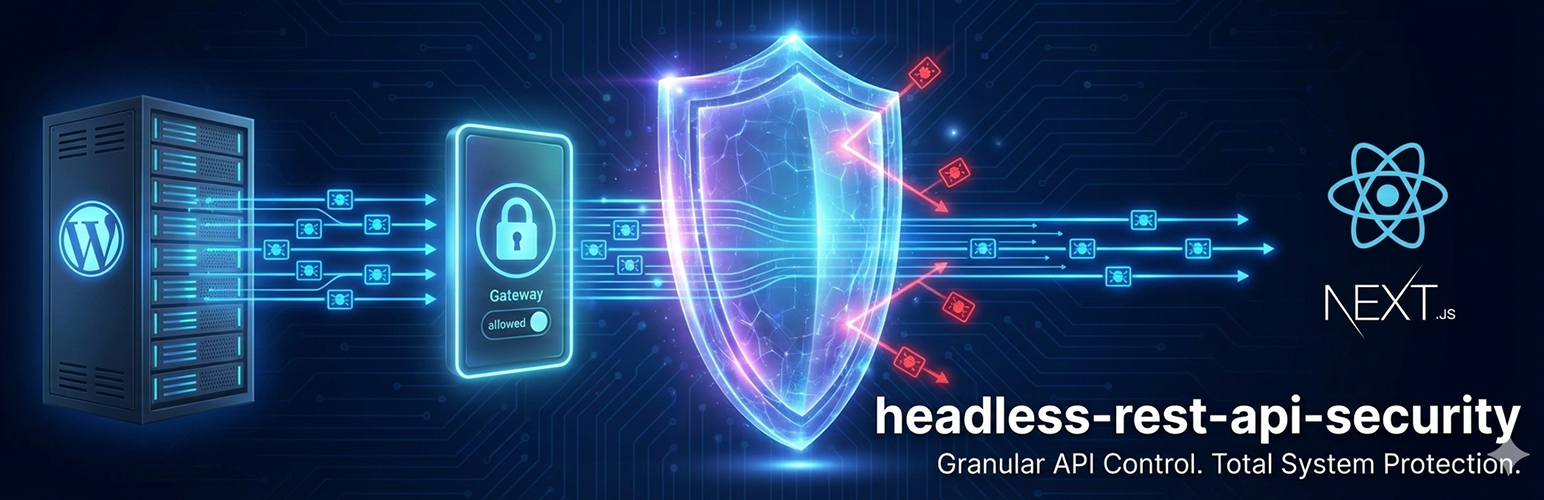
Headless REST API Security 是 WordPress API 保護的「瑞士軍刀」。如果您正在運行 Headless WordPress 網站 (Next.js、Gatsby、Nuxt,或移動應用程式),則您的 REST API 預設是向公眾開放的。這將使您的數據容易受到爬蟲、機器人和未經授權的用戶的侵害。Headless REST API Security 立即解決了這個問題,它是第一個也是唯一一個專門設計來鎖定 Headless 架構的外掛,以「嚴格白名單」模式。這讓您有能力預設禁用所有 API 路徑,並僅允許您的應用程式所需的部分。
### 問與答:
- 問題:Headless REST API Security 的主要功能是什麼?
- 答案:Headless REST API Security 主要功能包括阻止未經授權地數據爬取、保護內容和用戶數據安全、以及通過阻擋惡意請求來提升性能。
- 問題:Headless REST API Security 與其他安全外掛的不同之處在哪里?
- 答案:Headless REST API Security 是一種領先的外掛,不僅是一個安全外掛,還是一個 Headless 防火牆。與僅尋找惡意軟件的通用安全外掛不同,它控制數據流動。
- 問題:Headless REST API Security 提供了哪些特點?有哪些應用場景適合使用它?
- 答案:Headless REST API Security 提供了 1-Click Lockdown、路由級別控制、智能分組、域綁定、插件兼容性和開發者友好等特點。適合用於 Headless 網站、移動應用程序、靜態站點和內部網絡等應用場景。
外掛標籤
開發者團隊
原文外掛簡介
Running a Headless WordPress site often involves exposing the REST API. Headless REST API Security provides tools for administrators to control which endpoints are accessible to the public or external applications.
This plugin restricts public access to REST API endpoints by default and offers a settings interface to allow-list only the specific routes required by a frontend application (such as Next.js, Gatsby, or mobile apps).
Features
Access Control: Restrict default public access to REST API endpoints.
Route Allow-Listing: Specific API routes (e.g., /wp/v2/posts) can be enabled while others remain restricted.
API Key Authentication: Supports an X-API-KEY header for server-to-server or frontend requests.
Headless Redirect: Option to redirect users accessing the backend API URL to a specified frontend domain.
Admin Access: Logged-in Administrators and Editors retain access to the API to support the Block Editor (Gutenberg) functionality.
Plugin Support: Detects routes registered by third-party plugins for configuration.
Usage
Navigate to Settings > Headless Security in the WordPress dashboard.
Enable the Master Switch to activate the access restrictions.
Review the list of REST API routes and check the Allow box for endpoints the application requires.
Copy the generated API Key for use in application headers.
(Optional) Enter a Headless Frontend URL to configure redirects for visitors.