內容簡介
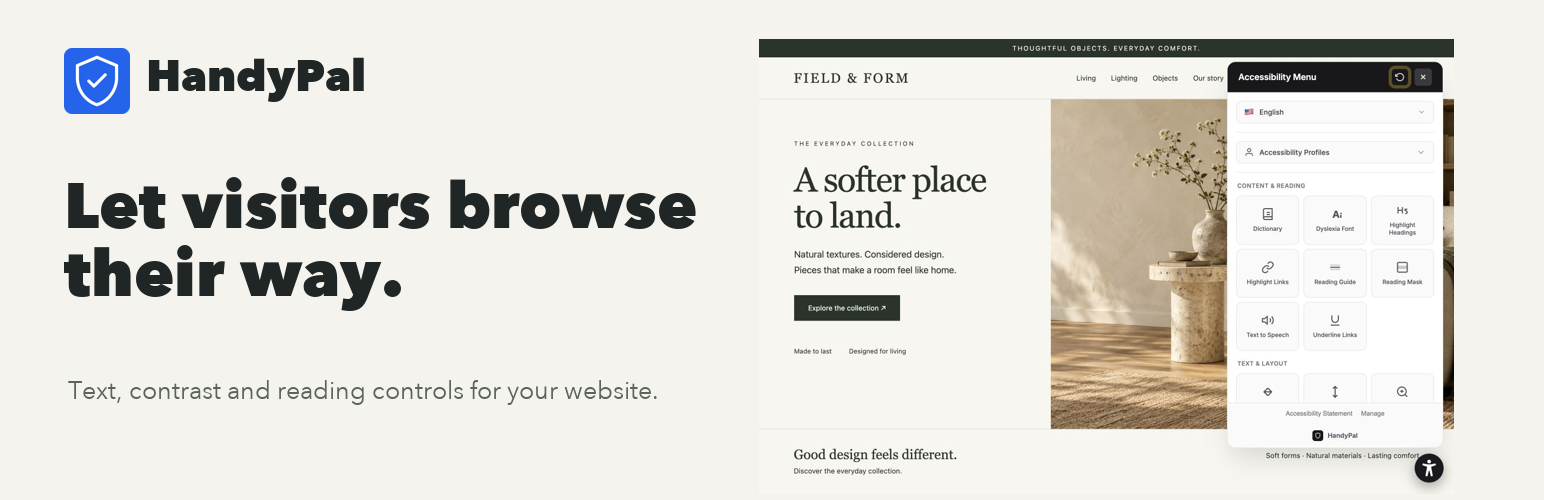
HandyPal Accessibility Widget 旨在提升網站的可用性,讓訪客能夠自訂文字大小、對比度、閱讀輔助及導航功能。透過簡單的設置,使用者可以輕鬆調整外掛外觀並與 HandyPal 儀表板同步設定。
【主要功能】
• 訪客可調整文字大小、行高及字母間距
• 提供高對比模式選擇
• 支援閱讀輔助工具,如閱讀指南和遮罩
• 隱藏圖片選項以減少視覺干擾
• 鍵盤導航增強功能
• 支援文字轉語音功能
外掛標籤
開發者團隊
② 後台搜尋「HandyPal Accessibility Widget」→ 直接安裝(推薦)
原文外掛簡介
Make your website easier to use. HandyPal gives visitors control over text, contrast, reading, and navigation. Customize the widget in WordPress and keep your settings in sync with your HandyPal dashboard.
Start with the Free visitor widget. Paid plans add background fixes, optional AI assistance for labels, accessibility scans, and PDF reports. Use these tools to find your next improvements, alongside manual testing and fixes.
Help visitors read their way
Give visitors control over text size, spacing, contrast, reading guides, and browser-based text-to-speech. They choose the preferences that help them use your pages.
Keep your website’s identity
Choose your widget color, icon, size, and position. Your existing theme stays in place.
Customize once. Keep settings connected
Adjust widget appearance and visibility in Settings > HandyPal or in your HandyPal dashboard. Saved settings are shared between both dashboards.
Find your next improvement
Paid plans add background fixes, optional AI assistance for link, button, and form labels, accessibility scans, and PDF reports. AI assistance is in beta. Review the results on your pages; automated tools complement manual testing and fixes.
Accessibility Features Include
Adjust text size, line height, and letter spacing
High contrast modes (smart, high, higher, highest)
Reading guide and reading mask
Dyslexia-friendly font
Hide images option
Keyboard navigation enhancements
Focus indicators
Color blind filters (protanopia, deuteranopia, tritanopia, achromatopsia)
Text-to-speech narration
Page zoom
Stop animations
And many more…
Quick Setup
Install and activate the plugin
Go to Settings > HandyPal
Enter your account token from handypal.net
The widget automatically appears on your site!
Requirements
A HandyPal account (Free plan available at handypal.net)
WordPress 5.0 or higher
PHP 7.4 or higher
External Services
This plugin connects to HandyPal when you save or verify your account token. It sends the token, site URL, and site name to https://www.handypal.net/api/wordpress/validate to authenticate and register the website. When enabled, the widget loads JavaScript and CSS from https://cdn.handypal.net and requests its configuration from HandyPal. Widget usage events may be sent to HandyPal. A HandyPal account and an authorized plan are required.
Service terms: https://www.handypal.net/terms
Privacy policy: https://www.handypal.net/privacy
Privacy Policy
HandyPal collects the following data:
* Your website URL and name (for registration and widget configuration)
* Widget usage analytics (how often the widget is opened)
Visitor analytics are handled by the HandyPal service. See the Privacy Policy.
Support
Documentation: handypal.net/help
Support: handypal.net/contact
Dashboard: handypal.net/dashboard