內容簡介
```html
<ul>
<li>Hamzaban 是一個外掛程式,可幫助您在 WordPress 網站上添加和管理 hreflang 標籤。Hreflang 標籤對 SEO 非常重要,特別是對於多語言網站,因為它們告訴搜索引擎基於用戶的位置和語言偏好應提供哪些語言和區域性網址。</li>
</ul>
```
1. 什麼是 Hamzaban 外掛程式的主要功能?
- 可以在文章、頁面和自定義文章類型中添加 hreflang 標籤。
- 可以透過文章編輯器中的簡單元框來管理 hreflang 標籤。
- 可以在主題的導航菜單中顯示 hreflang 連結。
- 可以透過外掛程式設定來啟用或禁用在導航菜單中顯示 hreflang 連結的功能。
2. 如何使用這個外掛程式?
- 在 WordPress 的「外掛」選單中啟用外掛程式。
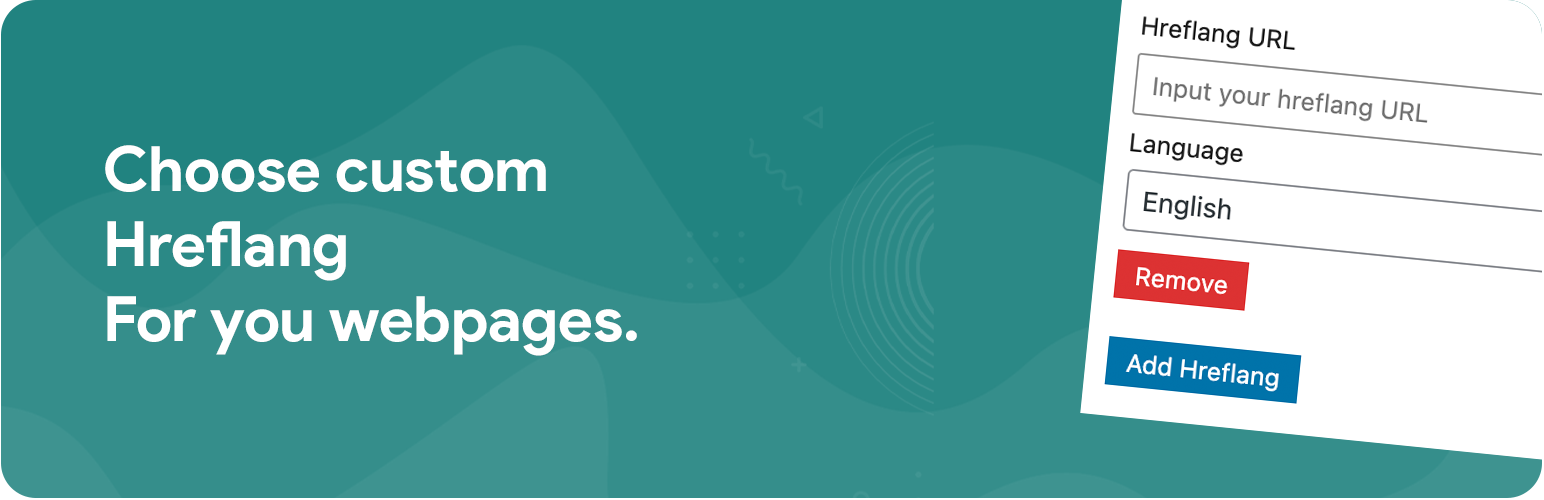
- 進入文章或頁面編輯器,您將會看到添加 hreflang 網址和語言的元框。
- 完成!將會在您的網站頁面頭部添加 hreflang 元標籤。
- 您可以使用提供的函數或模板標籤來在您的主題中顯示 hreflang 連結。
3. 如何在主題中顯示 hreflang 連結?
- 要在主題中顯示 en 語言的網址,請使用以下代碼:
```php
<?php
if ($hreflang = array_filter(get_post_meta(get_the_ID(), '_hamzaban_post_langs', true), function($lang) { return $lang['lang'] === 'en'; })) {
$hreflang = reset($hreflang); // 獲取第一個匹配
echo ' . __('English Version', 'hamzaban') . '';
}
?>
```
外掛標籤
開發者團隊
② 後台搜尋「Hamzaban – Hreflang Tag Generator for WordPress」→ 直接安裝(推薦)
原文外掛簡介
Hamzaban is a plugin that helps you add and manage hreflang tags for your WordPress site. Hreflang tags are essential for SEO, especially for multilingual sites, as they tell search engines which language and regional URLs to serve to users based on their location and language preferences.
Features
Add hreflang tags to posts, pages, and custom post types.
Manage hreflang tags through a simple meta box in the post editor.
Display hreflang links in your theme’s navigation menu.
Option to enable or disable the display of hreflang links in the navigation menu through the plugin settings.
Usage
Activate the plugin through the ‘Plugins’ menu in WordPress.
Go to the post or page editor, and you will see a meta box to add hreflang URLs and languages.
Done! hreflang metatag will be added to your website pages head.
You can use the provided function or template tag to display the hreflang links in your theme.
Display Hreflang Links in Theme
To display the en language URL in your theme, use the following code:
`php