內容簡介
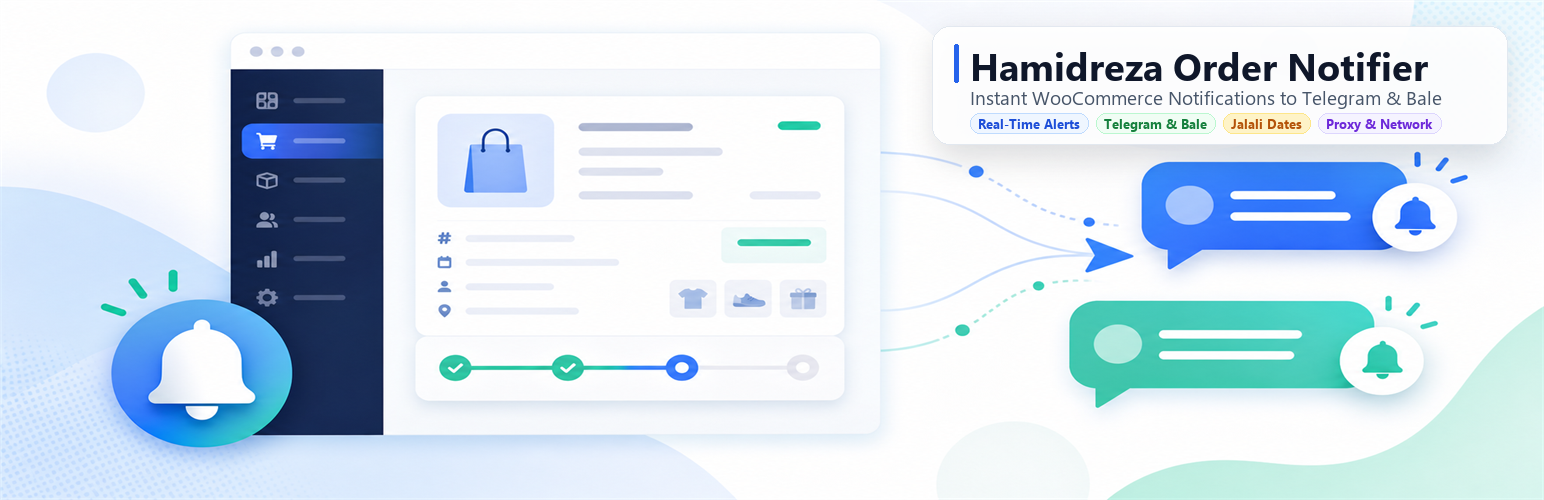
Hamidreza Order Notifier 外掛可將 WooCommerce 訂單狀態通知直接發送至您的 Telegram 或 Bale 聊天機器人,幫助商家即時掌握訂單狀況,提升管理效率。
【主要功能】
• 支援選定的 WooCommerce 訂單狀態通知
• 支援 Telegram 和 Bale 的 Markdown 格式
• 可設定多個聊天 ID,並同時發送通知
• 自訂消息模板,包含佔位符
• 設定頁面可預覽消息內容
• 背景傳送,不會阻塞結帳流程
外掛標籤
開發者團隊
原文外掛簡介
Hamidreza Order Notifier sends WooCommerce order status notifications directly to your Telegram or Bale bot chat.
Features:
– Send notifications for selected WooCommerce order statuses
– Support for Telegram and Bale (Markdown formatting)
– Persian / Jalali dates support ({date_jalali}, {date_time_jalali})
– Telegram custom reverse proxy API base URL & SOCKS5 / HTTP proxy for firewalled servers
– Interactive 1-click placeholder palette for easy template editing
– Delivery logs history tracking the last 30 notification events with timestamps and errors
– Silent notification toggle (send messages without alert sounds or vibration)
– Multiple chat IDs and optional delivery to both Telegram and Bale
– Inline Open order button in Telegram and Bale messages
– Custom message template with extensive placeholders
– Optional fields: product SKU, customer note, coupon code, and shipping cost
– Live preview message before saving
– Developer filters and actions for customization
– Modern tabbed interface with full RTL layout support
– Test connection button on the settings page
– Background delivery so checkout is not blocked
– Settings page under WooCommerce admin menu
– Translation-ready and RTL-friendly
– Requires WooCommerce as a hard dependency
External services
This plugin connects to third-party messaging APIs to deliver WooCommerce order notifications to a chat configured by the site administrator.
Telegram Bot API
When Telegram is selected in the plugin settings, the plugin sends an HTTP POST request to the Telegram Bot API (https://api.telegram.org/bot) each time a WooCommerce order reaches one of the enabled order statuses.
The request includes the bot token and chat ID configured in the plugin settings, along with a notification message containing order details such as order number, status, customer name, phone number, payment method, order total, date, purchased items, shipping address, and an admin order link.
This service is provided by Telegram: Terms of Service, Privacy Policy.
Bale Bot API
When Bale is selected in the plugin settings, the plugin sends an HTTP POST request to the Bale Bot API (https://tapi.bale.ai/bot) each time a WooCommerce order reaches one of the enabled order statuses.
The request includes the bot token and chat ID configured in the plugin settings, along with a notification message containing order details such as order number, status, customer name, phone number, payment method, order total, date, purchased items, shipping address, and an admin order link.
This service is provided by Bale: Terms of Service, Privacy Policy.