內容簡介
H6 Smart Checkout Fields for WooCommerce 讓商店擁有者能在結帳時輕鬆自訂所需的欄位,無需撰寫程式碼。此外掛可添加禮物訊息、增值稅號碼、交貨日期等,並可調整 WooCommerce 的標準欄位,提升顧客的購物體驗。
【主要功能】
• 自訂結帳欄位名稱與順序
• 根據訂單需求顯示問題
• 針對額外選項收費
• 設定交貨與取貨日期
• 支援檔案上傳功能
• 變更欄位為必填或選填
外掛標籤
開發者團隊
② 後台搜尋「H6 Smart Checkout Fields for WooCommerce」→ 直接安裝(推薦)
原文外掛簡介
H6 Smart Checkout Fields lets you ask customers exactly what you need at checkout, without writing code. Add a gift message, a VAT number, a delivery date or an engraving name. Rename, reorder or hide the standard WooCommerce fields. Charge for extras, choose which delivery dates customers can pick, and only ask a question when it applies to the order.
It is built for shop owners, not developers. The settings are written in plain English, every question has a short editor with the basics up front, and a “Try it out” tab shows you what a customer would be asked and charged before you go live.
Everything is included. There is no paid version and nothing is locked.
Good for:
Gift messages, gift wrapping and personalisation
Trade and wholesale details such as VAT numbers and purchase order numbers
Delivery and collection dates, with the days you are closed ruled out
Uploads such as artwork, proof of age or a purchase order
Anything else you need to know before you can fulfil an order
Change the standard fields
Rename any field and change the hint shown in the box
Make fields required or optional
Hide fields you do not need, such as the phone number
Drag fields into the order you want
Undo your changes and go back to WooCommerce’s own wording at any time
Ask your own questions
Short and long answers, dropdown lists, pick-one buttons, pick several and tick boxes
Email address, phone number, number, date, time, date and time, and colour
File uploads, with the file types and size you choose
Headings and notes to break up a long checkout
A hidden value saved with every order, for your own records
Full or half width, placed with the billing details, the delivery address or the order notes
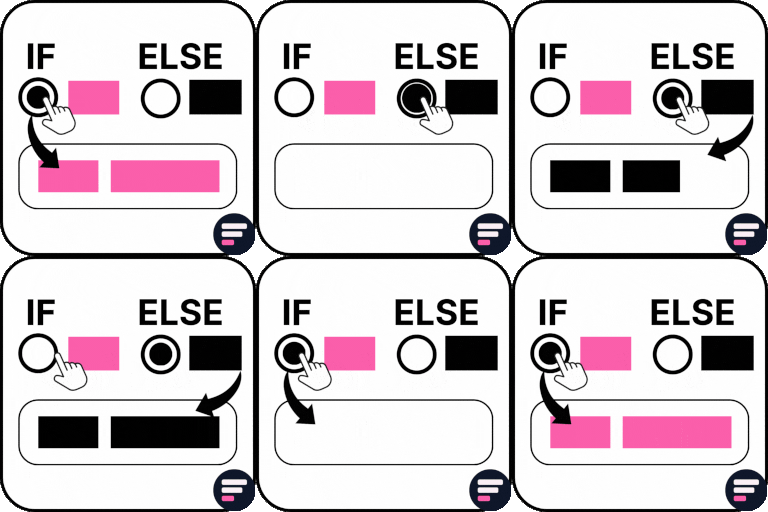
Show a question only when it applies
Based on another answer, such as “Is this a gift?”
Based on the order: products or categories in the cart, the subtotal or the number of items
Based on the customer: their customer type, such as trade customers
Based on their choices: delivery method, payment method, billing or delivery country
Questions appear and disappear on the checkout as the customer makes their choices
The same rules can make a question compulsory only in some cases
Charge for an answer
A set amount, a different price for each choice, an amount for every item, or a percentage of the subtotal
Optional minimum and maximum charges
Your own name for the charge in the order total, with or without tax
The total updates as soon as the customer picks an option
A hidden question never adds a charge
Check the answer
Shortest and longest answer allowed
Must match or differ from another answer, such as a “confirm email” box
Must be a proper email address, or a number within a range
Your own message if the check fails
Delivery and collection dates
Set the earliest date customers can pick, such as at least 3 days away
Set the latest date, such as up to 60 days ahead
Close days of the week, such as weekends, and single dates, such as bank holidays
Add a cut-off time, so orders placed after 2pm count from the next day
The date picker greys out dates outside the range, and every date is checked again when the order is placed, in your shop’s time zone
Ask once per item, and group questions
Ask a question once for every item or every product in the cart, such as a name to engrave on each item
Group questions under their own heading in one of five places on the checkout, and show the whole group only when it applies
After the order
Answers appear on the order screen, the thank-you page, the customer’s account and order emails, and you choose where
Show any answer as a column in your orders list, and find orders by it
Uploaded files are linked from the order
Try it out and back up
Describe an order and see which questions a customer would get, which they must answer and what they would pay
Download a backup of your set-up, or move it from a test site to your live shop