內容簡介
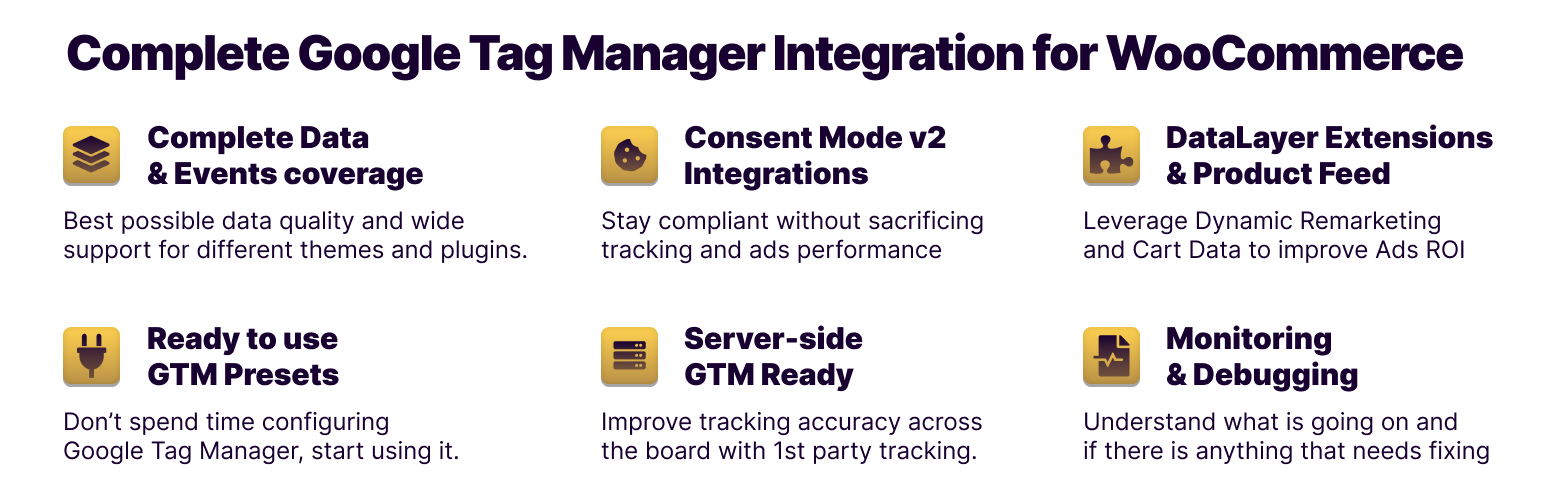
Tag Pilot FREE 是一款專為 WooCommerce 設計的 Google Tag Manager 整合外掛,能夠輕鬆追蹤電子商務事件,提升數據質量與事件覆蓋率,幫助用戶快速連接各種分析與行銷平台。
【主要功能】
• 自動追蹤 Add To Cart 與 Purchase 事件
• 快速整合 GA4 和 Facebook Pixel
• 支援多種第三方外掛整合
• 提供標準化的數據格式傳送
• 簡化 GTM 配置過程
外掛標籤
開發者團隊
② 後台搜尋「Tag Pilot FREE – Google Tag Manager Integration for WooCommerce」→ 直接安裝(推薦)
原文外掛簡介
Tracking eCommerce events via Google Tag Manager and DataLayer makes adding new growth channels a straighforward task. Regardless of a number of connected platforms the data quality and events coverage stays the same.
This plugin, once activated, starts pushing standard GA4 eCommerce events into GTM DataLayer. Once the data is there you can leverage Google Tag Manager containers to connect virtually any analytics o marketing platform, even if you’re still undecided on your choice.
To speed up the process, our plugin offers pre-packaged integrations for GA4 and Facebook Pixel. You can be up and running in minutes, bypassing the need for time-consuming GTM configuration. See how it works here:
Check live demo here (perform typical shop activities – add to cart, purchase – to see how events are triggered). This demo showcase all PRO plugin features – FREE version is limited to 2 events listed below.
More information and documentation can be found here.
Example scenarios
Analyse eCommerce behaviors and study your sales funnel in Google Analytics 4
Get most out of Facebook and Instagram paid campaigns with conversion tracking
Optimise your Google Ads campaigns with Enhanced Conversion (requires PRO version)
Expand to new platforms with TikTok, Pinterest and Microsoft UET presets (requires PRO version)
Supported events
After the plugin is installed it automatically tracks the following events:
Add To Cart
Purchase
Which are a great base for conversion measurements and analysing sales funnels related to cart behavior.
For full eCommerce events coverage, improved handling and professional support, buy PRO version. You can also subscribe to our Tag Pilot Care support service for ongoing assistance, expert guidance, and priority help whenever you need it.
PRO Version
The paid version covers following events:
view_item_list
select_item
view_item
add_to_cart
view_cart
remove_from_cart
begin_checkout
add_billing_info
add_payment_info
add_shipping_info
purchase
user_data
Comes with presets for:
Google Ads (Enhanced Conversions)
Google Ads Dynamic Remarketing
Facebook Pixel (Advanced Matching)
Microsoft UET / Bing Ads
Pinterest
TikTok
Consent Mode
Server-side GTM
Additonally, works with 3rd party plugins:
WooCommerce Brands
Yith Brands
WooCommerce Quick View
WooCommerce Wishlists
WPC Smart Wishlist
WooCommerce Multilingual
WPML
Polylang
Advantage over alternative solutions
Only one plugin needed
Without a GTM plugin, you would need a separate plugin for each of those integrations. Each plugin can track events differently. They can cause conflicts and slow-down on the front-end
With a dedicated GTM plugin, all data is sent in standardized Google format to Google Tag Manager which forwards events to multiple destination services.
Reporting consistency
A common problem when trying to use other GTM and Google Analytics plugins is that data can be sent twice corrupting analytics reporting. Using DataLayer is a standard way to ensure your tracking information stays consistent across all connected tools.
Google Consent Mode v2
Using GTM and dataLayer allows to build more complex scenarios, such as only processing the data after obtaining user consent. Other plugin directly pipe events into target system no matter if required permission was given or not.