內容簡介
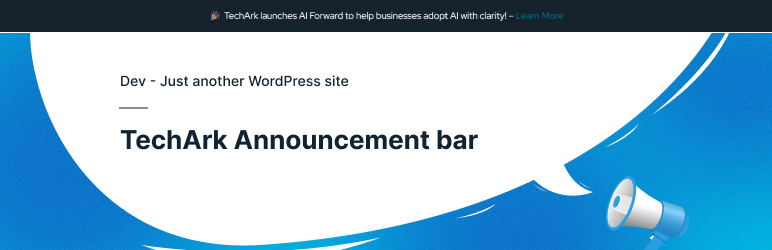
GotechArk Announcement Bar 是一款輕量且靈活的 WordPress 外掛,幫助您在網站頂部顯示重要訊息。無論是促銷優惠、公告或關鍵更新,此外掛都能創建引人注目的公告條,並且不會影響用戶體驗。
【主要功能】
• 可自訂的公告條顯示於網站頂部
• 支援固定或非固定公告條選項
• 可關閉的公告條,附有關閉按鈕
• 完全響應式設計,適用於所有裝置
• 自訂背景顏色、文字顏色及字型選項
• 支援 HTML 內容及連結
外掛標籤
開發者團隊
原文外掛簡介
Announcement Bar is a lightweight and flexible WordPress plugin that helps you display important messages at the top of your website. Whether you want to promote special offers, share announcements, or highlight key updates, this plugin allows you to create an attention-grabbing bar without disrupting the user experience. It is easy to set up and works seamlessly with any WordPress theme.
The plugin offers full customization options, including colors, typography, positioning, and dismiss behavior. You can control how and where the announcement bar appears, making it responsive across all devices. With secure, form-based styling controls, you can tailor the announcement bar to perfectly match your site’s design and branding.
Designed with performance and usability in mind, Announcement Bar follows WordPress coding standards and best practices. It is ideal for businesses, blogs, and marketing teams looking for a simple yet powerful way to communicate important messages and calls to action directly to their visitors.
Features
Display a customizable announcement bar at the top of your website
Sticky or non-sticky bar option
Dismissible announcement with close button
Fully responsive and mobile-friendly design
Custom background color, text color, font size, and typography options
Support for HTML means rich content and links
Add call-to-action buttons inside the announcement bar
Target announcements by screen size using responsive rules
Secure, form-based styling (Padding, Border Radius, Font Size)
Lightweight, fast, and optimized for performance
Follows WordPress coding standards and security best practices
Works seamlessly with any WordPress theme
How It Works
Install & Activate the Plugin
Install the Announcement Bar plugin from the WordPress admin and activate it. Once activated, a new Announcement Bar menu appears in your dashboard.
Create Your Announcement
Add your message using the built-in editor. You can include text, links, buttons, emojis, or basic HTML to highlight important updates, offers, or alerts.
Customize the Design
Adjust background color, text color, font size, font family, and spacing. Enable sticky behavior or make the bar dismissible with a close button.
Control Visibility Rules
Choose where the announcement appears—site-wide or on specific pages. Configure responsive rules to show or hide the bar based on screen width (desktop, tablet, mobile).
Advanced Options
Use the advanced styling fields to apply professional layouts without editing theme files.
Publish & Go Live
Save your settings, and the announcement bar instantly appears on the frontend according to your rules.
Update Anytime
Modify the content or settings at any time—changes are reflected immediately without needing to clear caches or redeploy code.
Support & Customization
Need Help or Guidance?
If you need assistance with installation, configuration, troubleshooting, or general usage, please visit https://gotechark.com/support/ or contact us at [email protected].
Need Customization or New Features?
If you require custom development, feature enhancements, integrations, or any other customization, please contact us at [email protected].