內容簡介
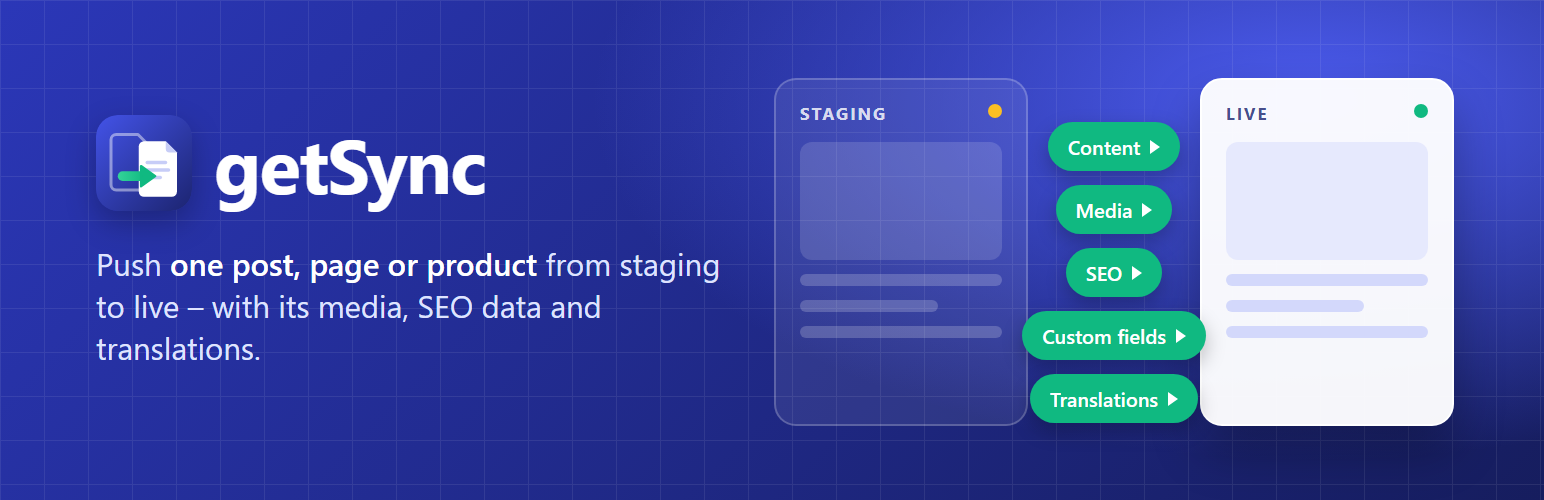
getSync 是一款專為 WordPress 設計的內容同步外掛,允許用戶將單一文章、頁面或自訂文章類型從測試環境推送到正式環境,並自動處理相關媒體和分類。此外掛完全免費,提供無限制的推送功能,讓內容管理更為靈活。
【主要功能】
• 單一或批量推送文章、頁面及自訂文章類型
• 自動處理媒體上傳及重連
• 同步分類、標籤及自訂分類法
• 支援 WooCommerce 產品及變數
• 提供 SEO 數據轉移功能
• 安全的推送過程,無需直接寫入資料庫
外掛標籤
開發者團隊
② 後台搜尋「getSync – Staging to Live Content Sync」→ 直接安裝(推薦)
原文外掛簡介
Most “staging to live” tools copy the entire database – all or nothing. getSync does the opposite: it lets you publish a single post, page or custom post type from one WordPress site to another, bringing everything attached to it along for the ride.
Write and review an article on your staging site, then click Send to Production. getSync packages the item, its media, custom fields, categories and tags, and recreates it on your live site over an authenticated, signed connection. Push the same item again later and it updates the existing copy instead of creating a duplicate.
getSync is completely free: every feature and unlimited pushes, in one plugin.
What it does
Pair two sites with a guided connection (application password + a shared secret that signs every request).
Push posts, pages and registered custom post types, one at a time or in bulk, immediately or on a schedule.
Bring along the featured image and all media – uploaded into the target library, deduplicated by file hash, and re-linked automatically, including inside Gutenberg block attributes and reusable blocks.
Custom fields travel: all post meta syncs with structure preserved and staging URLs rewritten.
Sync categories, tags and custom taxonomies with hierarchy, descriptions and term meta.
Adopt existing content: the first push can update the same-slug item on the target instead of duplicating it.
SEO data transfer for Rank Math, Yoast SEO, All in One SEO and SEOPress – including social images and primary categories.
WooCommerce products with variations, global attributes, gallery and linked products (live stock is never overwritten by a re-push).
WPML translation sync for posts and taxonomy terms, with a one-click per-language group push.
Polylang post languages and translation groups.
ACF field values and ACF Blocks with reference remapping, and automatic creation of missing field groups.
Elementor pages, with image references remapped and Elementor’s CSS regenerated on arrival.
Idempotent re-pushing: an item always maps back to the same item on the target.
Preview (dry run) before you commit a change.
Activity log, automatic cache purging on the receiver (LiteSpeed, WP Rocket, W3TC, WP Super Cache, Elementor CSS), and an instant “stop accepting syncs” kill switch.
Designed to be safe
getSync never writes directly to your database – it only uses standard WordPress functions, the same ones the editor uses. Incoming syncs are off by default and can be disabled instantly. Items arrive as drafts unless you choose otherwise. Failed media transfers never empty existing fields, existing translation links and term data on the live site always win, and ambiguous first-push matches create a new item instead of guessing.
Security note: content arriving from the staging site is filtered through WordPress’s HTML rules unless the sync user has the unfiltered_html capability (administrators and editors on single sites). If your staging site is not fully trusted, use a lower-privilege sync user, define DISALLOW_UNFILTERED_HTML, or enable the gtsync_force_kses filter – then even a compromised staging site cannot push script tags into your live pages.
The sync user’s role on the live site decides what a push may do, exactly as if that user made the same edit in wp-admin: publishing needs publish rights, files need upload rights, new categories need the right to manage them, and assigning another author needs the right to edit others’ posts. An Editor is the usual choice. Site structure and design (templates, global styles, navigation menus) and WooCommerce orders are never written by a push. On the staging site, only users who may publish an item can push it.
getSync only talks to the live site you configure. It sends no data anywhere else and makes no calls home.