內容簡介
總結:Geo Block 服務允許您根據訪客的地理位置封鎖他們訪問您的網站,透過將被封鎖的訪客重定向到您選擇的URL實現。
問題與答案:
1. 這個外掛可以做什麼?
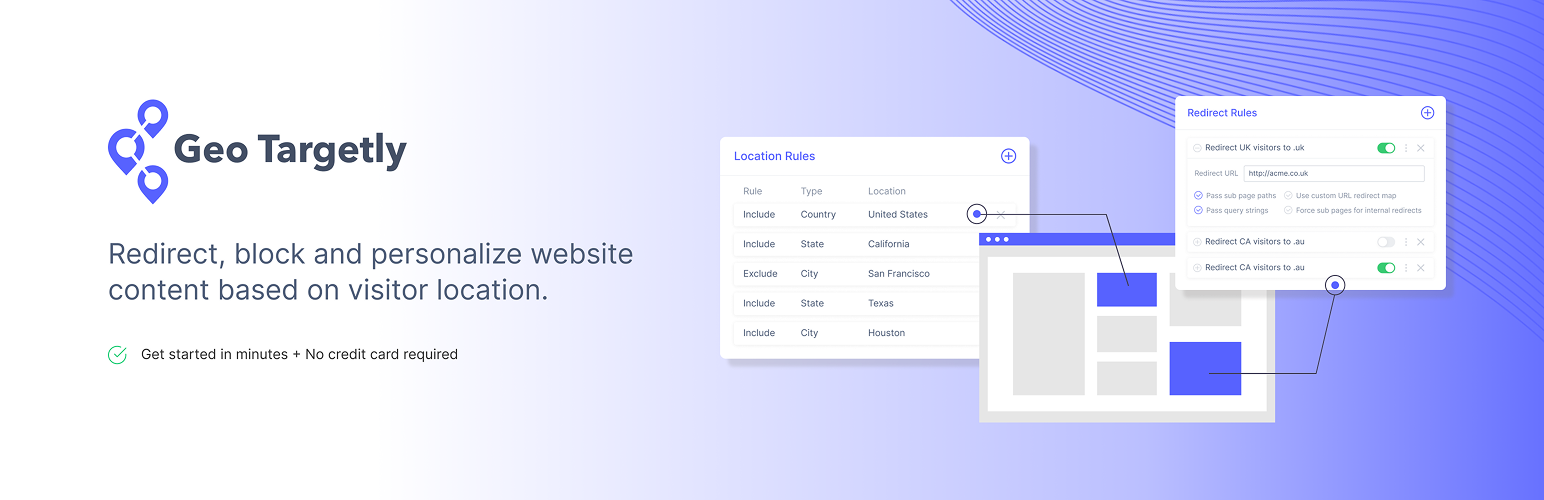
- 可以根據訪客的國家、州、區域、城市、緯經度半徑區域和IP地址來封鎖訪客。
- 可將封鎖應用於整個網站、特定子目錄,或者指定頁面。
2. 如何獲取進一步的支援和指引?
- 請參考他們的快速入門指南: https://help.geotargetly.com/en/articles/2147736-quick-start-guide
- 若要協助追踪代碼實施,請查看他們在 YouTube 上的整合指南播放清單。
3. 是否需要付費帳戶?
- 是的,您需要付費帳戶,詳情請參閱價格資訊。
- 此外,他們提供有 14 天的免費試用,無需信用卡。
4. 這個外掛外部服務有什麼特點?
- 此外掛連接到外部端點網域 https://g9904216750.co 來載入和運行核心功能的腳本。
- 每次載入外掛時,它會發送用戶的位置信息,這是為了根據用戶的地理背景來確定和自定外掛的行為。
- 這項服務由 Geo Targetly 提供,有對應的《使用條款》和《隱私政策》可參考。
外掛標籤
開發者團隊
原文外掛簡介
The geo block service allows you to block visitors from your website based on their geolocation. This is possible by redirecting blocked visitors to a URL of your choice.
Specifically, you can block visitors by country, state, region, city, latitude-longitude-radius zone, and IP address. The block can be applied throughout your website, a particular sub-directory of your website, or an individual page.
For step-by-step guidance, consult our Quick Start Guide: https://help.geotargetly.com/en/articles/2147736-quick-start-guide
And for help with tracking code implementation, check out our integration guide playlist on YouTube.
Please Note: It is possible to bypass geo blocking by using a VPN or disabling JavaScript in the browser.
A service by Geo Targetly.
Paid account is required – see pricing
14-day free trial – no credit card needed
Features
Block visitors by country, state, region, city, latitude-longitude & IP
Redirect blocked visitors to the URL of your choice
Apply the block to your entire website, a specific sub-directory, or a specific page
Access data via our IP geolocation API
Enterprise accuracy (≈ 99 % country, 80-90 % state, 70-80 % city)
Lightweight call to Geo Targetly cloud
Built-in analytics to keep tabs on every block
Detailed docs can be found below
Overview https://geotargetly.com/geo-block
Quick Start Guide https://help.geotargetly.com/en/articles/2147736-geo-block-quick-start-guide
Docs https://help.geotargetly.com/en/collections/738699-geo-block
Support
Live chat at Geo Targetly
External services
This plugin connects to an external endpoint via the domain https://g9904216750.co to load and run a script that powers its core functionality, as outlined previously in the description.
It sends the user’s location each time the plugin is loaded. This is necessary to determine and customize the plugin’s behavior based on the user’s geographical context.
Additionally, this plugin connects to analytics endpoint https://g97676560.co/ to track plugin installation and usage over time.
This service is provided by Geo Targetly – Terms of Use, Privacy Policy.