內容簡介
Geo Map Locations 是一個具有新增、編輯、刪除地點功能的 WordPress 外掛,支援以下功能:
* 新增地點標題、地址、描述、緯度、經度和圖片功能
* 在地址欄位取得緯度和經度資訊
* 可依照您的需求拖曳地圖指標以選擇緯度和經度資訊
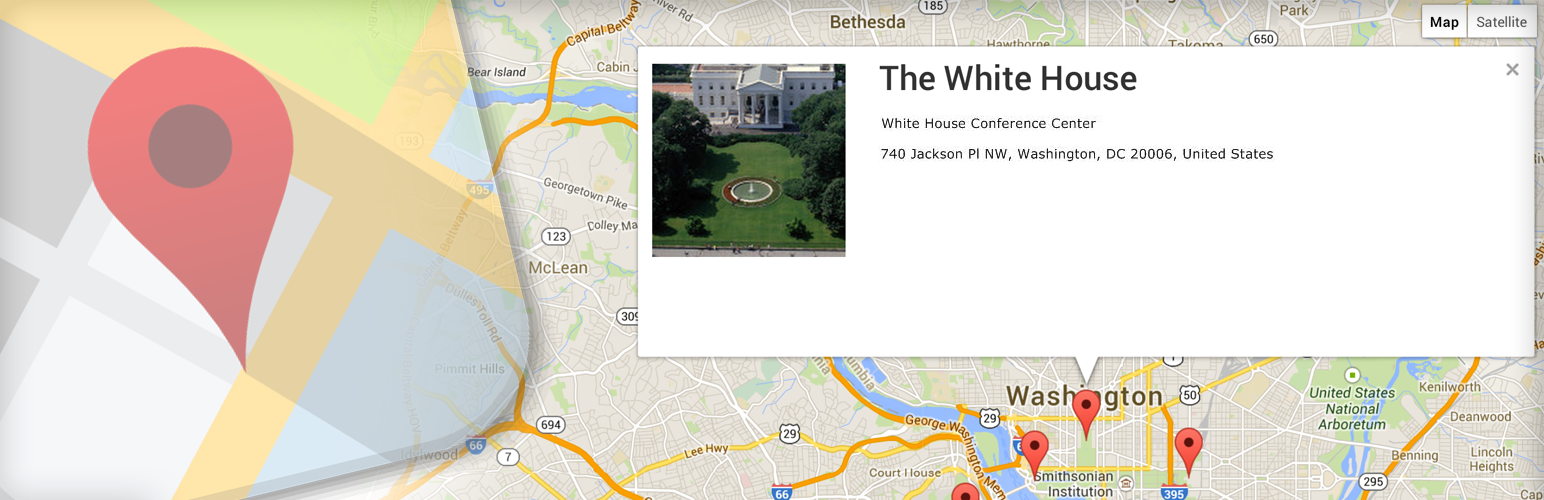
* 即時預覽 Google 地圖
使用簡單的短碼即可在網站的同一頁面上顯示您的多個地點。您可以像新增/編輯一般自由管理您的所有地點。
地圖設定
您可以自訂地圖大小、半徑和 API 金鑰以建立和顯示地圖。
功能
可依照每個地點針對標題和圖片建立自訂標記。
建立自訂地圖縮放大小和半徑。
在地址欄位取得座標資訊。
在後台取得地點預覽。
您可以在編輯器中拖曳標記以獲得精確的位置資訊,以避免 Google 地圖的混淆。
小工具縮放選項。
地圖控制設定。
啟用或停用新增的地點。
短碼 [geo_map] 可插入地圖至您的文章或頁面中。
選擇您偏好的地圖類型。
外掛標籤
開發者團隊
② 後台搜尋「Geo Map Locations WordPress Plugin」→ 直接安裝(推薦)
原文外掛簡介
Geo Map Locations plugin having feature of Add,Edit, Delete locations,
* Add location Title, Address, Description, latitude,longitude and image
* Get latitude,longitude value on Address
* You may select latitude,longitude based on your desired address like drag and drop location pointer on map
* Display google map preview instantly
Display your multiple locations on website’s single page using simple shortcode. You can easily manage all your locations just like simple add/edit screen.
Geo location map setting
You may setting map size, radius, and your own API key which used to create and display map.
Features
Create customize marker title and image per Location.
Create custom Map Zoom size and radius.
Get coordinates on address.
Get location preview in admin side.
You can drag the marker in the editor to the get exact location on the map. Because sometime google make confuse.
Widget zoom option.
Settings for Map controls.
Activate or Deactivate added location.
Shortcode [geo_map] to insert map within your post or page.
Select your preferred map type