內容簡介
此外掛利用 WordPress 核心工具來協助網站符合 GDPR 規範,讓網站管理員能夠在前端顯示個人資料請求表單,方便用戶請求資料匯出或刪除。
【主要功能】
• 提供個人資料匯出功能
• 提供個人資料刪除功能
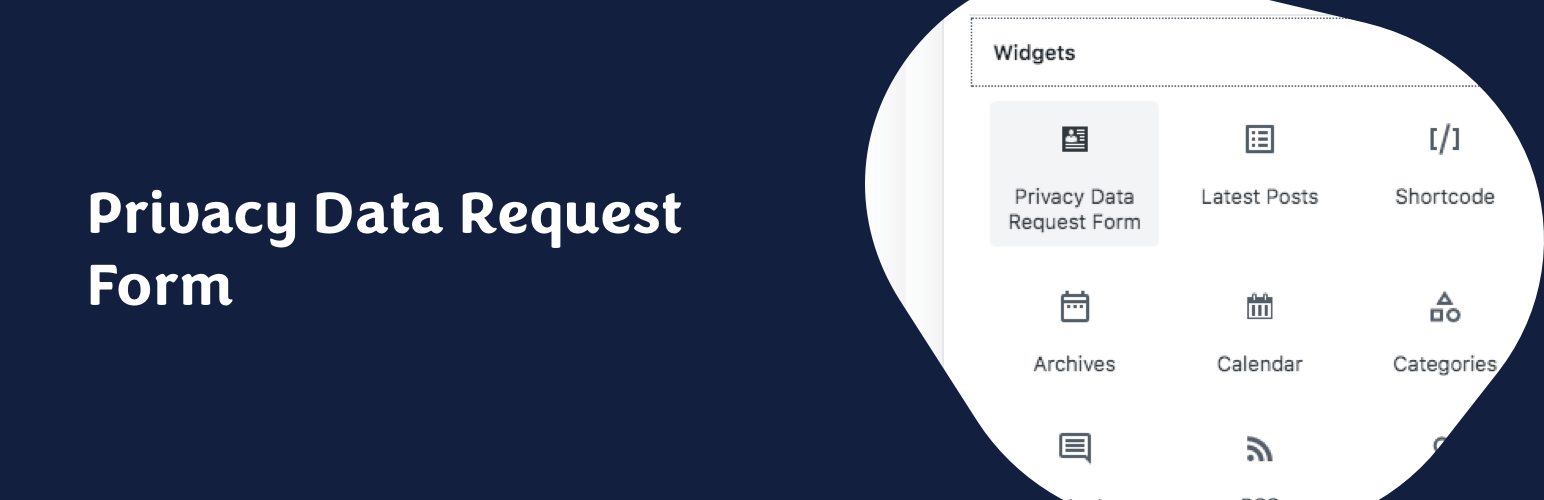
• 支援小工具整合
• 支援 Gutenberg 區塊整合
• 簡易使用短碼整合
• 使用 AJAX 提供友善介面
外掛標籤
開發者團隊
原文外掛簡介
This plugin uses WordPress Core tools for GDPR Compliance.
Since release 4.9.6, WordPress admin has some tools to handle Privacy User Requests. Administrators are able to create Data Request for every users in order to send or erase users data. This plugin allow website administrators to display Data Request Forms in front-end, for example in your Privacy Policy Page.
Easily integrate a Personal Data Request Form for your visitors/users in front-end, with some options:
– Personal Data Export
– Personal Data Erasure
– Both of them
It’s easy to integrate:
Widget
The widget allows to integrate Data Request Form in your theme widget areas. It comes with three options: Form Title, Form Description Paragraph and Form Type.
Gutenberg Block (since 1.4!)
The Gutenberg Block makes it even easier to integrate front-end forms in your website. The block allows you to choose the type of form you need.
Shortcode
[gpdr-data-request] shortcode allows to integrate Data Request Form where you need. This shortcode has no parameter.
PHP Function
echo gdrf_data_request_form( $args ) function allows to integrate Data Request Form where you need. This function has some parameters and filters (see FAQ section below). Don’t forget to echo the function.
GDPR Data Request Form is using AJAX to provide clean and user-friendly forms in front-end. You can integrate them in any page of your website (like your Privacy Policy Page) or in your sidebar/footer.
The email address of the Data Protection Officer (DPO) can be changed in the Privacy Settings screen (Settings > Privacy).
Data Request Workflow:
The user/visitor use your Personal Data Request Form to ask for Personal Data Export or Erasure.
A request is created in WordPress Tools > Export/Erase personal data.
An email is sent to the user/visitor to confirm this request.
The user request is set to Confirmed in Tools > Export/Erase personal data.
An email is sent to the website administrator to validate the request.
The personal data are sent by email to the user/visitor (as a 3-day available download link), or erased, depending on the user request type.