
外掛標籤
開發者團隊
原文外掛簡介
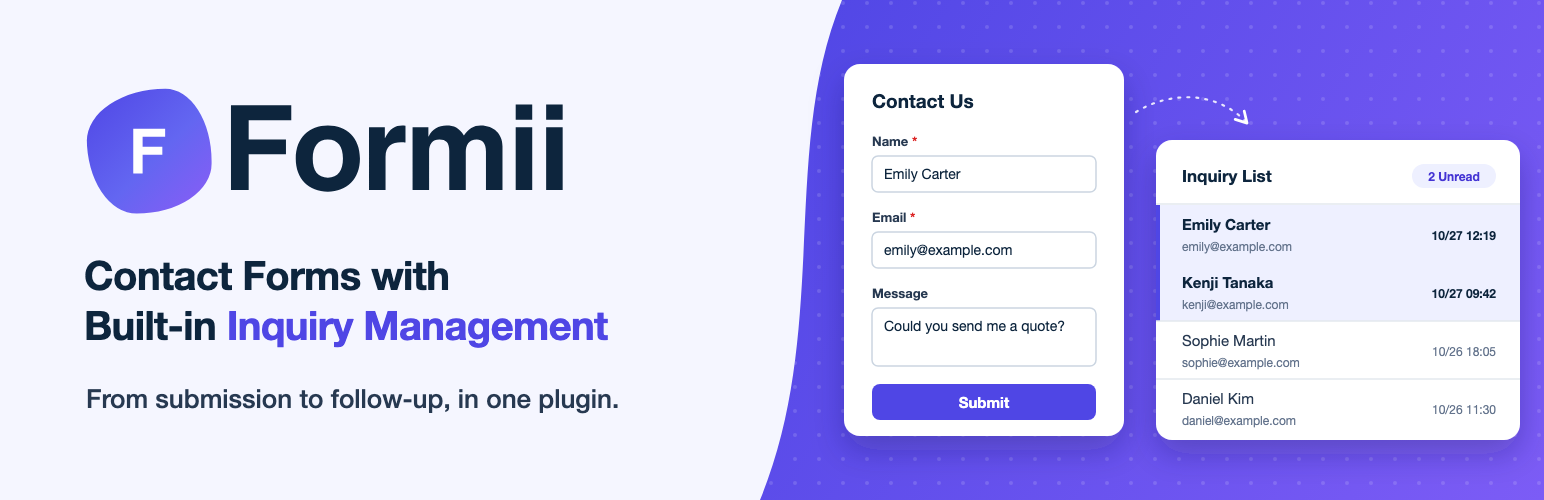
Formii is a contact form plugin designed for Japanese business websites. It provides an intuitive drag-and-drop form builder and built-in inquiry management in one plugin — no external service required.
Key Features
Form Builder
Drag-and-drop form creation
Create as many forms as you need — each form gets its own shortcode
Form status management (draft / published)
Real-time save indicator in the editor
Live preview tab (see your form before publishing)
Japan-Specific Fields
Postal code field (auto-inserts hyphens as you type)
Phone number field (auto-inserts hyphens as you type)
Address field — postal code, a 47-prefecture select, and city / town / building inputs (all offline; the prefecture list is bundled)
Furigana, full name (last / first), birthdate, gender, and confirmation-email fields
Standard field types: text, email, textarea, select, radio, checkbox, and privacy consent
Note: Postal-code address auto-fill (fills prefecture / city / town from the postal code) is part of Formii Pro (Small Business plan and above). The free plugin makes no external network requests.
Validation
Required field check
Min/max character length
Regular expression validation
Custom error messages per field
Inquiry Management
Formii stores every submission in your own WordPress database and gives you a built-in inbox:
Inquiry list with keyword search and pagination
Inquiry detail view — see all submitted data at a glance
Read / unread tracking — new inquiries stay highlighted until you open them
Email Notifications
Admin notification email on new inquiry
Auto-reply email to the submitter
Customizable subject and body per form
Optional “Powered by Formii” credit in auto-reply emails — off by default; you can turn it on in Settings
Thank You Page
Show a custom message after submission
Or redirect to a URL of your choice
Security
Nonce verification on all endpoints
Permission checks (manage_options / edit_posts)
$wpdb->prepare() for all database queries
Output escaping (esc_html, esc_attr, esc_url)
ABSPATH guard (prevents direct file access)
Accessibility
Follows WCAG 2.1 AA guidelines — keyboard navigation, ARIA attributes, focus management, and sufficient color contrast
Shortcode
Embed a form in a post or page using:
[formii_form id="1"]
The form ID is shown in the Forms list in the admin panel.
If your form redirects to a separate thank-you page, place the following shortcode on that page:
[formii_notice]
It shows a notice only when it is needed — for example, when the auto-reply email was not sent because the sending limit was reached. Otherwise it outputs nothing.
Formii Pro
Formii Pro is a separate add-on that will be available from https://formii.net/ (coming soon). It adds team workflow and extra field types on top of the free plugin: inquiry status tracking for your team (in progress / completed / spam, plus custom statuses), starred inquiries, advanced field types (date/time, number, rating, confirmation, section, hidden, file upload), internal memos, bulk operations, CSV export (UTF-8 & Shift_JIS), postal-code address auto-fill, spam protection (reCAPTCHA v3, honeypot, rate limiting), submission periods and capacity limits, and conditional logic. Formii Pro is optional — the free plugin above works fully on its own, with no limit on the number of forms.
External Services
This free plugin does not connect to any external services. All data stays in your WordPress site, and no outbound network requests are made.
(Formii Pro, a separate add-on not distributed here, uses external services for some of its features — the zipcloud API for postal-code address auto-fill and Google reCAPTCHA v3 for spam protection. Those services are loaded only by Formii Pro, and their disclosure is provided with Formii Pro.)
Credits & Bundled Libraries
This plugin bundles the following third-party resource locally (no external CDN is used):
Font Awesome Free 7.1.0 (https://fontawesome.com) — icon library bundled under admin/fontawesome/. Licensed under CC BY 4.0 (icons), SIL OFL 1.1 (fonts), and MIT (code), all of which are GPL-compatible. The full license text is included at admin/fontawesome/LICENSE.txt.
Source Code & Build
The admin screens are built with React. The compiled files in build/ are generated from the human-readable source code in src/, which is included in this plugin.
To rebuild them, install Node.js 22 or later and run the following commands in the plugin directory:
npm install
npm run build
The build uses @wordpress/scripts (webpack); the entry points are defined in webpack.config.js, and the CSS is processed with PostCSS (postcss.config.js, tailwind.config.js).
