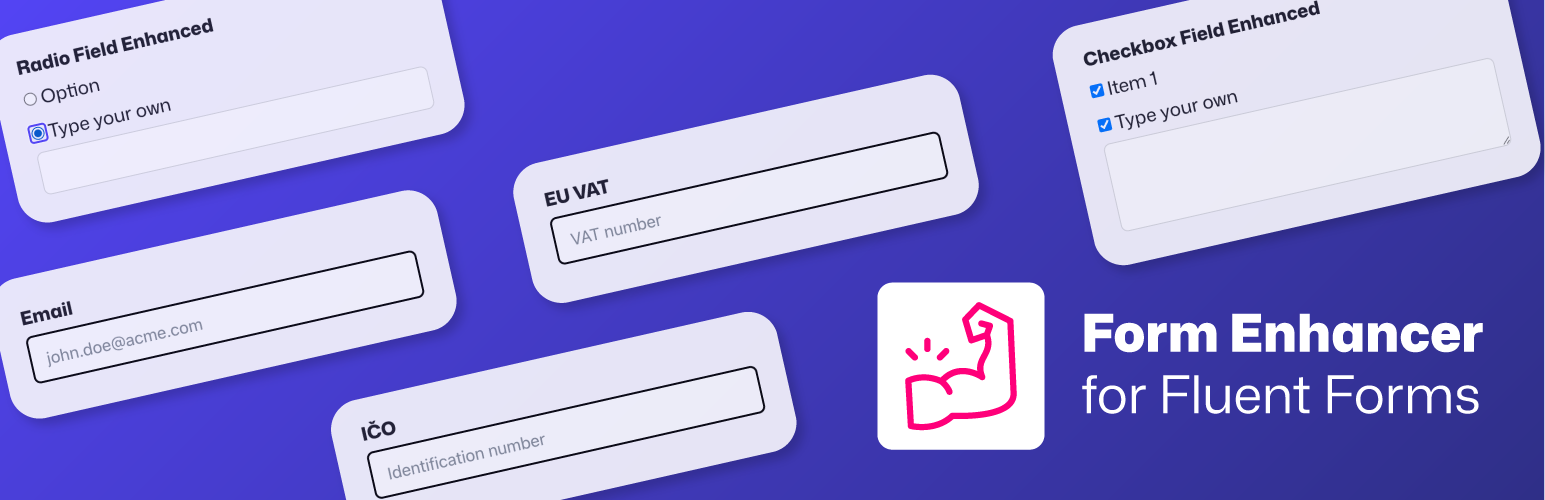
內容簡介
Form Enhancer for Fluent Forms 是一款專為 Fluent Forms 設計的外掛,提供缺失的欄位功能,如 EU VAT、捷克/斯洛伐克 IČO、IBAN、確認欄位和唯一 ID,並確保提交的資料有效,避免錯誤數據進入系統。
【主要功能】
• 支援 IBAN 和捷克/斯洛伐克帳號驗證
• 確認欄位可檢查值是否匹配
• 提供捷克與斯洛伐克 IČO 的驗證
• EU VAT 號碼自動驗證功能
• 可設定必填欄位群組
• 每次提交附加唯一 ID
外掛標籤
開發者團隊
② 後台搜尋「Form Enhancer for Fluent Forms」→ 直接安裝(推薦)
原文外掛簡介
Form Enhancer adds the fields Fluent Forms is missing — EU VAT, Czech/Slovak IČO, IBAN, confirm and unique ID — each validated on submit, so bad data never makes it into your entries. On top of that it bundles small admin tools for Fluent Forms and Fluent SMTP that save you time, without the bloat. Other form plugins might be added in the future.
Features available in the FREE version
Input fields
Bank Account (IBAN / CZ / SK) – Validates IBANs (all countries) and Czech and Slovak domestic account numbers (prefix-number/bank code) offline using checksums, and shows the bank name for known Czech and Slovak bank codes once the number checks out. Each field can accept both formats or be pinned to IBAN only or domestic only. No external service involved.
Confirm Field – A confirmation field that validates if its value matches another field (useful for confirming emails, passwords, etc.).
Czech & Slovak Identification Numbers (IČO) – Three new fields for Czech, Slovak, and combined Czech/Slovak IČO—complete with validation via ARES and FinStat on submission.
EU VAT Number – Field for entering EU VAT numbers, with automatic validation through the VIES service.
Required Field Groups – Ask for one of several fields instead of all of them — “leave us an email or a phone number”. Tag two or more fields with the same group name and the form requires at least one of them (or two, or more — you pick). Hidden fields are skipped, file uploads count, and the rule is enforced in the browser and again on the server.
Unique ID – Stamps every submission with a configurable reference number: a prefix/suffix around a zero-padded sequential counter, or a random token. The counter is race-safe, so two submissions at the same moment never draw the same number, and the value works in email notifications, PDFs and webhooks like any other field.
Functions
Apply Block Editor Submit Button Style – Applies the same styling as Gutenberg’s button block to all Fluent Forms submit buttons.
Autofill & Autocomplete Attributes – Puts the right HTML autocomplete attribute on your fields, so browsers and password managers fill them correctly and your forms satisfy WCAG 1.3.5 (Identify Input Purpose), required by the European Accessibility Act. Email, phone, URL and country fields are recognised automatically, name and address fields get one token per part, and every input has an Autofill Purpose setting on its Advanced tab to override it or switch autofill off.
Enhanced Admin Approval – Automatically notify users by email when their submission is waiting for approval—includes the same message shown on the form.
Disable Captchas for Logged-in Users – Turn off reCAPTCHA, hCaptcha, and Turnstile for logged-in users—perfect for smoother user flows or running automated tests on live sites.
Prefill from Post Meta & ACF – Prefill form fields with values from the post or page the form is embedded on — or from any public post by ID — using {post_meta.YOUR_META_KEY}, {acf.YOUR_FIELD_NAME} or {post_meta.123.YOUR_META_KEY} smartcodes as the field’s default value. ACF checkboxes, relationships and other complex values are formatted for display.
Required Field Groups – Ask for one of several fields instead of all of them — “leave us an email or a phone number”. Tag two or more fields with the same group name and the form requires at least one of them (or two, or more — you pick). Hidden fields are skipped, file uploads count, and the rule is enforced in the browser and again on the server.
Store a single IP – Store just one IP address per submission to avoid issues with Mailchimp and similar integrations caused by multiple IPs.
Webhook Debug Log – When a Fluent Forms Pro webhook feed fails, the full request and response (headers and body) are captured and shown right in the entry’s API Calls log — no more guessing what was actually sent.
Integrations
ACF/SCF Field Type – Adds a “Fluent Form” field type to Advanced Custom Fields and Secure Custom Fields, allowing you to select Fluent Forms in the Field Groups – returns either ID or Form object.
⭐ PRO version (starting at 15 USD)
By upgrading to PRO version you’re directly supporting the ongoing development of Form Enhancer. Your license keeps the project alive and independent.
Input fields
Checkbox with “Other” Option – Let users tick multiple choices or add their own response via a custom text or textarea “Other” input (text or textarea).
Radio with “Other” Option – Let users pick from preset options or let them write their own response using a flexible “Other” field (text or textarea).
Enhanced Email Field – Block free email providers (like Gmail or Yahoo) together with disposable addresses or restrict specific domains to collect only valid business emails.
Email Verification (OTP) – Require visitors to confirm a 6-digit code sent to their email address before the form can be submitted, so every lead is a real, reachable mailbox. Rate-limited and enforced server-side.
Integrations
Ecomail – Sync your newsletter subscription easily, from forms to your lists.
Features
Duplicate Entry – Quickly duplicate form entries directly from the entries list using bulk actions. An optional setting locks the status of duplicated entries so it can’t be changed by accident.
Per-User Entry Limits – Limit form submissions per logged-in user (or IP address) per day, week, month, or year. Adds combined period options like “Per User – Per Day” to the native “Limit Number of Entries” restriction — Fluent Forms itself only offers per-user OR per-period limits, never both at once.
FluentSMTP – Telegram Notification on Failure – Get instantly notified in your Telegram channel if a form submission fails to send via FluentSMTP.