外掛標籤
開發者團隊
② 後台搜尋「FormBeacon – Form Health Monitor」→ 直接安裝(推薦)
原文外掛簡介
Have your contact forms ever silently stopped working — and you only found out because a client complained?
FormBeacon watches your WordPress forms around the clock and tells you when something looks wrong, before it costs you leads or customers.
It tracks every submission event across Contact Form 7, WPForms, and Gravity Forms, flags unhealthy patterns, and sends you an email alert the moment a form tips into a warning or critical state.
Why FormBeacon?
Most WordPress sites have no visibility into what their forms are actually doing. A mail server hiccup, a spam filter, or a misconfigured field can silently kill form submissions for days. FormBeacon closes that gap with zero configuration required.
What FormBeacon monitors
Successes — every completed, processed submission
Failures — mail delivery errors, validation failures, server-side rejections
Spam blocks — submissions caught by honeypot, Akismet, keyword filters, and country rules
Inactivity — forms that have gone quiet for longer than your configured threshold
Health statuses
Each form tracked by FormBeacon carries one of four statuses:
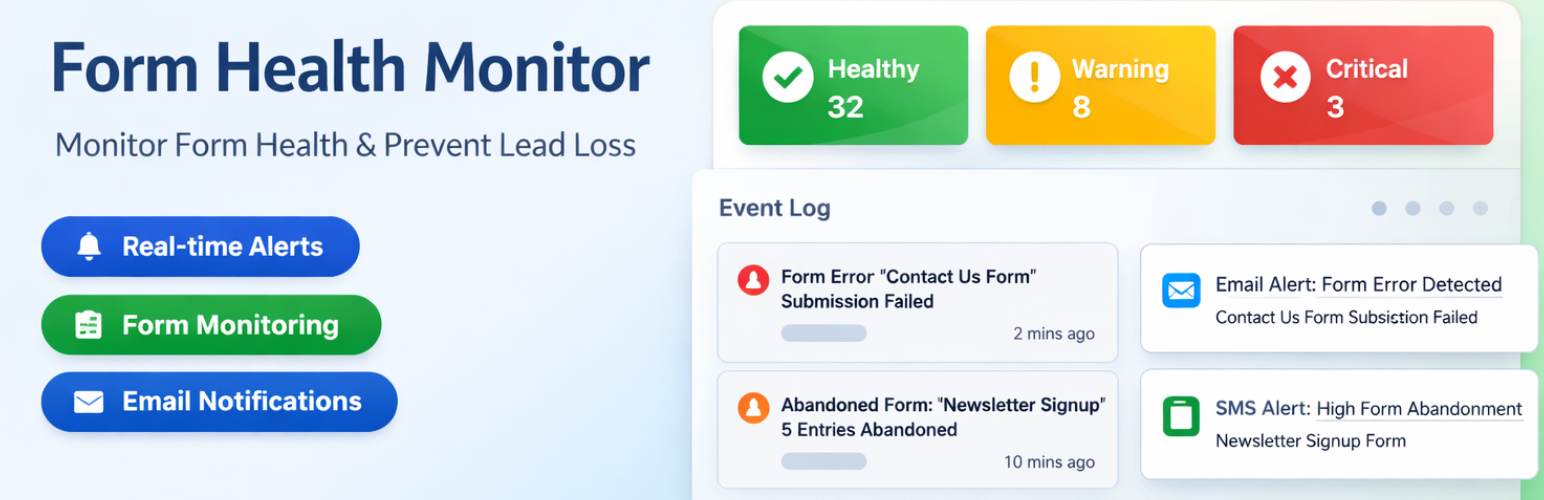
✅ Healthy — recent successful activity, within your thresholds
⚠️ Warning — no successful submission within the inactivity window
🔴 Critical — failure spike detected in the last 24 hours, or prolonged inactivity
💤 Inactive — form seen but no submission history recorded yet
Supported form plugins
Contact Form 7 — tracks mail sent (success) and mail failed (failure)
WPForms — tracks process complete (success), AJAX validation errors (failure), and spam detection blocks (failure)
Gravity Forms — tracks entry saved (success), validation failures (failure), and spam flagged entries (failure)
Key features
Email alerts — notified the moment a form transitions to warning or critical
Dashboard widget — at-a-glance form health overview on the WordPress admin home screen
Event log — full audit trail of every tracked submission event with timestamps and context
Monitored forms list — sortable table of all active forms and their current health status
Configurable thresholds — set your own inactivity window and failure spike limit
Automatic log pruning — old event records are cleaned up on a schedule you control
No coding required — activate and go; FormBeacon auto-detects your active form plugins
Privacy-first design
FormBeacon is designed to store operational metadata only. It never records names, email addresses, phone numbers, message bodies, file names, IP addresses, or any personal content from form submissions. All data is stored locally in your WordPress database and pruned automatically based on your retention setting.
Who is FormBeacon for?
Freelancers and agencies who manage client sites and need early warning when a contact form breaks
Business owners who rely on forms for leads, bookings, or support requests
Developers who want observability into form submission health without building a custom solution
Privacy Policy
FormBeacon stores minimal operational telemetry to monitor form health. This includes the form ID, success/failure status, and aggregated event timestamps. It does not store personal identifiers (PII), request bodies, user IP addresses, uploaded file names, or any form field content.
All telemetry data is stored locally within your WordPress database and is automatically pruned after the retention period configured in FormBeacon Settings.