2,000+
安裝啟用
★★★★☆
4.3/5 分(18 則評價)
102 天前
最後更新
100%
問題解決
WordPress 5.2+ v1.2.2 上架:2013-09-05
內容簡介
此外掛可隱藏所有使用者在編輯個人資料時的「顯示名稱」欄位,並自動將顯示名稱設為使用者的名字和姓氏,若這些欄位為空則使用者名稱將作為顯示名稱。
【主要功能】
• 隱藏顯示名稱欄位
• 自動設置顯示名稱為名字和姓氏
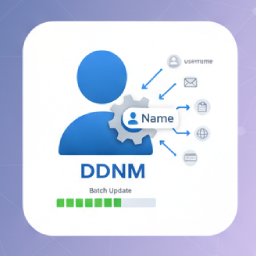
• 支援批次更新現有使用者顯示名稱
外掛標籤
開發者團隊
⬇ 下載最新版 (v1.2.2) 或搜尋安裝
① 下載 ZIP → 後台「外掛 › 安裝外掛 › 上傳外掛」
② 後台搜尋「Force First and Last Name as Display Name」→ 直接安裝(推薦)
② 後台搜尋「Force First and Last Name as Display Name」→ 直接安裝(推薦)
原文外掛簡介
This plugin hides the “Display Name” field on the Edit Profile screen for all users. Instead of allowing users to set this field, the plugin will always set the User field display_name to their first and last name. If these field are empty, display_name will be set to their username.
Display names are set when the user registers as well as when a user’s profile is updated via the WordPress admin.
The plugin includes a batch process to update the display name for existing users. Navigate to Settings > Force First Last in the WordPress admin to run the update.