內容簡介
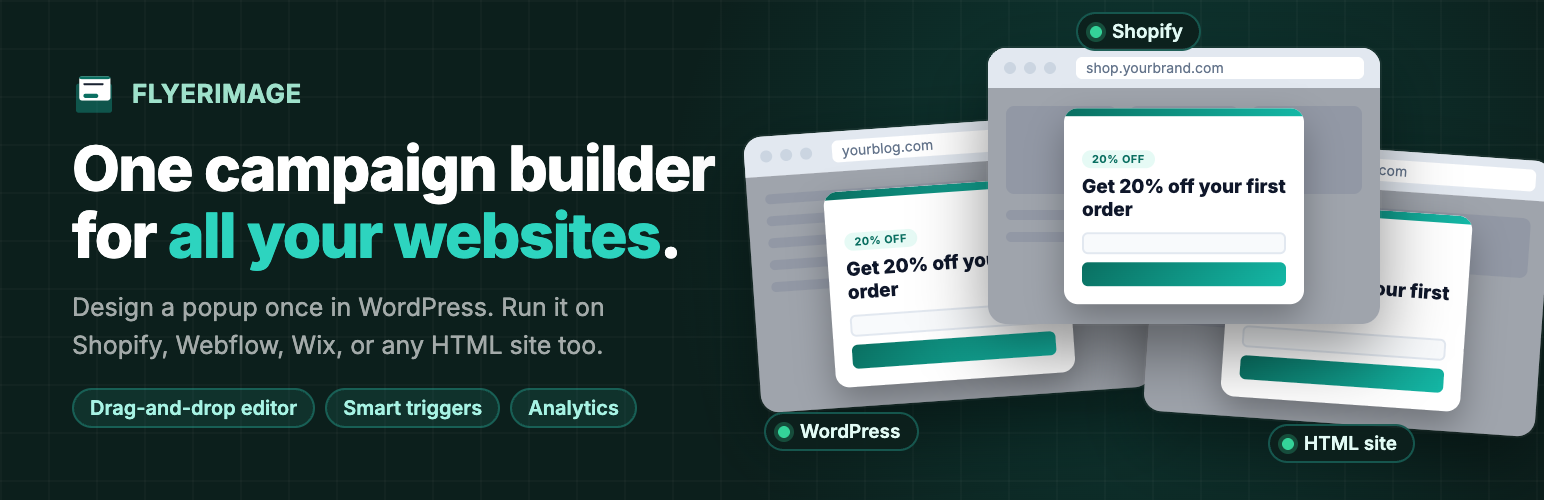
Flyerimage 是一款強大的 WordPress 外掛,允許用戶在控制台中設計彈出式廣告,並在多個網站上運行,包括 Shopify、Webflow 等。它提供簡單的編輯工具和分析儀表板,適合代理商和商店擁有者使用。
【主要功能】
• 支援多平台運行,包括 Shopify 和 Webflow
• 無需編碼的拖放編輯器
• 多種觸發條件可供選擇
• 自訂目標受眾與頁面
• 內建表單欄位以捕捉潛在客戶
• 針對每個活動提供詳細分析
外掛標籤
開發者團隊
原文外掛簡介
Design a popup once in your WordPress dashboard and run it everywhere you have a website: this WordPress site, your Shopify store, your Webflow landing pages, or a plain HTML page. One editor, one set of targeting rules, one analytics dashboard.
Built for agencies managing client sites, store owners with a blog and a shop on different platforms, and teams whose marketing site and product live in different places.
Run campaigns on any website
Add a website, copy its one-line embed tag, and paste it into that site’s
Works on Shopify, Webflow, Wix, Squarespace, Framer, Carrd, and static HTML
No WordPress needed on the other site
Connection status shows whether each site’s tag is installed and when it was last seen
Choose per campaign: this WordPress site, other websites, or both
Pause a website any time without touching its code
Design without code
Free-position drag-and-drop editor with separate desktop and mobile layouts
6 starter templates: Email Capture, Discount Offer, Announcement, Exit Intent, Lead Magnet, Newsletter Sign-up
9 elements: heading, text, badge, button, form field, image, shape, link button, and text link
13+ shapes, 4 close-button styles, and an optional auto-close countdown
Show it to the right people
5 triggers: time on page, scroll depth, exit intent, click on an element, or inactivity
Target all pages, the homepage, or specific pages
Show to first-time visitors, returning visitors, or everyone
Target desktop, tablet, or mobile
Show once per visitor or every visit
Capture leads and measure results
Form fields capture emails and other details, with honeypot and rate-limit spam protection
Submissions log with a campaign filter and CSV export
Per-campaign analytics: views, visitors, clicks, closes, submissions, conversion rate, and device split
Site-wide dashboard comparing every campaign
External services
Lemon Squeezy (licence activation)
Flyerimage connects to the Lemon Squeezy API (https://api.lemonsqueezy.com) only when a site administrator activates or deactivates a licence key. It sends the licence key and the site name (on activation) or the licence key and instance ID (on deactivation). No other data is sent, and nothing is sent unless an administrator takes that action.
Terms of service: https://www.lemonsqueezy.com/terms
Privacy policy: https://www.lemonsqueezy.com/privacy
Your own WordPress site (external-site embed tag)
When you add the embed tag to an external website, that website’s visitors load the Flyerimage script and campaign data from your own WordPress site, not from a third party. The request includes the site’s app key and the visitor’s time zone. Popup views, clicks, and closes are recorded on your WordPress site with the visitor’s IP address, device, browser, and page URL. Country is looked up locally from a bundled database; no geolocation service is contacted.
License
Flyerimage is free software, licensed under the GPLv2 or later.
License URI
https://www.gnu.org/licenses/gpl-2.0.html