
內容簡介
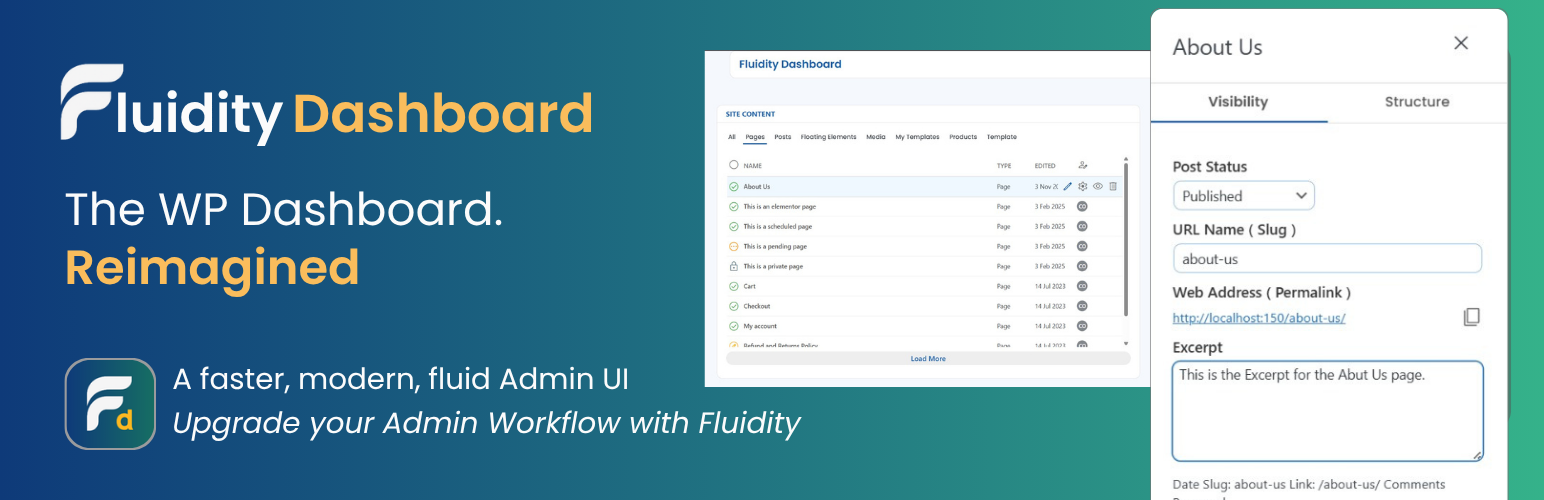
總結:Fluidity Dashboard 是一個取代傳統複雜介面的清爽、受 Material 設計啟發的儀表板外掛程式,專為繁忙的網站管理員和內容團隊打造,強調速度、清晰度和安全預設。
問題與答案:
1. Fluidity Dashboard 與傳統 WordPress 儀表板有何不同?
- Fluidity Dashboard 取代了默認介面,以清潔、Material 設計啟發的儀表板呈現給繁忙的網站管理員和內容團隊,強調速度、清晰度和安全預設。
2. Fluidity Dashboard 提供什麼功能?
- Unified content view:一覽所有註冊的文章類型,包括狀態、作者和日期。
- Inline actions 及快速編輯:節省常見任務的時間,不必離開畫面。
- AJAX-first UX:平滑更新,無需重載頁面。
- Privacy-first icons:預設載入本地的 Material Symbols Outlined 圖示;你可以選擇使用 Google CDN 或完全禁用圖示。
- 無追蹤/無廣告/無煩人通知。
3. Fluidity Dashboard 是如何符合 WordPress 標準建置的?
- 所有管理操作都有適當的能力檢查和發給的保護金鑰。
- 透過核心 API 註冊/加載腳本和樣式。
- 可翻譯的字串(文字域名:fluidity-dashboard)。
4. Fluidity Dashboard 是否會使用外部服務?
- 這個外掛程式預設不會聯繫外部服務。
- 若選擇使用 CDN 圖示(參見“FAQ”),則會從 Google Fonts 請求 CSS/字體檔案。
外掛標籤
開發者團隊
原文外掛簡介
Fluidity Dashboard replaces the clicky default screens with a clean, Material-inspired dashboard tailored for busy site admins and content teams. It emphasizes speed, clarity, and safe defaults:
Unified content view: See registered post types at a glance with status, author, and dates.
Inline actions & quick editing: Save time on common tasks without leaving the screen.
AJAX-first UX: Smooth updates without page reloads.
Privacy-first icons: Material Symbols Outlined load locally by default; you may opt into the Google CDN or disable icons entirely.
No tracking / no ads / no nagware.
Built for WordPress standards
Proper capability checks and nonces on all admin actions.
Scripts and styles registered/enqueued via core APIs.
Translatable strings (text domain: fluidity-dashboard).
External services
This plugin does not contact external services by default.
If you opt into CDN icons (see “FAQ”), the plugin will request CSS/Font files from Google Fonts.