
內容簡介
總結:
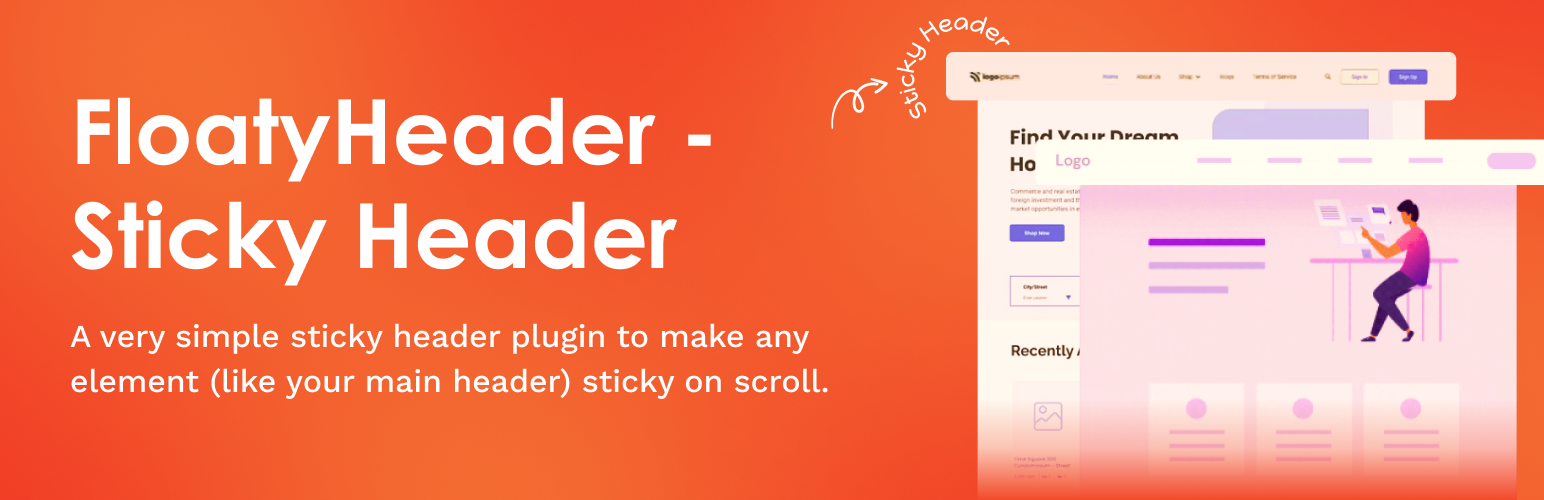
FloatyHeader 讓您輕鬆地將任何頁首或導覽列固定在畫面頂部。它可針對任何類別或 ID,控制頁首的固定方式與時機。
問題與答案:
<ul>
<li>問題:FloatyHeader 主要提供什麼功能?</li>
<li>答案:FloatyHeader 讓您可以輕鬆將任何頁首或導覽列固定在畫面頂部。</li>
<li>問題:您可以針對什麼來設定固定的頁首?</li>
<li>答案:您可以針對任何 class 或 ID 來設定 FloatyHeader。</li>
<li>問題:FloatyHeader 的功能包含哪些控制?</li>
<li>答案:您可以控制如何以及何時頁首變為固定狀態。</li>
</ul>
外掛標籤
開發者團隊
② 後台搜尋「Floaty Header – Sticky Header, Floating Bar & Announcement Bar」→ 直接安裝(推薦)
原文外掛簡介
Floaty Header is a lightweight and flexible sticky header plugin that helps you fix any element to the top of the page when scrolling — be it your header, navigation, or an announcement bar. Perfect for improving user navigation, increasing visibility of key elements, and maintaining branding on long pages.
⚡ New: Sticky on Scroll Up
With the sticky on scroll up feature, your header or navigation remains hidden while users scroll down and only becomes visible when they scroll up. This keeps your site clean, uncluttered, and content-focused while still providing easy access to navigation. This functionality is fully customizable for desktop and mobile, giving you precise control over when and where the sticky header appears.
To make any element sticky, simply enter its CSS selector — whether it’s header, #site-header, .main-navbar, or more specific elements like header > div.logo-wrap or .top-bar nav.primary ul.menu. No coding required!
✨ Features
⬆️ Sticky on Scroll Up – Keep your header hidden while scrolling down and reveal it when users scroll up for better UX and unobstructed content.
🎨 Scroll Transition Effects – Smooth Fade or Slide animations when your header becomes sticky.
🖌️ Custom Sticky Background & Text Color (Mobile & Desktop) – Independently style your sticky header for both mobile and desktop with live color pickers.
📏 Offset Control – Set the scroll distance before your header sticks to the top.
📱 Mobile-Friendly Control – Option to disable sticky behavior on mobile devices.
📢 Sticky Announcement Bar Support – Make any announcement bar sticky for promotions or alerts.
🎯 Improved Styling & UI/UX – Enhanced handling for links, buttons, icons, SVGs, toggles, and form spacing in the settings page.
⚡ Optimized Performance – Lightweight updates to ensure fast, conflict-free behavior.
✅ Additional Highlights
Make any element sticky – headers, announcement bars, navigation.
Works with any theme or page builder.
Simple, clean UI with live previews and toggles.
Easy setup – no coding required.














