內容簡介
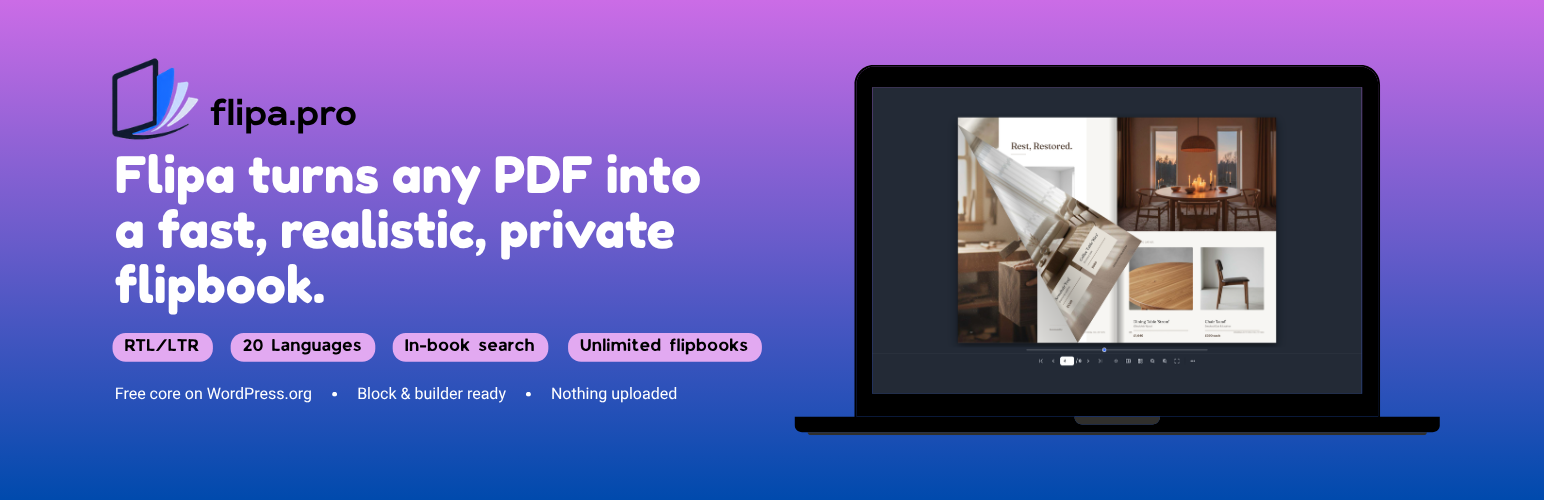
Flipa PDF Flipbook 是一款將 PDF 檔案轉換為快速、真實翻頁效果的外掛,結合 PDF 檢視器、嵌入功能與翻頁閱讀器,無需上傳檔案,確保隱私安全,適合用於目錄、雜誌、電子書等多種用途。
【主要功能】
• 快速輕量化的翻頁效果
• 支援 20 種語言的檢視器
• 無限制的翻頁書籍創建
• 內嵌與 iframe 嵌入選項
• 日曆模式與自動播放功能
• 密碼保護與自訂背景圖片
外掛標籤
開發者團隊
② 後台搜尋「Flipa PDF Flipbook – PDF Viewer and Page Flip Book」→ 直接安裝(推薦)
📦 歷史版本下載
原文外掛簡介
Flipa turns any PDF into a fast, realistic page-flip flipbook – a PDF viewer, PDF embed and page-flip reader in one. It renders entirely in the visitor’s browser, so your file is never uploaded and no external service ever touches it.
Perfect for catalogs, magazines, brochures, menus, portfolios, e-books, reports and resumes – anywhere you’d otherwise drop in a flat PDF.
Why Flipa
Fast & lightweight – a smooth page-flip with no heavy 3D/WebGL engine to slow your pages down. Works great on phones and tablets (two-row mobile toolbar).
Privacy-first – the PDF is served from your own site and rendered locally in the browser. Nothing is uploaded, and there are no third-party calls or trackers.
Right-to-left, done right – first-class Hebrew, Arabic and Persian: correct reading order, mirrored controls and cover behavior.
20-language viewer – English, Hebrew, Arabic, Persian, Spanish, French, German, Russian, Portuguese, Italian, Dutch, Polish, Turkish, Ukrainian, Czech, Swedish, Chinese, Japanese, Korean and Hindi.
Unlimited flipbooks – free, with no page or book limits.
Reader features
Double-spread & single-page views with a realistic fold shadow.
Pro: calendar mode – pages turn upward over a spiral binding, the way a wall or desk calendar opens, in a wall shape with two pages or a table shape with one.
Thumbnails, seek bar, zoom and fullscreen.
Lightbox mode – open the book in a popup.
Inline (seamless, auto-height) embedding by default, or a fixed-size iframe.
Share the page the book is embedded on.
Works everywhere you edit
Block editor (Gutenberg) – the Flipa Flipbook block.
Classic editor – an Add Flipbook button.
Any shortcode: [flipa id="123"]. See the FAQ for everything it accepts.
Pro: Elementor / Elementor Pro & WPBakery widgets, WooCommerce product pages, and the [flipa_shelf] bookshelf grid.
Free vs Pro
The free plugin gives you unlimited flipbooks, the full core viewer (single/double page, drag-to-flip, zoom, seek bar and thumbnails), all 20 interface languages with full right-to-left support (Hebrew, Arabic, Persian), background color, inline & iframe embedding, lightbox, and the shortcode, block and Classic-editor integrations. An optional “Powered by flipa” credit is off by default – it appears only if you turn it on.
Flipa Pro adds calendar mode (pages that turn upward over a spiral binding, like a wall or desk calendar, with a choice of four bindings), downloading the original PDF, a print button, autoplay (auto-advance with loop and autostart), in-book text search (find any word across the whole PDF, jump to a match and highlight every hit), a nested table of contents, page-flip sounds, password protection, custom background image, clickable PDF links (internal page jumps + web/email links), a QR code in Share, page-stack depth, a vertical-scroll reading mode, 3D tilt, resume reading (each visitor reopens the book on the page where they stopped, kept in their own browser), a chosen opening page, links to a specific page that work even when the book is embedded in your own page, the option to keep the page number out of the address bar, and the WooCommerce, Elementor, WPBakery and [flipa_shelf] bookshelf integrations.