內容簡介
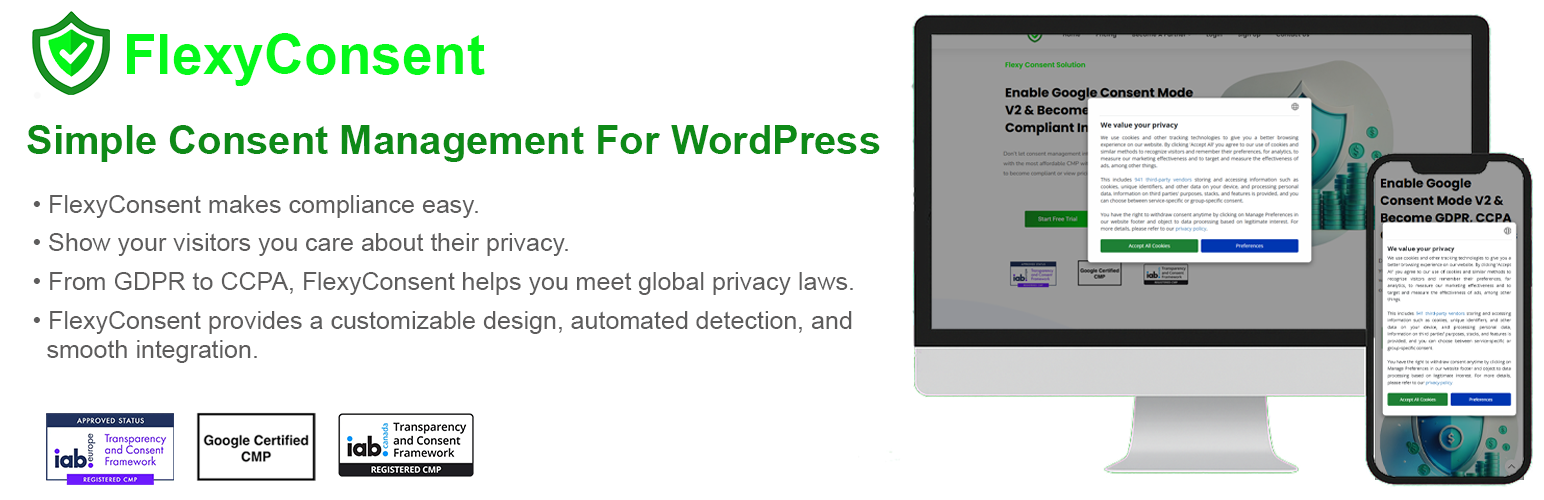
FlexyConsent 是一款專為 WordPress 設計的同意管理平台(CMP),可幫助網站添加可自訂的同意橫幅,記錄每位訪客的同意情況,並提供所需的報告,無需編碼即可從控制台進行配置。
【主要功能】
• 支援 GDPR、CCPA 和 IAB TCF v2.3
• 簡單整合,快速上手
• 無供應商限制,管理多種供應商
• 自動啟用 Google Consent Mode v2
• 13 個同意區域,適用於不同地區
• Cookie 管理器,掃描並分類網站 Cookie
外掛標籤
開發者團隊
② 後台搜尋「FlexyConsent – Cookie Consent Management (GDPR, CCPA, IAB TCF)」→ 直接安裝(推薦)
📦 歷史版本下載
原文外掛簡介
FlexyConsent is an IAB Europe-registered Consent Management Platform (CMP ID 317) for WordPress. It adds a customizable consent banner to your site, can block trackers until visitors agree, records what every visitor chose, and gives you the reporting you need to show it — all configurable from the WordPress admin, with no coding.
The plugin supports IAB TCF v2.4, IAB TCF Canada, Google Consent Mode v2, the IAB Global Privacy Platform (GPP v1.1) and Global Privacy Control. You set the rules per region: the EU/EEA and the United Kingdom, Switzerland, the United States (the US National section and 16 state laws, with dedicated settings for California, Virginia, Colorado, Utah and Connecticut), Canada and Quebec (Law 25), Türkiye, Brazil, South Africa, Japan, Australia, South Korea, Thailand and India — and, if you choose, the rest of the world.
The consent banner speaks 57 languages, including right-to-left languages: it follows each visitor’s browser language and location, or shows the default language you choose. The admin interface is available in 42 languages, including Turkish, German, French, Spanish, Italian, Portuguese, Dutch, Polish, Russian, Japanese, Korean and Simplified Chinese.
Features
GDPR, CCPA and IAB TCF v2.4 support: Helps you meet the General Data Protection Regulation (GDPR), the California Consumer Privacy Act (CCPA/CPRA) and the other US state privacy laws, with the IAB TCF and GPP consent signals your advertising partners read.
Simple integration, easy to use: Show a consent notice to your visitors within minutes — the plugin injects the script for you, no manual code editing required.
Auto blocker: When enabled, blocks scripts, iframes, pixels, cookies and browser storage until the visitor agrees. A blocked video or embed can show a placeholder with a one-click “Allow and show”.
No vendor limits: Manage both IAB and non-IAB vendors: every vendor on the IAB Global Vendor List (updated automatically), and Google’s Ad Tech Providers through Google’s Additional Consent string.
Google Consent Mode v2: Enabled automatically as soon as you select a browser-storage region, so your analytics and ads tags respect visitor choices. The visitor’s choice is also passed to Microsoft UET, Microsoft Clarity and the Meta Pixel.
US privacy signals: GPP with 17 US sections (US National + 16 states) and the IAB US Privacy string. In the United States a Global Privacy Control signal is honored as an opt-out of sale, sharing and targeted advertising, with an “Opt-Out Request Honored” status; visitors can opt back in.
14 consent regions: Apply the right rules per region, including Quebec (Law 25), with United States Section Preferences for US National, California, Virginia, Colorado, Utah and Connecticut.
Geo Preview: See exactly how the consent message will appear to a visitor from a specific region, country, state and language before you publish.
Your banner, your words: 19 themes, 7 positions, your logo and icon, custom CSS, a categories-only popup or per-tracker lists, and a privacy button. Replace the banner heading and description — per language if you like — and A/B test two versions of the wording.
Cookie Manager: Scan your site for cookies, classify them by storage type (HTTP cookie, local storage, session storage, tracking pixel) and import or export them as JSON. The descriptions FlexyConsent provides for known cookies are translated into all 57 banner languages, and the Cookie Declaration Script and the cookie policy text list your cookies on your own pages.
Consent Logs: A sortable record of the consent choices made on your site — date, domain, decision, source and Global Privacy Control — exportable as CSV as proof of consent.
Privacy requests: When a visitor asks for their consent record, or asks you to delete it, look it up by the key stored in their browser, download it as JSON or erase it.
Form consents: Record consent receipts for your site’s forms, such as contact, newsletter and registration forms — up to ten purposes per form, the wording shown saved with each receipt, and CSV export.
Reporting: Visits, page views and consent rates, decisions by source, and consent by country and US state for the dates you pick, with CSV export.
Accessible and fast: A keyboard- and screen-reader-friendly banner, contrast-checked themes and an optional display-preferences button for visitors. The consent configuration is served from our CDN edge servers, without layout shift.
Desktop and mobile: The consent banner works in desktop and mobile browsers, on all kinds of websites — brands, shops and blogs.
Privacy-conscious by design: Your API key is stored encrypted and never sent to the browser — all calls to the FlexyConsent API go through a server-side proxy.
User Guide
After activating the FlexyConsent plugin, it will appear in the WordPress Admin Menu. Click it and you will be taken to the start page. Just click the Continue button on this page. You don’t need to enter any information: your FlexyConsent account is created and you are taken to Website Settings.
The Dashboard shows statistics about your websites for the dates you pick: visits, page views and consent decisions, consent by region and decisions by source, with CSV export.
From the Dashboard you can open Website Settings, User Settings, Cookie Manager and Subscription. Consent Logs is in the FlexyConsent menu.
Website Settings
This page holds the configuration of your websites, in six tabs: General, Consent & Privacy, Layout Properties, Geo Preview, Banner content and Form consents. A user can do the following:
Add websites to the “Websites” table to specify on which sites the plugin will work.
Enter a Cookie Policy URL and a Privacy Policy URL for each website.
Check the “Enable Consent Management” checkbox to decide whether the consent banner is shown on your web pages.
On the Consent & Privacy tab, select the regions where visitors are asked for consent (IAB TCF and browser storage) and set the United States Section Preferences. Select every region, including “Other Regions”, to ask all visitors.
Under “Privacy requests” on the General tab, look up a visitor’s consent record by the key stored in their browser, download it as JSON or erase it.
User Settings
The button represents basic information about the user and invoice.
Users can enter and change their email address with another that is not used actively in the plugin.
Users can close their accounts.
Users can update their user information and invoice details by using the “Update user info” button.
Subscription
When the plugin is installed for a website, a free subscription (5,000 pageviews a month, with a “Powered by FlexyConsent” link) is assigned to it.
Users can upgrade or downgrade their subscription with one of the subscription plans.
For plan upgrades the process is immediate and if the user has an existing plan a discount is applied for the first payment.
For plan downgrades, the process completes at the end of the current period and the new plan becomes active for the following periods.
Cookie Manager
The Cookie Manager is a feature that scans your website for cookies and provides a list of cookies found on your site.
It allows you to manage cookies, view their details, and add new cookies as needed.
Adding cookies is done by clicking the “Add Cookie” button, which opens a modal where you can enter the cookie name, description, type, and other relevant information.
The Cookie Declaration Script and the cookie policy text show your cookie list on a page of your own site, such as your cookie policy.
Consent Logs
Consent Logs lists the consent decisions made on your websites — with the date, domain, client ID, decision, source and whether Global Privacy Control applied — and exports them as CSV.
3rd Party Services
Our plugin uses flexyconsent.com services (https://flexyconsent.com/rest/)
to display consent screen and store consent states of website visitors
use vendor databases from IAB Europe (the Global Vendor List) and Google (the Ad Tech Providers list)
to decode and encode TCF Consent strings
Service Terms and Privacy Policies
Terms of Service
Privacy Policy
Bundled Libraries
The plugin ships these open-source libraries inside its own folders and loads no code, styles or data from a public CDN. Minified files are the unmodified upstream releases; their sources are linked below.
D3 7.8.5, ISC licence (js/vendor/d3-7.8.5). Draws the Coverage Map.
TopoJSON 3.0.2, BSD 3-Clause licence (js/vendor/topojson-3.0.2).
World Atlas 2.0.2, ISC licence (js/vendor/world-atlas-2.0.2). Country shapes derived from Natural Earth, which is in the public domain.
Bootstrap 5.3.3, MIT licence.
Font Awesome Free 6.7.2: icons CC BY 4.0, fonts SIL OFL 1.1, code MIT licence.
jQuery Validation 1.21.0, MIT licence.
Date Range Picker 3.1, MIT licence.